
Written by Mark
Edited on
27 February 2025
·
15:40
How do you organize a Nintendo Switch Party?
The Nintendo Switch is great for a night with friends and family. You can game together from the couch or meet online. In this article, we'll explain the ways you can play together.
Play together on the Nintendo Switch
You want to game with a group of friends on the couch or maybe online. Start your Nintendo Switch Party in one of the following ways:
- All together on the couch
- Via online multiplayer
- With Local Play
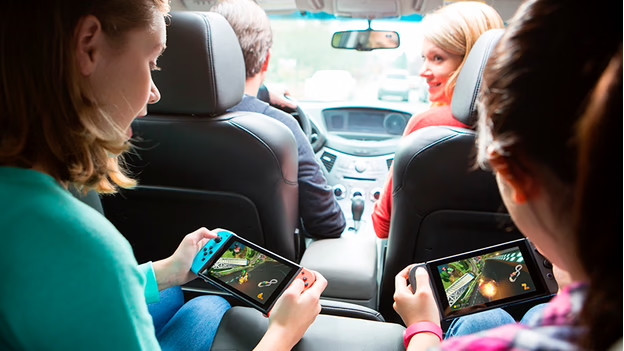

With your friends on the couch
The Nintendo Switch has Joy-Cons, which are great controllers for a fun night with friends and family. You can easily connect the Joy-Cons to your Nintendo Switch and you'll be ready for a Mario Kart 8 Deluxe tournament. Do you need a little more help to set up a connection? Read the following article.
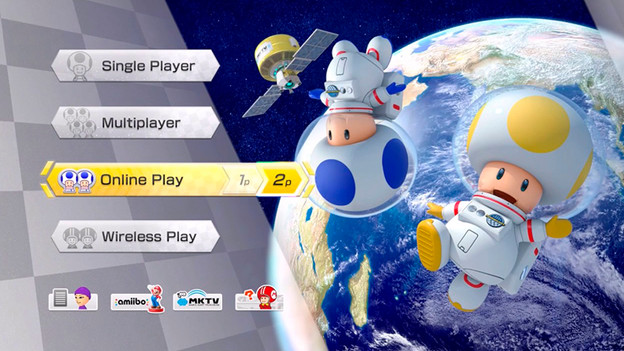
Connect via WiFi
If you prefer to play together online, you have to be connected to the internet. You can invite your friends via the menu of the game. How this works differs per game. You can go through the following steps in most cases:
- Choose 'Multiplayer' or 'Online Multiplayer' in the game menu.
- Look for the option to add a friend to your party.
- Choose 'Send invite'.
Your friend will receive an invitation.
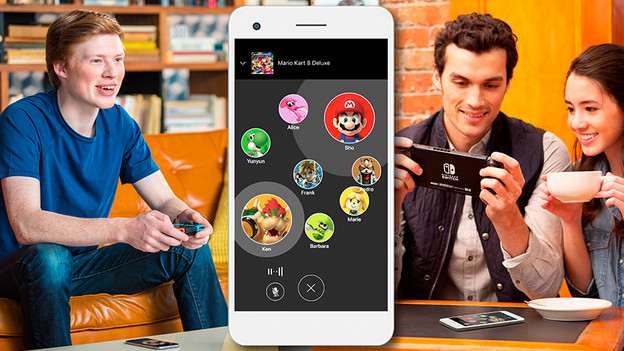
Use the app
Use the Nintendo App on your phone to voice chat with the entire group while playing. That way, you can communicate with each other during the game. This is useful when you're not in the same room as a friend or family member.
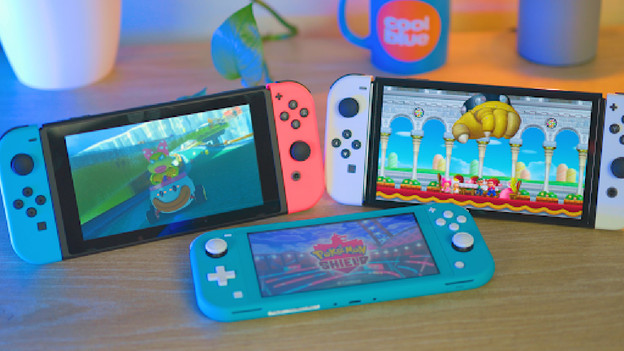
Local Play
Some games also support local multiplayer, like Mario Kart 8 Deluxe. Does a friend bring an extra Nintendo Switch to your house? You can play together without an internet connection. You need to both have the game you want to play. Choose 'Wireless Play' or 'Local Multiplayer' in the menu and follow the instructions. Your Nintendo Switches are now connected.
Games and multiplayer options
| Offline multiplayer | Online multiplayer | Local Play | |
|---|---|---|---|
| Mario Kart 8 Deluxe | Yes, up to 4 players | Yes, up to 8 players | Yes, 4 players per Switch |
| Mario Party Superstars | Yes, up to 4 players | Yes, up to 4 players | Yes, 2 players per Switch |
| Super Smash Bros Ultimate | Yes, up to 8 players | Yes, up to 4 players | Yes, 2 players per Switch |
| Super Mario Bros. Wonder | Yes, up to 4 players | Yes, up to 4 players | Yes, 2 players per Switch |
| Nintendo Switch Sports | Yes, up to 4 players | Yes, up to 8 players | Yes, 2 players per Switch |
Frequently asked questions
How many controllers can you connect to 1 Nintendo Switch?
You can connect up to 8 controllers to a Nintendo Switch console. This means that you can play together with 7 friends.
Can you play every game offline with 8 players?
No, most games can be played with up to 4 players, like Mario Kart 8 Deluxe. You can play Super Smash Brothers Ultimate with 8 players.
What are fun games to play together?
If you want to organize a fun Nintendo Switch night, we recommend Super Mario Bros. Wonder, Super Mario Party, and Mario Kart 8 Deluxe.

Article by Mark
Nintendo Expert.
