
Written by Jesper
Edited on
28 April 2026
·
07:43
What's Galaxy AI on your Samsung smartphone?
Galaxy AI is smart, artificial technology from Samsung. This smart assistant makes using your Samsung smartphone easier. With Galaxy AI, you can edit photos and texts. In addition, you can look up things more easily or even translate live phone calls. In this article, we'll tell you all about the Galaxy AI and how to use it on your Samsung smartphone.

What's Galaxy AI?
Galaxy AI is similar to online tools like ChatGPT and Bard. The biggest difference is that Galaxy AI is built into certain Samsung smartphones. This means that you won't have extra costs to use Galaxy AI. This is what Galaxy AI can help you with:
- Photo editing
- Circle to Search
- Summarizing texts
- Personal assistant
- Translating
- Agentic AI Phone
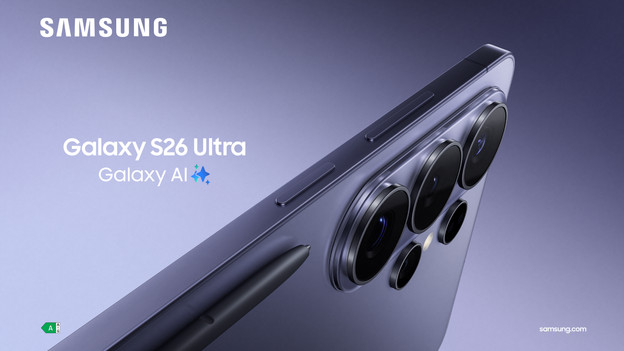
Agentic AI phone: smart help for all your apps
This assistant helps you perform tasks in your apps with a simple question. Ask Galaxy AI to plan something, get an Uber for you, or make a reservation at a restaurant. Apps are opened automatically and information is filled out for you as much as possible. That way, you don't have to look up and tap as much and use your smartphone much more easily.
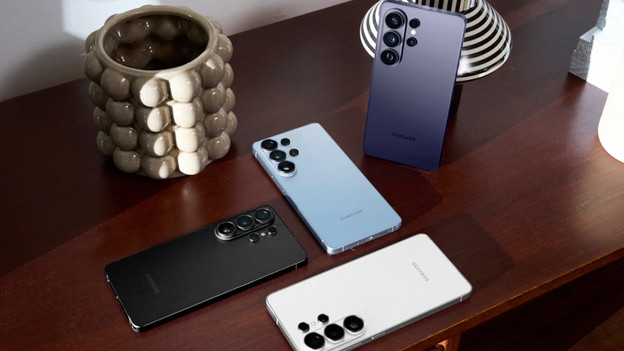
Now Nudge: personal assistant
Now Nudge keeps track of what you're doing on your smartphone and helps you with useful reminders. Have a monthly appointment at the hairdresser or work out every Tuesday night, for example? Now Nudge will remind you of this in time. Now Nudge also learns what your favorite food and spots are. The assistant can then propose to order from your favorite restaurant or remind you of a place you like to visit, for example. That way, you get tips that suit your everyday life.
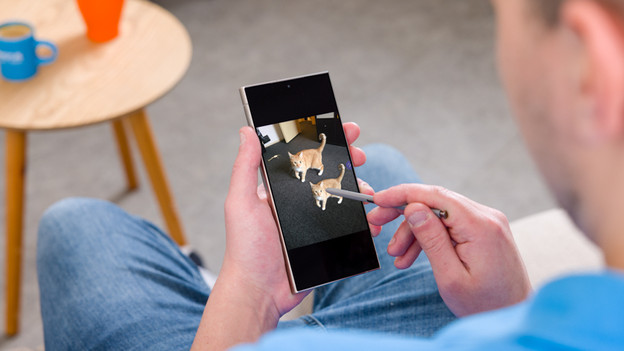
Photo editing with Galaxy AI
With Galaxy AI, Photo Assist, and Creative Studio, you can edit photos more easily than ever. Do you want your photo to have more background? Galaxy AI can automatically fill that in for you. You can also easily remove or move people, objects, or annoying reflections. You can edit your photo right away and without any difficult settings with short prompts like "make the sky more blue" or "change my sweater into red".

Circle to Search
With Circle to Search you can easily look up something you see on the screen of your Samsung smartphone. All you have to do is circle it, and the Galaxy AI looks it up for you. Do you see a nice lamp in the background of a video of your favorite YouTuber? If you circle it, Galaxy AI will look it up for you. This way, you can see right away where you can buy the lamp you saw. You can also use the camera app to easily look up things you see around you. Circle to Search works together with Google.
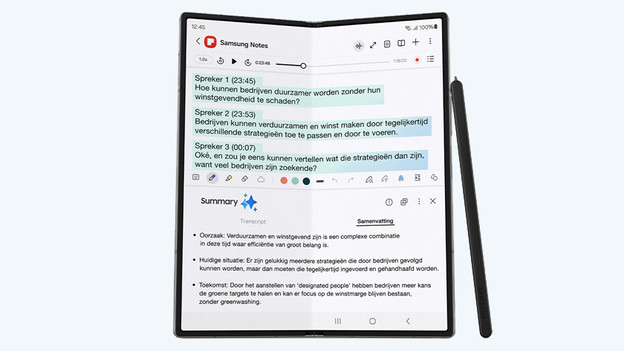
Text editing with Galaxy AI
You can edit photos with Galaxy AI, but also texts. Galaxy AI summarizes long texts for you, so you can quickly read a short text. This could be a web page, but it also works in your Notes app. Quickly summarize a news article in your browser or a recipe in your notes fast, for example. Galaxy AI also formats texts for you. Simply save your notes with a certain layout, font, and colors.
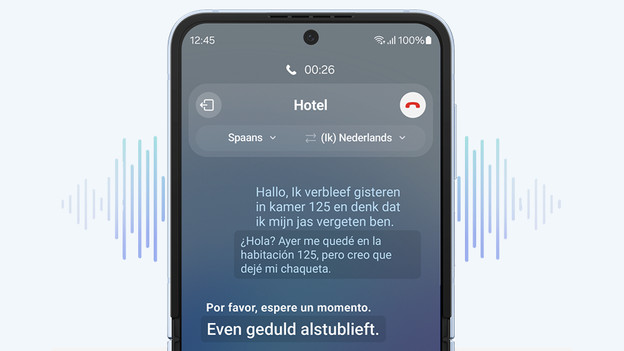
Live translations
Galaxy AI translates live phone calls in addition to texts. If you're on a call with someone who speaks a different language, Galaxy AI translates what you say into the language of the other person or vice versa. That's useful if you're on vacation and want to make a reservation in a language you don't speak.
Article by Jesper
Smartphone Expert.
