Lenovo Computers
All Lenovo desktops
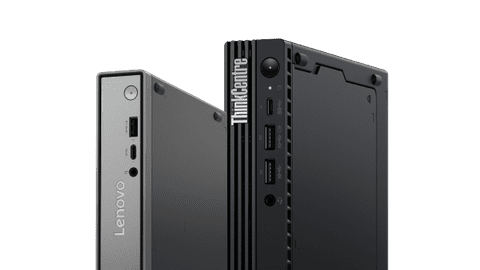
View all Lenovo desktop PCs, like the IdeaCentre for at home or the ThinkCentre for business use here.Lenovo gaming PCs
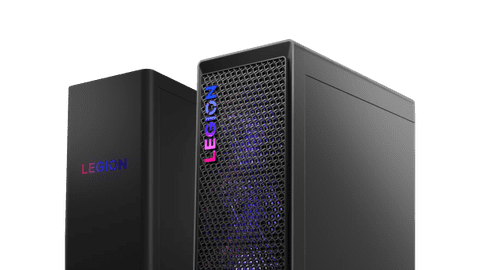
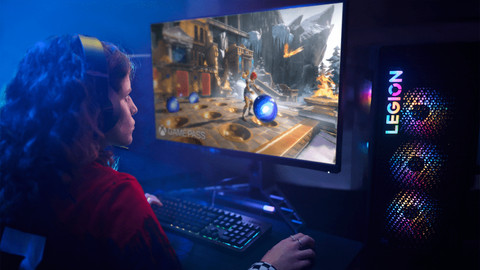
Take charge in your games with a Lenovo LOQ or Lenovo Legion gaming PC.Lenovo all-in-one PCs
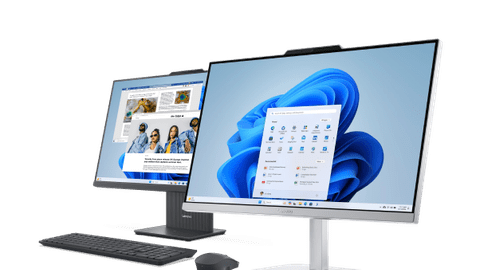
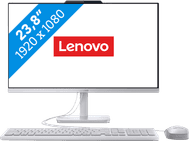
With a Lenovo all-in-one PC, you combine the computer and the screen in one. You can find all IdeaCentre and Yoga AIO PCs here.Business Lenovo desktops
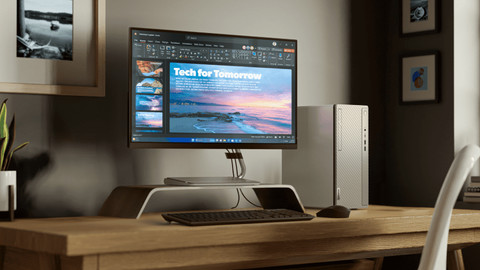
Work comfortably at the office or at home in multiple programs at the same time.

View our Lenovo PC top deals here



Compare all Lenovo gaming PCs
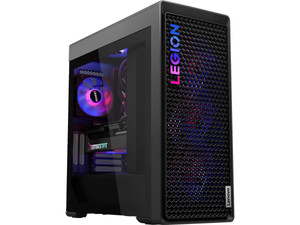
Gaming look and water cooling
With a Lenovo Legion T7, you get a real gaming case thanks to the transparent side panel, powerful components, and water cooling.
With the powerful NVIDIA GeForce RTX video card, processor, and enough RAM, you can smoothly game at the highest settings.
Thanks to the transparent side panel, the RGB lighting is extra noticeable while you're gaming.
The PC stays cool even during the most demanding gaming sessions thanks to the water cooling.
From
to3.679,-
4.499,-
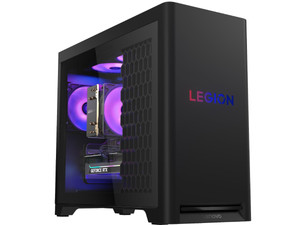
Gaming look and no water cooling
A Lenovo Legion T5 gaming PC has powerful components. Thanks to the optional transparent side panel, these are extra noticeable. There's no water cooling.
With the powerful NVIDIA GeForce RTX video card, processor, and enough RAM, you can smoothly game at the highest settings.
Thanks to the optional transparent side panel, the RGB lighting is extra noticeable while you're gaming.
From
to2.609,-
2.999,-
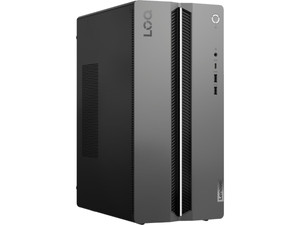
No gaming look and water cooling
With a Lenovo LOQ gaming PC, the case doesn't have a gaming look and only has fans for cooling. The PC does have powerful components for gaming.
With the NVIDIA GeForce RTX video cards, you can play your favorite games at medium to high settings.
From
to2.149,-
2.299,-
Advice on Lenovo desktops
What are the differences between Lenovo PCs?
Lenovo has different PCs for every kind of desktop. We've listed them for you, so you know which one suits you best.Help choosing a Lenovo desktop
Which PC you need depends on what you're going to use it for. You can read exactly what to look for and which Lenovo PCs there are.Which Lenovo gaming PC suits me?
With the right gaming PC, you become an ever better gamer. We're happy to help you choose between the different Lenovo gaming PCs.Everything on Lenovo all-in-one PCs
With an all-in-one PC, you can enjoy the advantage of a computer and a monitor in 1. We're happy to tell you more about the Lenovo all-in-one PCs.


Lenovo desktop of the month
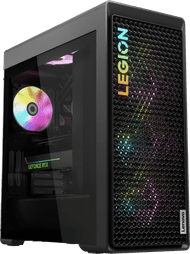
Lenovo Legion T7 34IRZ8 90V700GRMH
With this powerful gaming PC, you're one step ahead of every opponent. Play any game at the highest settings, stream in 4K via Twitch, and create 3D animations yourself. Because of the water cooling, this Legion T7 can handle even the most intense gaming sessions.

Complete your Lenovo desktop
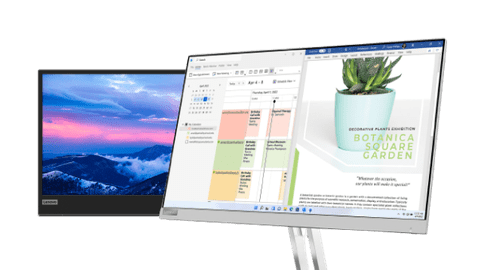
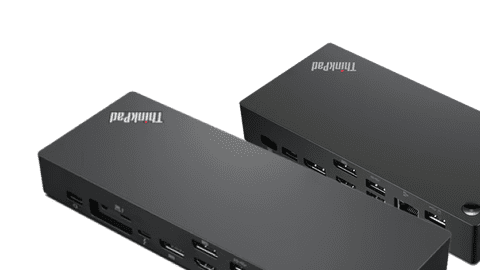
You want a nice desktop, as well as matching accessories. Lenovo has several products that work well with their desktops. This way, you can be sure you work smoothly and carefree on your Lenovo PC. Use these accessories to complete your setup.

FAQ
What are the differences between the Lenovo product series?
The Lenovo IdeaCentre is useful for home use. A Lenovo Yoga is ideal for designers, thanks to the 4K screens. For business use, we recommend a Lenovo ThinkCentre. If you want to game, a Lenovo LOQ or Lenovo Legion suits you best.
How do I choose a Lenovo desktop that suits me?
First consider if you want a mini PC or tower. The IdeaCentre Mini is a small desktop you can easily place under your monitor. The IdeaCentre 3 is a tower and has an Intel Core i5 or i7 processor. The IdeaCentre 5 has the same processors, but you can expand it with more RAM. If you like to work with Windows Pro, the Lenovo ThinkCentre is the best for you.
What's the benefit of a Lenovo all-in-one in comparison with a standard Lenovo desktop?
The advantage of a Lenovo all-in-one is that the computer is built into the screen, so you don't need a separate tower. You don't need a separate desktop with an all-in-one, so you have more space on your desk. You can easily upgrade a Lenovo desktop, which makes it more future-proof.
What are the cooling options on Lenovo gaming PCs?
Lenovo gaming PCs work with water cooling or with air cooling. Air cooling uses cold air. With water cooling, the PC uses a coolant and the heat is removed via a water pump.
Which accessories best suit my Lenovo desktop?
You can complete your Lenovo setup with a Lenovo monitor, Lenovo mouse, and a Lenovo docking station.


Advice on Lenovo Computers
Can't choose? View the advice from our expert.