With an Apple MacBook docking station, you can expand the number of ports and connect all your peripherals. When choosing a MacBook dock, pay attention to the port that you want to use on the laptop. Are you going for a double USB-C or normal USB-C connector? Choose a docking station that also has enough connectors. For example, do you want to connect 2 monitors? Take this into account and get even more out of your MacBook.


Our choice for a docking station for 1 extra monitor with your laptop|None power source|Space Gray|Headphone jack
104,-
Delivered tomorrow
2
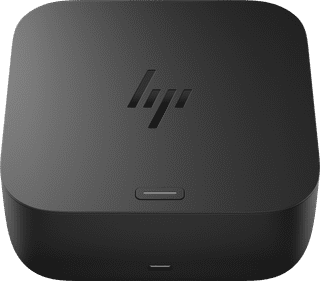

Power source|None memory card reader|USB-C
147,-
Delivered tomorrow
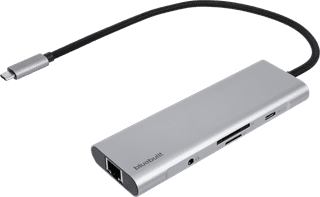
Our choice for a docking station for a flexible workspace with 1 extra monitor|None power source|Space Gray|Headphone jack
74,-
Delivered tomorrow

None power source|Space Gray|Headphone jack
74,-
Delivered tomorrow
5
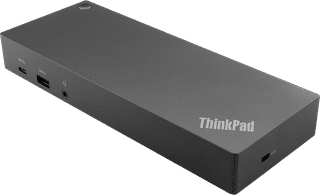

Our choice for a docking station for up to 2 extra monitors with your MacBook|Power source|Standard USB-A, USB-C|Headphone jack
184,-
Delivered tomorrow
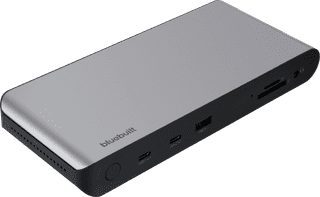
Power source|Space Gray|Headphone jack
136,-
Delivered tomorrow
7
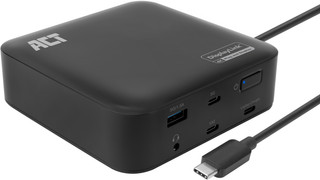

Black|Headphone jack|None thunderbolt connector
121,-
Delivered tomorrow
8
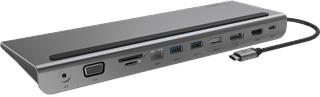

None power source|Headphone jack|None thunderbolt connector
113,-
Delivered tomorrow

Power source|Space Gray|Headphone jack
187,-
Delivered tomorrow
10
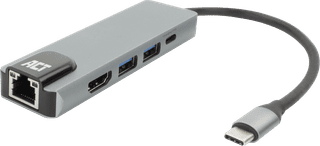
None power source|None headphone jack|None thunderbolt connector
37,99
Delivered tomorrow