Samsung external SSDs
For professional use
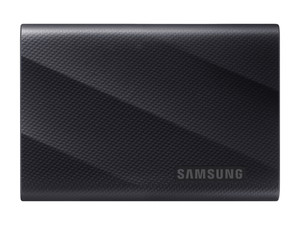
With the T9 Portable, you transfer large files quickly. You can easily take them with you thanks to the small size of the SSD and fall protection up to 3 meters.
You can easily take your files with you thanks to the small size of the SSD.
The silicone case of the T9 protects your files against falls from up to 3 meters.
Thanks to the high speeds, you can easily transfer large files, such as 4K videos and RAW photos.
From
to244,-
1.099,-
For extra protection on the go
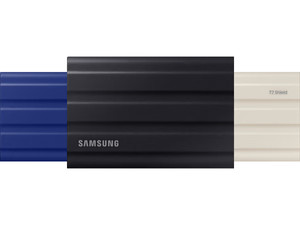
With the T7 Portable, you store your files and take them with you safely at all times. The silicone case protects the SSD against external influences, such as splashes.
You can easily take your files with you thanks to the small size and low weight of the SSD.
The silicone case also protects the T7 Shield well outdoors against drops of up to 3 meters, splashes, mud, and dust.
From
to259,-
1.039,-
For daily use
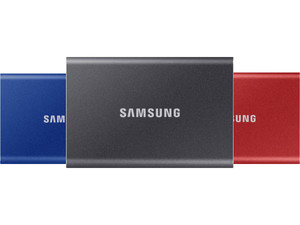
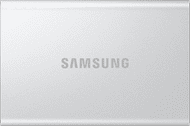
With the T7 Portable, you can easily take your stored files with you thanks to its small size. The SSD offers little protection against drops, water, and dust.
You can easily take your files with you thanks to the small size and low weight of the SSD.
From
to180,-
1.029,-
Find the Samsung external SSDs that suits you
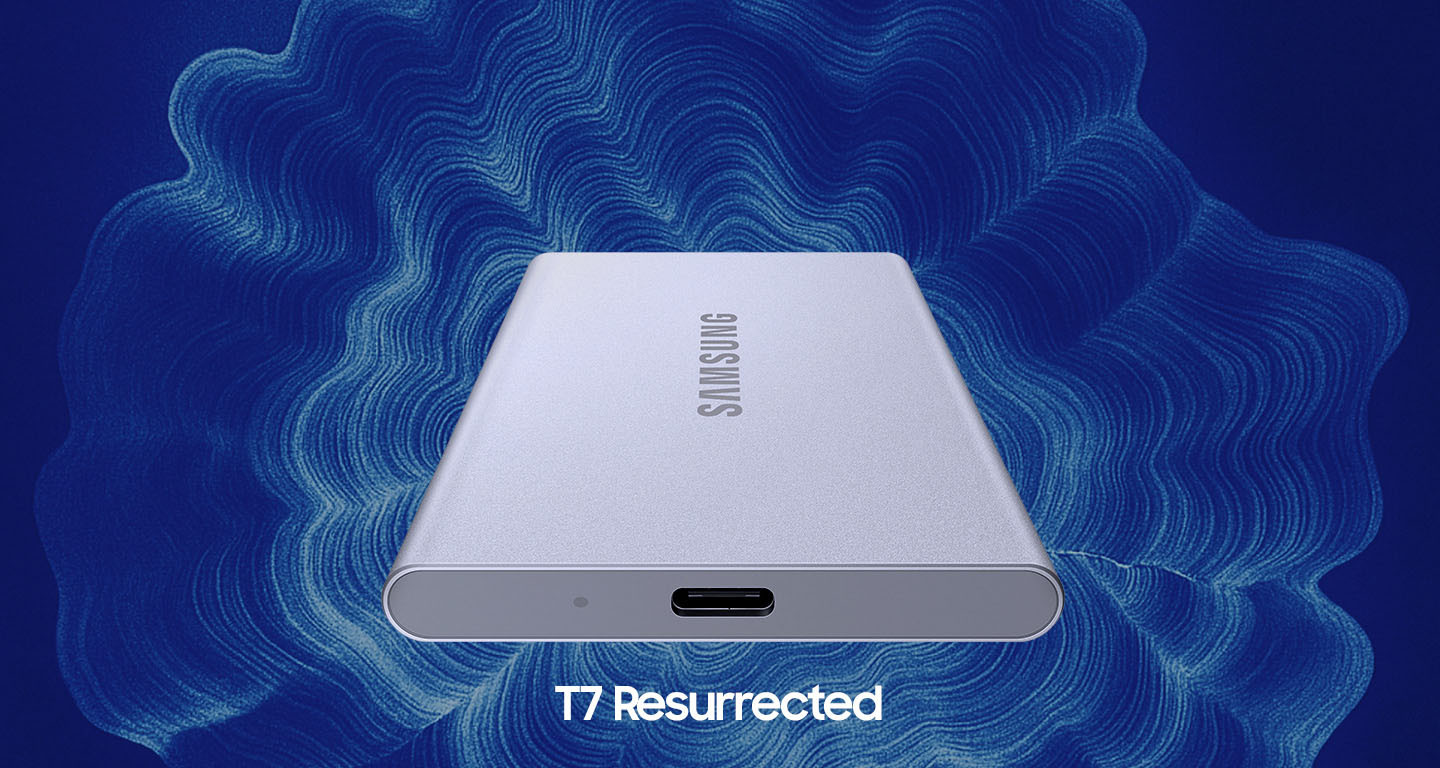
Samsung T7 Resurrected Portable
A more sustainable SSD
Just like the T7 Portable, the T7 Resurrected Portable is a convenient SSD to take with you. What makes the Resurrected unique is its sustainable design. For instance, the casing is made entirely of recycled aluminum, and the packaging consists of recycled paper. This made the T7 Resurrected a more conscious choice.
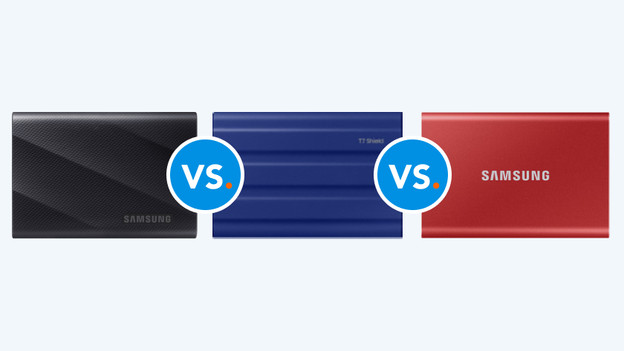
Compare the T9 Portable to the T7 Shield and T7 Portable
Not sure if you want to go for the T9 Portable, T7 Shield, or T7 Portable? In short: you choose the T9 Portable if speed is important, when you work with a lot of large files for example. The T7 Portable doesn't reach high speeds, but it's fast enough for regular amounts of files. The T7 Shield is the sturdier version of the T7 Portable and is protected from water, fall damage, and dust.
FAQ
How do you choose an external SSD?
You choose an external SSD by asking yourself a couple of questions. The most important question is about the storage capacity. How many files, media, and documents to you want to store? Do you use the SSD for business or personal use? For business use, you want a high read and write speed with extra security for sensitive documents. For photography, the combination of speed and size is important. For gaming, you mainly look at the speed and storage capacity.
What's the difference between an external HDD and external SSD?
An external SSD is up to 25 times faster than an external HDD. That's because the SSD doesn't have moving parts, like an HDD. This means you can open and transfer large files in a couple of seconds. Your files are also more secure, the SSD can better withstand fall damage, and it can work with multiple devices. The disadvantage of an SSD compared to an HDD is the storage capacity. With an external HDD, you can go for more than 20TB. An external SSD has a maximum of 4TB storage space.
What are the differences between Samsung external SSDs?
In short: with the T9, you can transfer files the fastest thanks to the high read and write speeds. The T7 is a little bit slower, but it's sturdier and protects your data extra well. The T7 Portable doesn't have high speeds or extra sturdiness, but it does offer portable storage for an affordable price.

Buy Samsung external SSDs at Coolblue
With a Samsung SSD, you can transfer files quickly and always carry them with you. Thanks to its high speeds, the T9 Portable is suitable for transferring large files. Choose the T7 Shield if you frequently take your SSD out or on trips, as it comes with a protective case. For daily use, choose the convenient T7 Portable or T7 Resurrected Portable. The Resurrected version is more sustainable due to the use of recycled material.