AOC 27-inch monitors
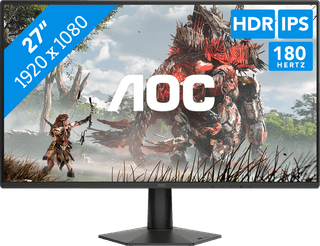
An 27-inch AOC monitor offers you more screen space than a 24-inch AOC monitor. You can open multiple windows and tabs side by side at the same time for a better overview. Open your data analysis in one window and type your findings into the Word document in another window. Graphic design projects also benefit from a large AOC monitor. You can open the image library and the design program side by side for a better overview. Do consider the resolution you choose. In the case of gaming and image editing, we recommend QHD or 4K, since Full HD looks grainy and stretched on a 27-inch monitor.

Our choice for a gaming monitor for competitie gameplay|27 inches|2560x1440 resolution|HDMI, DisplayPort
179,--6%
169,-
2


Our choice for a monitor for photo editing|27 inches|2560x1440 resolution|HDMI, USB-C
3
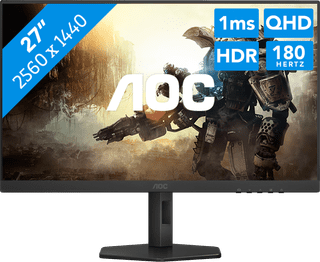
27 inches|2560x1440 resolution|DisplayPort, HDMI
4

27 inches|3840x2160 resolution|HDMI, DisplayPort
5
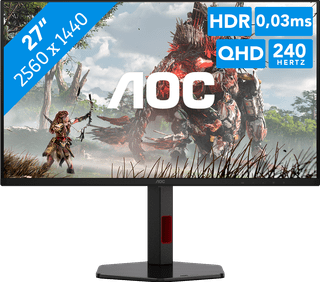
27 inches|2560x1440 resolution|HDMI, DisplayPort
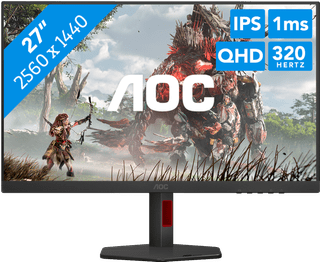
27 inches|2560x1440|HDMI, DisplayPort
269,--26%
199,-
8
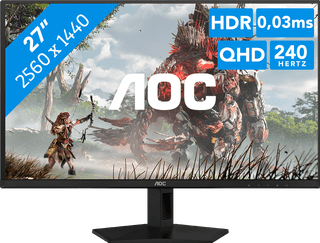
27 inches|2560x1440 resolution|HDMI, DisplayPort
10

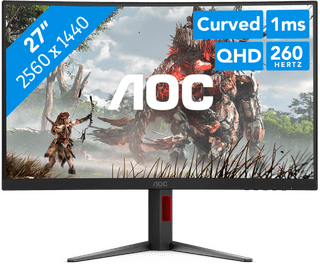
27 inches|2560x1440 resolution|HDMI, DisplayPort