Philips monitors for at the office and at home



Compare Philips business monitors
Sharp images from every viewing angle
Thanks to the IPS panel of the Philips Office monitors, you can enjoy bright images from every viewing angle. This way, your colleagues can look at your screen more easily.
You can see sharp images from every viewing angle thanks to the IPS panel.
Thanks to the blue light filter, you won't be bothered by tired or irritated eyes.
From
to129,-
839,-
Adjustable for a comfortable sitting posture
You can use the Philips Home monitors for your everyday work. These monitors are ergonomically adjustable for a comfortable sitting posture.
You can tilt the screen, so you won't be bothered by reflecting images.
From
to89,-
349,-


Choose the resolution that suits you



How do you choose a Philips monitor?
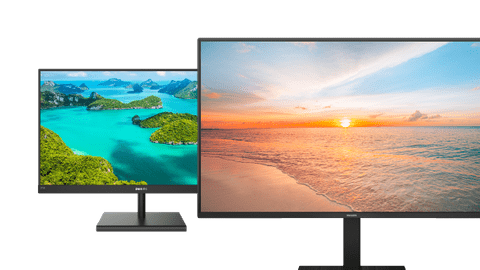
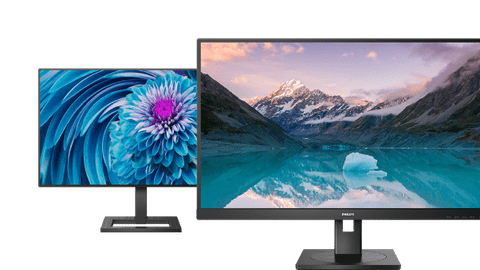
Before you choose a Philips monitor, consider what you want to use it for. The V-Line and E-Line monitors are screens for daily work because of the ergonomic adjustability. The B-Line screens have an IPS panel. That way, you see images sharper from every viewing angle. That way, colleagues can see your screen without rotating the monitor. Want to know more about the different Philips monitors? We'll explain it to you.

Compare Philips monitors
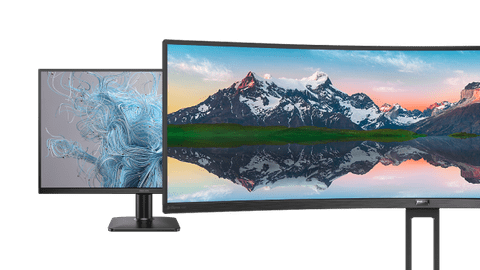
There are various Philips monitors for business use. Choose a super ultrawide screen if you use multiple large programs at the same time. That's useful for photo and video editing. There are also Philips screens with a QHD resolution. With these monitors, you can enjoy sharp images and see more details. We'll highlight 4 different Philips monitors for you so you can choose more easily.

Advice on Philips monitors
There are Philips monitors for various usage situations. The Philips monitors for business use have an HDMI port. This allows you to connect an extra monitor, so you have more screen space. Want to game after work? Go for a Momentum or Evnia monitor. We'll help you make the right choice.
Highlighted business Philips monitor
Philips 346E2CUAE/00
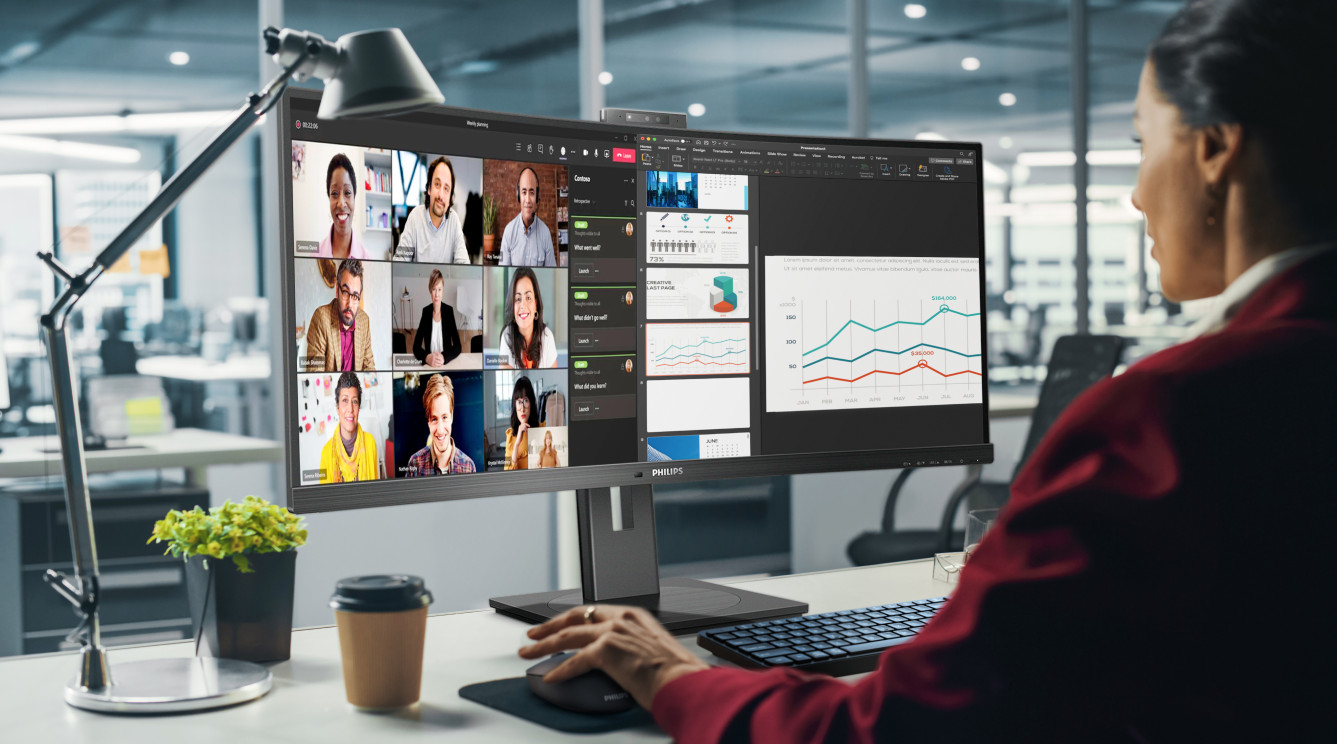
Thanks to the ultrawide screen of the Philips 346E2CUAE/00, you can enjoy extra screen space. That way, you can open more tabs or programs next to each other. Every detail also looks razor-sharp because of the QHD resolution.
View which setup fits your usage situation the best here


Complete our Philips setup
Complete your workplace with an accessory or laptop. You can easily connect your Philips monitor to a laptop via the HDMI or DisplayPort connector. Want a tidy desk? Go for a monitor arm. That way, you have more space on your workspace for other accessories like a mouse or keyboard.