An ultrawide curved monitor has an extra wide, curved screen. Because a curved screen bends around your field of vision, you don't have to turn your head as much. In addition, with a non-curved ultrawide monitor you sometimes have trouble seeing the extreme corners of the screen. Especially when your monitor has a small viewing angle or when light falls on the screen. You don't have this with a curved screen. This is useful during gaming, where most of the action takes place in the center of the screen, but you want to be alert on the sides. Ultrawide also offers a lot of extra screen space. This way, you work more efficiently in multiple documents or spreadsheets at the same time, because you open multiple windows. With a 21:9 Ultrawide monitor, you have 1.5 times as much screen space as 16:9 and with 32:9 you have twice as much screen space as 16:9. Make sure you have a high resolution such as QHD or 4K, otherwise the image will be blurry.
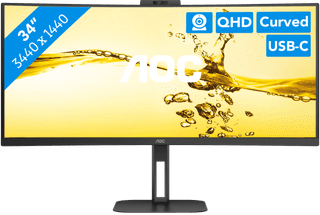

318,-
Delivered tomorrow
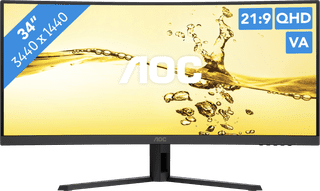

349,-
Delivered tomorrow
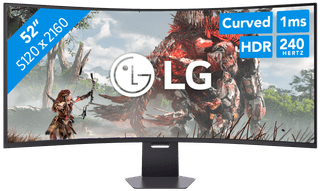


1.599,-
Delivered tomorrow

1.459,-
Delivered tomorrow

1.219,-
Delivered tomorrow

241,-
Delivered tomorrow


603,-
Delivered tomorrow

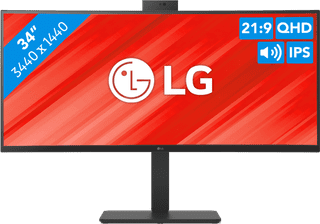
499,-
Temporarily sold out
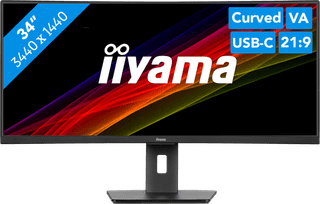

343,-
Temporarily sold out
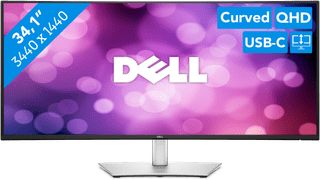

543,-
Delivered tomorrow

249,-
Temporarily sold out

549,-
Temporarily sold out
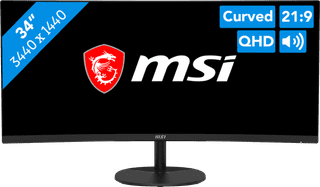

299,-
Delivered tomorrow
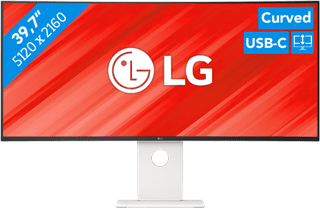
1.299,-
Temporarily sold out


849,-
Temporarily sold out

301,-
Temporarily sold out

1.359,-
No longer available