TP-Link TL-WPA7617 Kit 1000Mbps Duo Pack
- Be the first to know when this product is in stock
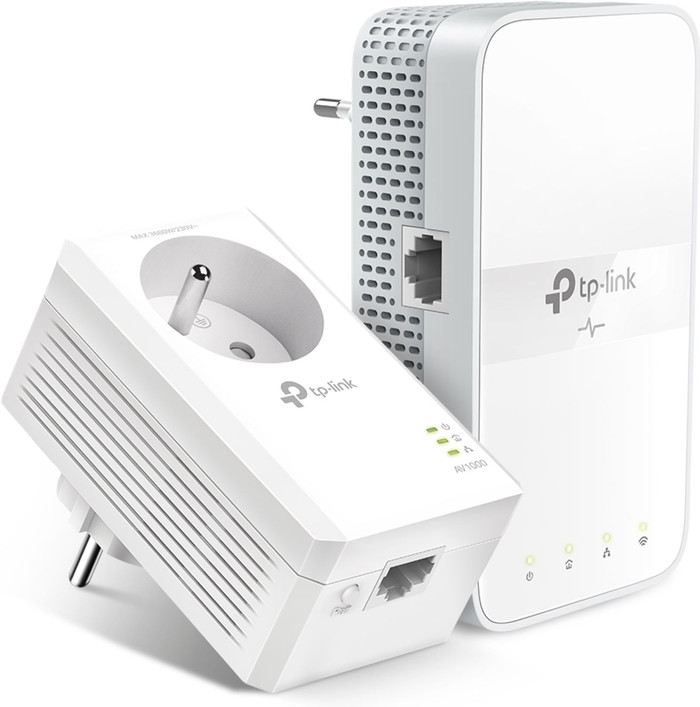
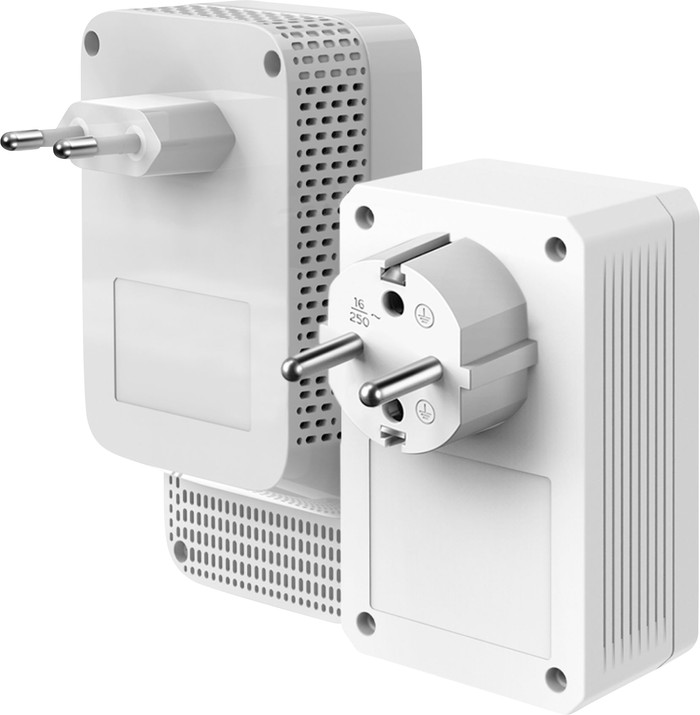
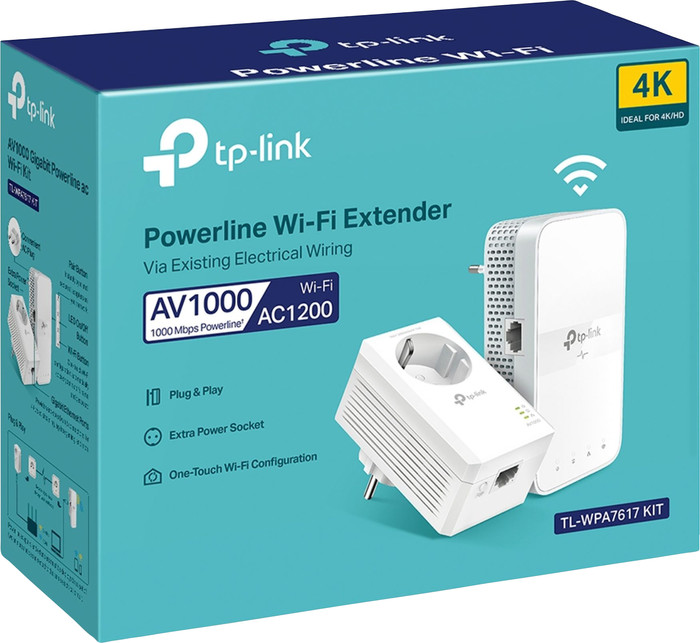
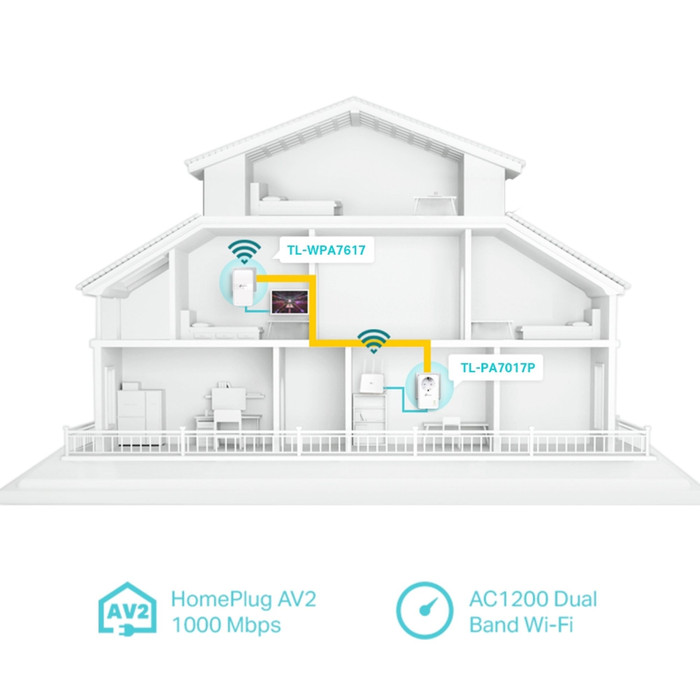
Product number | 922079 | |
|---|---|---|
Manufacturer code | TPL-TLWPA7617KITFR | |
Brand | TP-Link | |
Warranty | 3 years | |
Processing of your defect | Via Coolblue |
Built-in WiFi | ||
|---|---|---|
Frequency bands | Dual-band | |
5GHz band speed | 867 Mbit/s | |
2.4GHz band speed | 300 Mbit/s | |
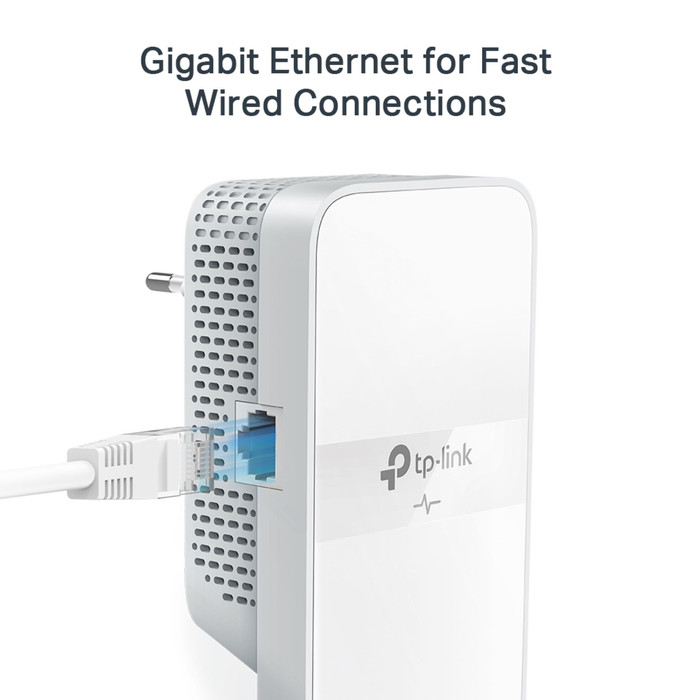
Ethernet speed | Gigabit Ethernet (1000Mbps) | |
Maximum ethernet speed | 1000 Mbit/s |
Automatic phase coupling | ||
|---|---|---|
IGMP Snooping | ||
Seamless roaming | ||
Bridge option |
Number of powerline adapters | 2 | |
|---|---|---|
Number of powerline stations | 2 | |
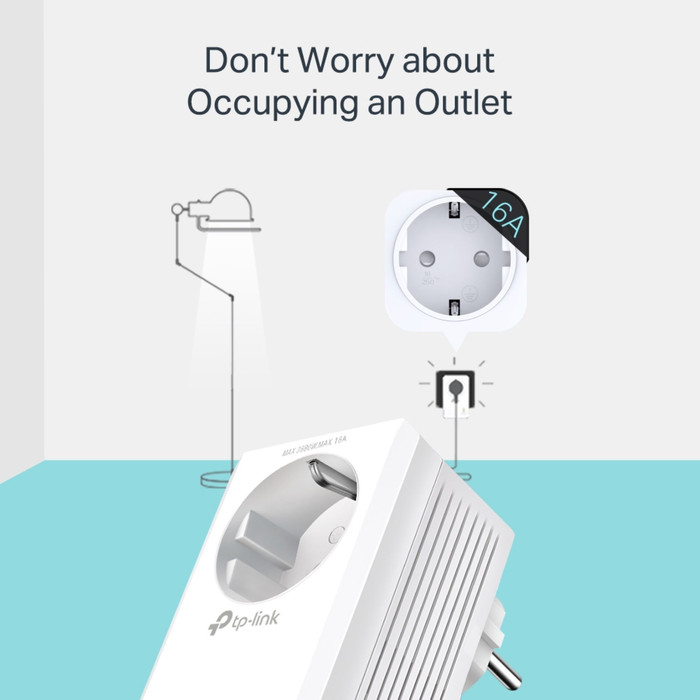
Socket integrated | ||
Integrated switch | ||
Ethernet ports adapter 1 | 1 | |
Ethernet ports adapter 2 | 1 | |
Height | 12,4 cm | |
Width | 3,5 cm | |
Depth | 7 cm | |
Color | White |
anything for a smile
Ethernet speed | Gigabit Ethernet (1000Mbps) | |
|---|---|---|
Built-in WiFi | ||
Frequency bands | Dual-band | |
Number of powerline adapters | 2 | |
Number of powerline stations | 2 | |
Socket integrated | ||
Maximum ethernet speed | 1000 Mbit/s | |
Automatic phase coupling |
According to our powerline adapter expert
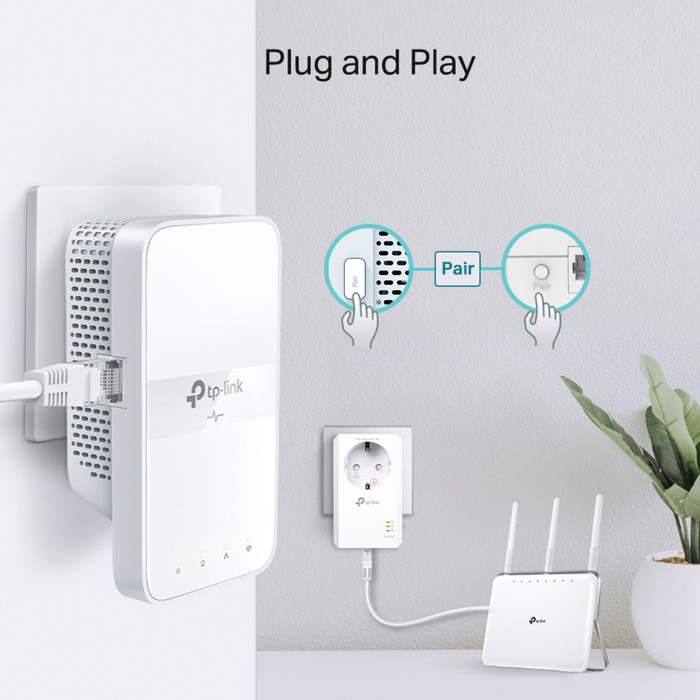
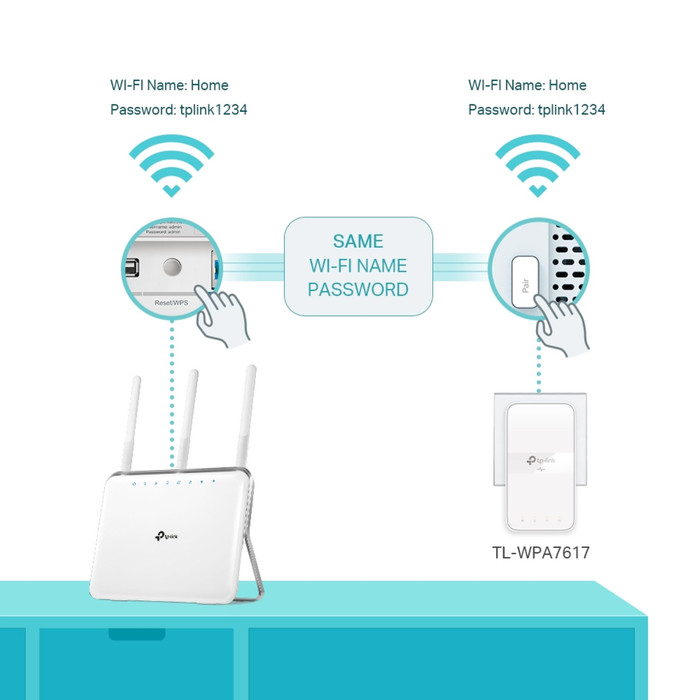
Because the powerline adapters are plug and play, you don't have to set them up.
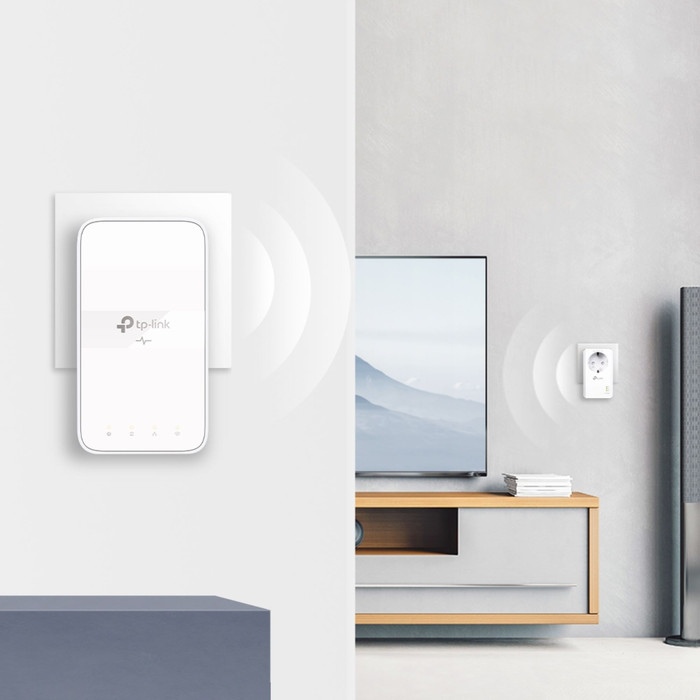
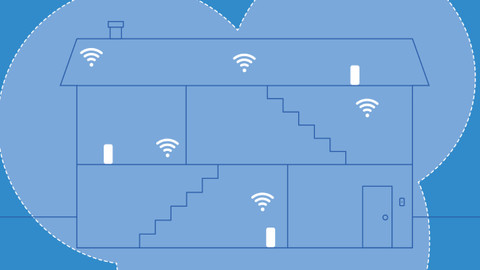
This powerline adapter has a built-in WiFi point, so you can go online in an extra place in the house.
Thanks to the automatic phase coupling, the adapter works in every room of every home.
The WiFi speed is lower than that of comparable models, so you can mainly use these adapters for surfing.
Works as expected and easy to configure.
Marco
26 October 2024
Automatically translated from Nederlands
In a spacious apartment with thick walls, we had very poor internet on one side. This was completely resolved with these Wi-Fi hotspots.
Judith
13 August 2025
Automatically translated from Nederlands
Getting started was incredibly easy, but you need the app to navigate through the settings. In my case, the router is connected to a different circuit than the repeater, yet I still have very high speeds and an extremely stable connection. I first tried connecting the repeater to an extension cable, which didn't work at all – so be sure to try multiple locations if you want better speeds.
Guillaume
21 August 2025
Automatically translated from Nederlands