
anything for a smile
210,-
Delivered tomorrow
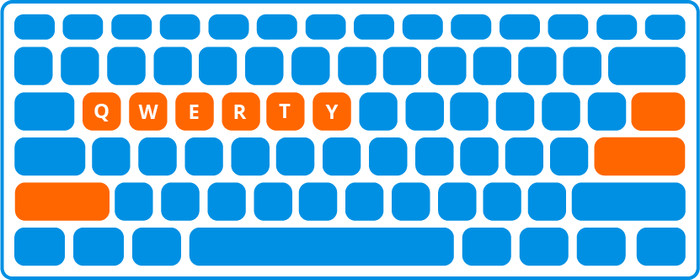
QWERTY
|
100% (Complete)
|
Wired
|
Black
Our choice for a gaming keyboard you can also use for your studies or work
Receive more coverage in case of damage than with your standard warranty. Coolblue takes care of everything: from taking out the insurance to repairs. Is a repair not possible? You receive the purchase price as CoolblueCredit.
XCover is allowed to arrange and process insurances on behalf of the insurer. The insurances are governed by Belgium law. If you have a complaint, you can contact the or our customer service.
First, add your keyboard to your shopping cart. On the next page, choose the Protection Plan below. You always have a 30-day return window and pay no deductible in case of damage.
The insurance can be canceled every year, even if you have paid in advance. If you cancel earlier, you will receive a refund for the overpaid amount.
Product number | 954990 | |
|---|---|---|
Manufacturer code | 64660 | |
Brand | SteelSeries | |
Warranty | 2 years | |
Processing of your defect | Via Coolblue |
Keyboard layout | QWERTY | |
|---|---|---|
Geographic keyboard layout | US international layout | |
Physical keyboard layout | ANSI | |
Typing comfort | High-end | |
Backlit keyboard | ||
Spill-resistant | ||
Number of colors lighting | 16.8 million | |
Brightness of backlight adjustable | ||
Programmable keys | ||
Multimedia shortcuts | ||
Type of media keys | Volume roller | |
Flat keys | ||
Suitable for gaming | ||
Recommended for game genre | Action, Adventure, First Person Shooter, Indie, MMORPG, MOBA, Open World, RPG, Racing, Realtime Strategy, Simulation, Sports | |
Mechanical keyboard | ||
Type of keys | Magnetic | |
Type of mechanical keyboard switch | Linear | |
Type of keycaps | High | |
Material key caps | PBT | |
Hot-swappable | ||
Rollover | ||
Macro keys |
Connection type | Wired | |
|---|---|---|
Number of devices that can be paired | 1 - 2 | |
Multipoint pairing | ||
Type of USB port | USB-C | |
Cable length | 2,2 m |
Keyboard size | 100% (Complete) | |
|---|---|---|
Keyboard composition | Keyboard | |
Type of ergonomics | With wrist rest | |
Ergonomic design | ||
Casing material | Aluminum | |
Display | ||
Display type | Mini screen | |
Height | 13,9 cm | |
Width | 43,6 cm | |
Depth | 4 cm | |
Wrist rest | ||
Color | Black | |
Weight | 1,4 kg |
Computer platform | PC (Windows), PlayStation 5, Xbox | |
|---|---|---|
Anti-ghosting | ||
Rapid Trigger | ||
Number of adjustable user profiles | 5 | |
Minimum actuation point | 0,1 mm | |
Maximum actuation point | 4 mm | |
Actuation power | 45 g | |
Total travel | 4 mm | |
Windows lock | ||
Polling rate | 8000 Hz | |
Gaming keyboard suitable for activity type | Console gaming, Long gaming sessions, On the go and LAN parties | |
Gaming keyboard suitable for game type | All-round games, First Person Shooters (FPS), MMORPG & MOBA, Strategic games |
Power supply type | USB port PC/laptop |
|---|
Installation ease
Ergonomics
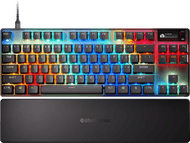
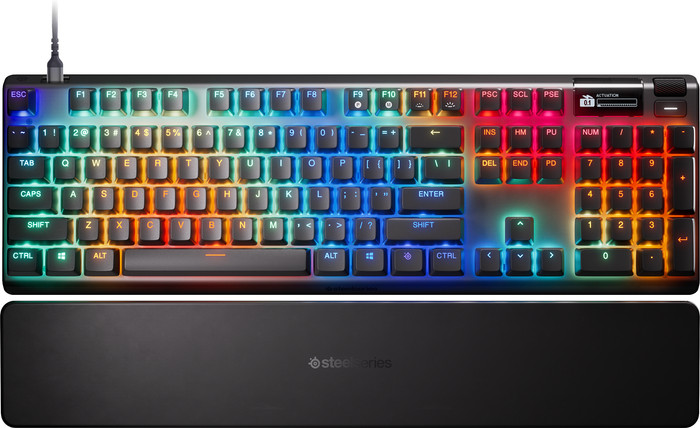
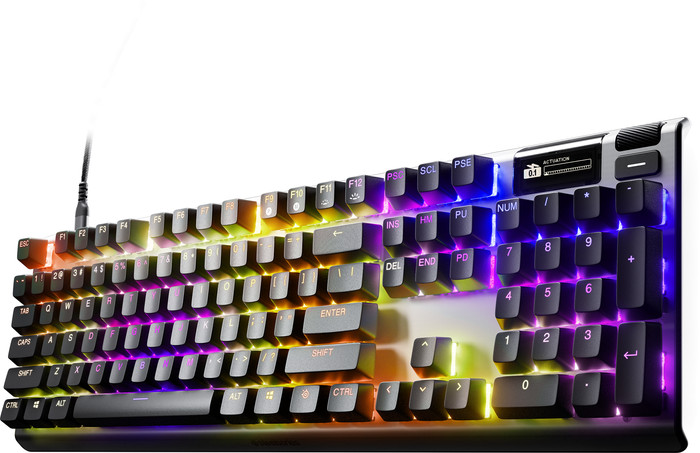
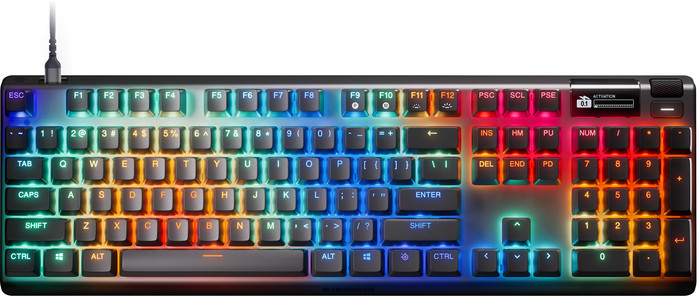
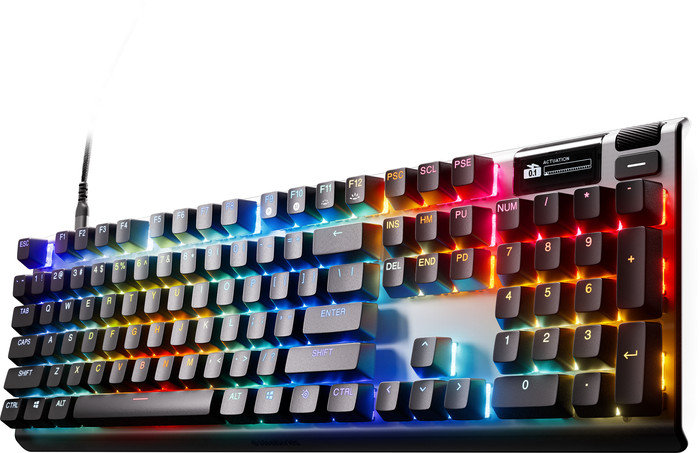
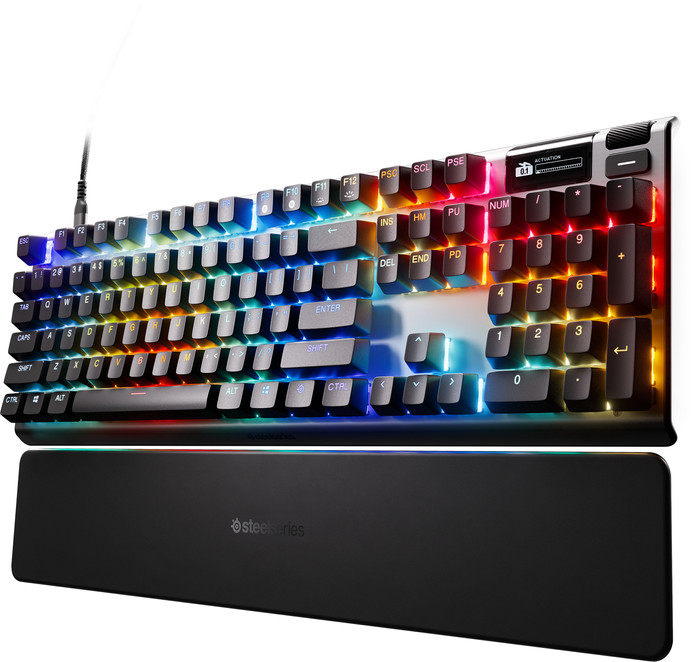
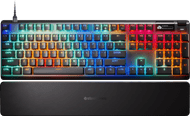
The SteelSeries Apex Pro Gen 3 is a gaming keyboard with nice keys and many software options.
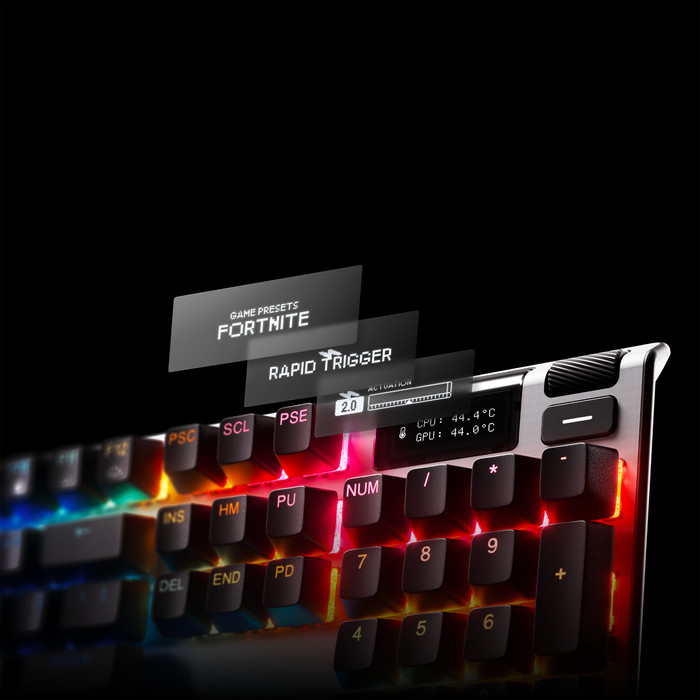
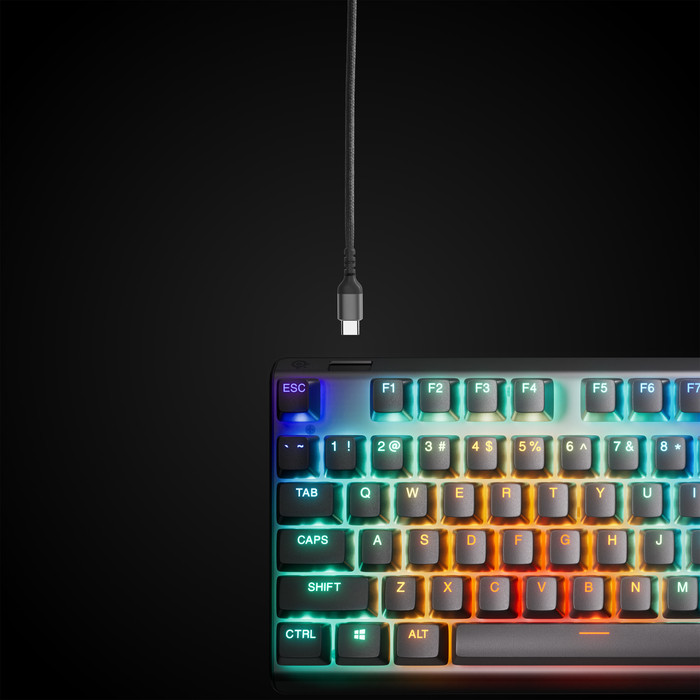
Design and size The SteelSeries gaming keyboard has a minimalist design. The Apex Pro is made of sturdy material, which makes this keyboard resistant to impact. This gaming keyboard has a numeric block, which I personally like very much. This is why I also use the keyboard for my work. On the OLED display on the keyboard I can easily see the settings of my keyboard and with the rotary knob I can quickly change the volume of the game. I connect the keyboard via the supplied USB cable. This allows me to use the Apex Pro Gen 3 immediately.
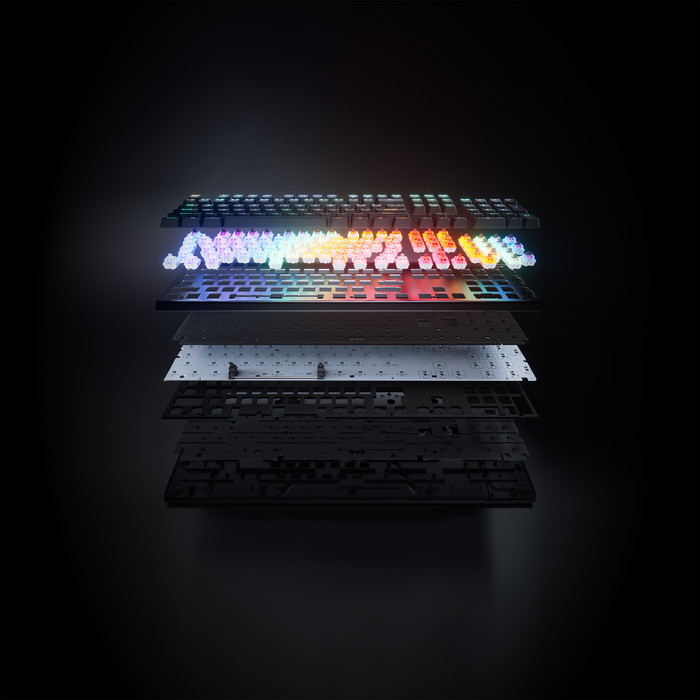
OmniPoint 3.0 switches The SteelSeries Apex Pro Gen 3 has the latest OmniPoint 3.0 switches. Personally, I like the feel of the keys and I do not suffer from a loud click while gaming. This gaming keyboard has various key options. For example, I can set 2 actions under 1 key and I set 5 customizable key combinations, so that I can react quickly in-game. The Apex Pro Gen 3 also responds very quickly and I immediately notice when I press or release the key.
SteelSeries Engine software I personalize the SteelSeries keyboard via the SteelSeries Engine software. Here I set various settings such as the 2 actions under 1 key and the key combinations. I also set the actuation point so that I determine when the key registers and I create profiles for different game settings. The RGB lighting of the Apex Pro Gen 3 is adjustable per key. This way I choose which color the keys have. Because I have multiple SteelSeries accessories, I can also ensure that all accessories have the same RGB setting.
Do you want a gaming keyboard that responds accurately during gaming and you can fully personalize from RGB lighting to profiles? Then the Apex Pro Gen 3 is the ideal gaming keyboard for you.
Prescious. Gaming specialist.
22 November 2024
Automatically translated from Nederlands
Very good keyboard. Perfectly adjustable to your own preferences with omni-switch keys. Feels very solid and qualitative.
Rudy
26 December 2024
Automatically translated from Nederlands
The SteelSeries Apex Pro TKL Gen 3 White Is a premium keyboard, and that is really reflected in the price. The price is actually a bit on the high side, buuuuuut, you get a lot in return.
I'll start with the negative. As mentioned above, the price is on the high side. That is not bad in itself, because you get a lot in return, but it can be a stumbling block to buy. The other point is the OLED screen on it. Is it fun? Yes. Do you have any use for it? No. I think it is an unnecessary addition.
That was also everything that was less positive. Furthermore, it is a wonderful keyboard! Normally I am not a fan of clicky keyboards, but the SteelSeries Apex Pro TKL Gen 3 White is a good exception. It is much less loud and actually types very pleasantly. You can adjust everything via the Steelseries GG software, including how quickly the keys respond. For example, whether they respond at 50%, or only at 100%. This was a real game changer for me. This allowed me to respond faster via the keys and it improved my gaming experience considerably. What can also be set with the OmniPoint linear switches is a double action per key. For example, you can let the “w” walk at 75%, but at 100% it is sprinting. This is really a win for gaming because you have to press fewer keys. It takes a while to get the hang of it, but once you get the hang of it, it works really well.
The design of the keyboard is very good, although that is of course a personal preference. The Steelseries GG software is excellent and you can set almost everything for the keyboard with it.
In general, I am very satisfied with the keyboard. You can set a lot, it types very nicely, it looks sleek, but is just a bit on the pricey side. Still, I would recommend the keyboard to every gamer to try it. I'm pretty sure this keyboard will be a real addition to the setup for most gamers.
Robin
8 May 2025
Automatically translated from Nederlands
Magnetic
Magnetic
Magnetic
Optical
Magnetic
Wired
Wired
Wired
Wired
Wired
Connection type | Wired | |
|---|---|---|
Backlit keyboard | ||
Keyboard composition | Keyboard | |
Ergonomic design | ||
Mechanical keyboard | ||
Physical keyboard layout | ANSI | |
Geographic keyboard layout | US international layout | |
Suitable for gaming |
According to our keyboard expert
Also for work or school: you can use this full-size keyboard with the numeric keypad for work or school, too.
Fast optical actuation: you can react quickly and accurately in-game thanks to the combination of the light sensor and the mechanical switch.
Smooth keystrokes without feedback: you can react quickly in-game with the mechanical linear switch, and you won't feel or hear any feedback.
Less easy to carry: you can take this gaming keyboard with you less easily because of its large size.
Less freedom of movement: with this wired keyboard, you have less freedom of movement because you're always connected to a cable.
210,-
Current product
210,-
299,-
180,-
287,-
230,-
Delivered tomorrow