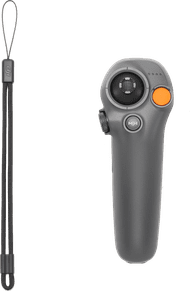
HOVERAir JoyStick

anything for a smile
HOVERAir JoyStick
Choose your remote for drones
94,-
Product number | 961788 | |
|---|---|---|
Manufacturer code | SP93R004 | |
Brand | HOVERAir | |
Warranty | 2 years | |
Processing of your defect | Via Coolblue |
Camera remote control | ||
|---|---|---|
Made for brand | HOVERAir |
Height | 8,5 cm | |
|---|---|---|
Width | 3,8 cm | |
Depth | 3,2 cm | |
Color | Black |
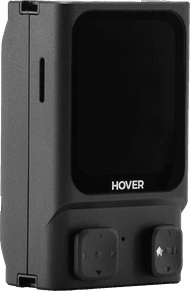
Note: you need a HOVERAir Beacon to use the joysticks. The Beacon isn't included.
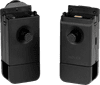
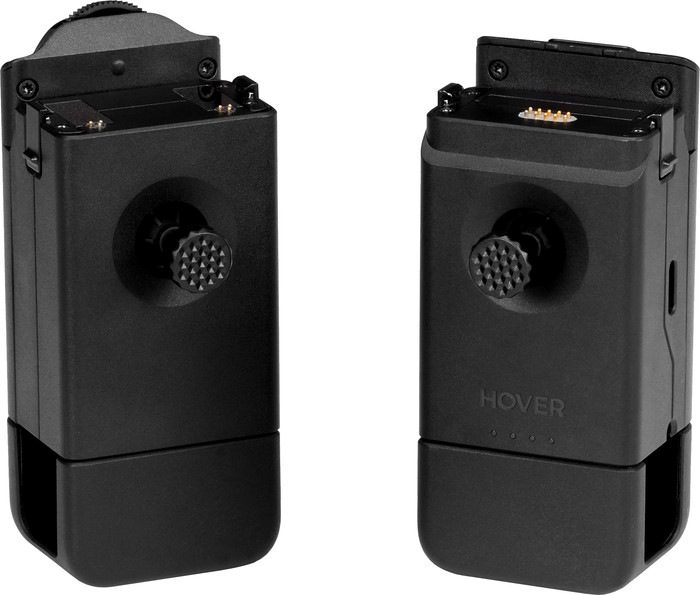
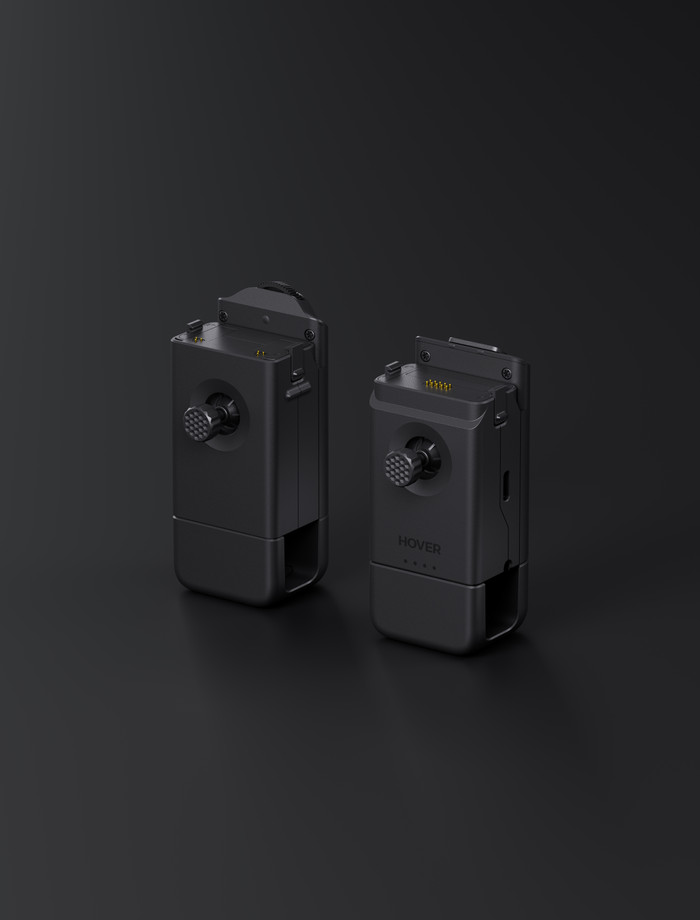
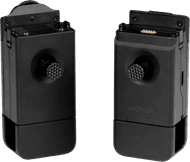
With the HOVERAir JoyStick, you can control your HOVERAir drone accurately. The set has 2 joysticks. Click them into the HOVERAir Beacon and clamp your phone between the joysticks. That way, you have a lot of grip on the remote, which is useful if you fly far with the drone. Via the Hover app, you can watch along with the live footage from the drone on your smartphone. Prefer to control the drone with hand gestures? Click the Beacon on the right joystick. Hold the remote in one hand and move your hand into the direction you want to want the drone to fly. The drone follows your hand movements and flies into that direction/ That way, you can control the drone very easily.
According to our remote for drones expert
You can click your smartphone and the HOVERAir Beacon in the joysticks and control the drone with it.
When you use the joysticks with the Beacon, you can control the drone with hand movements.
The HOVERAir Beacon isn't included, which you need to use the joysticks.
94,-
Current product
94,-
144,-
114,-
144,-
84,-
Delivered tomorrow
Delivered tomorrow
Receive more coverage in case of damage than with your standard warranty. Coolblue takes care of everything: from taking out the insurance to repairs. Is a repair not possible? You receive the purchase price as CoolblueCredit.
XCover is allowed to arrange and process insurances on behalf of the insurer. The insurances are governed by Belgium law. If you have a complaint, you can contact the or our customer service.
First, add your remote for drones to your shopping cart. On the next page, choose one of the Protection Plans below. You always have a 30-day return window and pay no deductible in case of damage or theft.
The insurance can be canceled every year, even if you have paid in advance. If you cancel earlier, you will receive a refund for the overpaid amount.