UGREEN NASync DXP4800 Plus + Seagate IronWolf 8TB Duo Pack




Don't have an account yet? Start here

Better model
Product number | 965091 | |
|---|---|---|
Manufacturer code | 35261 | |
Brand | UGREEN | |
Warranty | 2 years | |
Processing of your defect | Carry-in warranty |
Built-in hard drive | ||
|---|---|---|
Number of hard drive slots | 4 | |
Suitable for hard drive size | 2.5-inch SSD, 3.5-inch HDD, M.2 NVMe | |
Nubmber of M.2 connectors | 2 | |
RAID | Basic, JBOD, RAID 0, RAID 1, RAID 10, RAID 5, RAID 6 | |
Internal RAM | 8 GB | |
Total number of RAM slots | 2 | |
Expandable memory | ||
Maximum internal memory | 64 GB | |
Memory type | SO-DIMM DDR5 |
LACP Link aggregation | ||
|---|---|---|
Thunderbolt connector | ||
Number of Ethernet ports | 2 | |
Number of 10Gbps Ethernet ports | 1 | |
Number of 2.5Gbps Ethernet ports | 1 | |
Number of 1Gb/s Ethernet ports | 0 |
NAS functions | Backup server, Database server, Download server, FTP server, Media server, Photo server, Web server | |
|---|---|---|
NAS application center | ||
Maximum number of local users` | 10 | |
Plex support | ||
Number of IP camera licenses included | None | |
DLNA | ||
UPnP AV support | ||
FTP server | ||
On/off switch | ||
Kensington lock | ||
Apple Time Machine support | ||
Chromecast support | ||
Suitable for IFTTT | ||
Recommended for use | Making a backup, Media streaming, Personal cloud |
Processor brand | Intel | |
|---|---|---|
Processor family | Pentium | |
Processor code name | Jasper Lake | |
Processor cores | Penta-Core (5) | |
Clock speed | 4,4 GHz |
Depth | 17,8 cm | |
|---|---|---|
Width | 17,8 cm | |
Height | 25,75 cm | |
Type NAS | Upright | |
Color | Gray | |
Weight | 6,023 kg |
Product number | 750012 | |
|---|---|---|
Manufacturer code | ST8000VN004 | |
Brand | Seagate | |
Warranty | 3 years | |
Processing of your defect | Via Coolblue |
Total storage capacity | 8 TB | |
|---|---|---|
Hard drive type | 3.5 inches |
SATA connector type | S-ATA (III) | |
|---|---|---|
Compatible with product type | NAS |
HDD's RPM | 7200 rpm | |
|---|---|---|
Speed class | Mid-range | |
Cache memory | 256 MB | |
Data recovery service | 3 years |
Width | 10,2 cm | |
|---|---|---|
Height | 2,6 cm | |
Depth | 14,7 cm |
Energy-efficient |
|---|
5 stars
4
4 stars
7
3 stars
0
2 stars
0
1 star
0
Installation
Energy consumption
Speed
Software
The UGREEN DXP4800PLUS is a powerful NAS that allows me to quickly store, manage, and stream all my media in one place. I transfer many files at once without any issues. I also stream media quickly from my smartphone and laptop, even when I'm far from the NAS. The included Ethernet cables are a bit short, though.
Easy installation After inserting the drive, I downloaded the UGREEN NAS app on my smartphone. During the installation, the app does the work, and I don't have to do anything myself. It takes about 10 minutes in total. After installation, I selected the hard drive and created folders following the guided tour in the app. I found the app user-friendly. Each step explained how the function works. This allowed me to quickly create my shared folder, which I then filled with photos, videos, and music. While assigning the hard drives, I was also asked which RAID configuration I wanted to use. Since I was only using one drive, I chose the storage option. Everyone uses the NAS in their own way, whether you're a beginner using a single drive or an experienced user creating RAID setups.
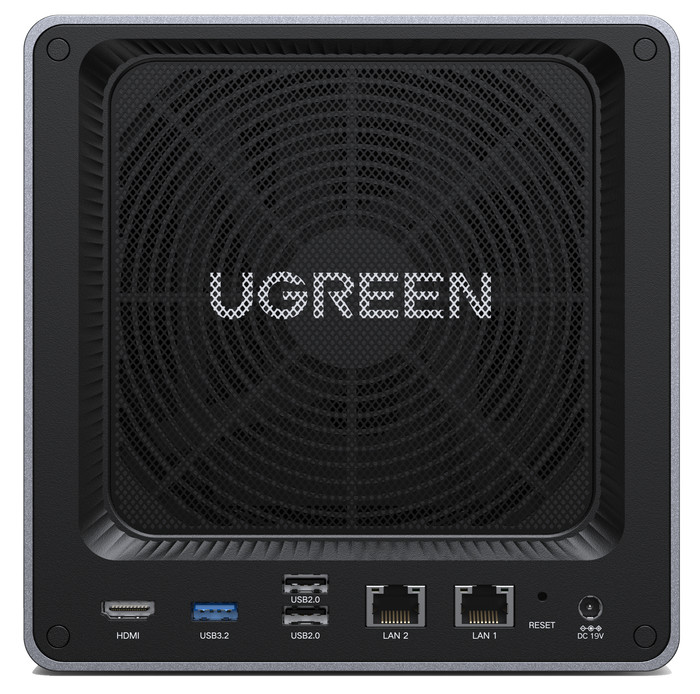
Good cooling The NAS stays well-cooled during use. The rear fan has a magnetic dust cover, keeping it clean. I transfer a lot of large media files at once, and the NAS stays well-cooled. The app shows the NAS is 41 degrees Celsius and the hard drive is 36 degrees Celsius. The app also advises me whether the NAS has enough space for ventilation. During transfers, the fan rotates 502 times per minute. Yet, I hear very little noise coming from the NAS.
Fast remote connection I have the NAS at home and test how quickly it connects remotely to my smartphone and laptop. I work about 20 kilometers from home, and the NAS handles this easily. At the office, I quickly open my saved files and transfer new files to the hard drive. This is useful when I want to watch a movie from the NAS while on vacation, for example.
Giorgos. NAS specialist.
10 October 2025
Automatically translated from Nederlands
Installation was quick and easy. The VM addition is a definite plus. I still had an old printer that only supported SMBv1, and an extra VM instance solved the problem.
Eric
22 August 2025
Automatically translated from Nederlands
A NAS was something I wasn't familiar with yet. So I consulted YouTube beforehand. People there were quite complimentary about UGREEN.
The intention was to store all my data, everything that is in the cloud. You can synchronize perfectly between OneDrive and the NAS, and also between the MAC or PC and the NAS. UGREEN also provides an extensive manual, both for reading and with videos. So, a NAS was new, and the use of AI was also new to me.
I also bought the NAS to run several websites. One for photos, one for a weather station, and a final one for an association; this one can be activated when there are problems at the host. The first two require a lot of space, and that space was starting to cost money at the host. Forwarding a domain to my own changing IP address and then to the site on the NAS—I couldn't find any instructions for that. So, a chat with Copilot. A friendly guy with a lot of patience. It took me a week to get the sites online. Mainly the use of PHP and setting up a database was not straightforward. Once everything was up and running, the NAS received an update. I don't know if that was the reason or something I did myself, but certain functions went haywire. Both Microsoft's and Google's AI advised me to return the device. At Coolblue, that's no problem. Everything went smoothly until the postal service started a strike on the same day :-) Coolblue notified me and kindly asked for patience. A one-week strike! Otherwise, the exchange went smoothly, and I was able to get started with a new device.
Today, the two websites are online flawlessly. I was able to adjust the DNS settings on the host, and I only use it now for handling mail.
I installed two 6 Tera drives in RAID 1; there is plenty of space, and there is still room for two extra drives.
One last point: Coolblue does not carry the UGREEN UPS in its range. I bought one from a competitor. It is a must-have. In the event of a power outage, the NAS is shut down properly this way. Another detail: the NAS is perfectly accessible from any location, can grant access to other users, and there are numerous features I haven't tested yet.
I was also curious about the power consumption, as it runs 24/7. So I installed a wattmeter, and the consumption remains below 30W, with occasional spikes to 40W. And for those wondering, is my data safe now? Yes/no: I have connected a 6TB external hard drive on which everything runs synchronously.
In short, a magnificent device with everything I could wish for.
With the current American situation, I am seriously considering disconnecting from that continent. I have already switched to Proton for email, VPN, and calendar; they also have cloud, and the servers are located in the Swiss mountains. There are alternatives for office applications as well.
Willem
28 April 2026
Automatically translated from Nederlands
1.429,-
1.429,-
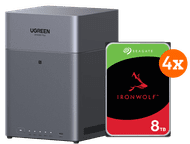
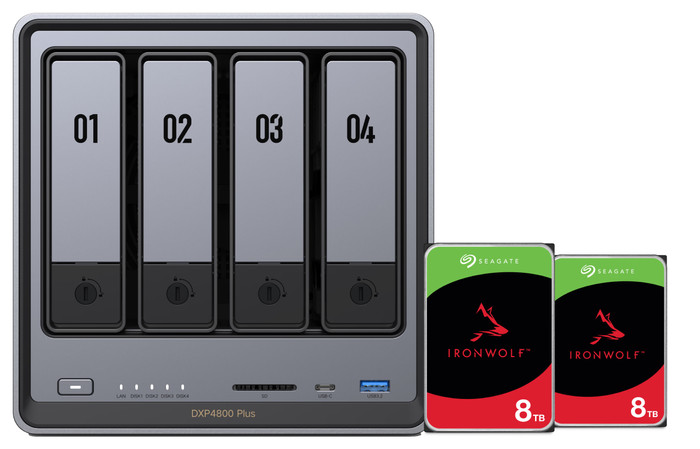
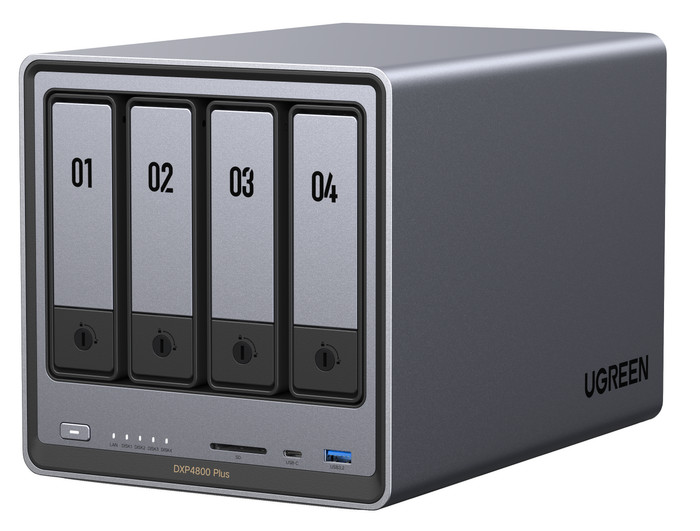
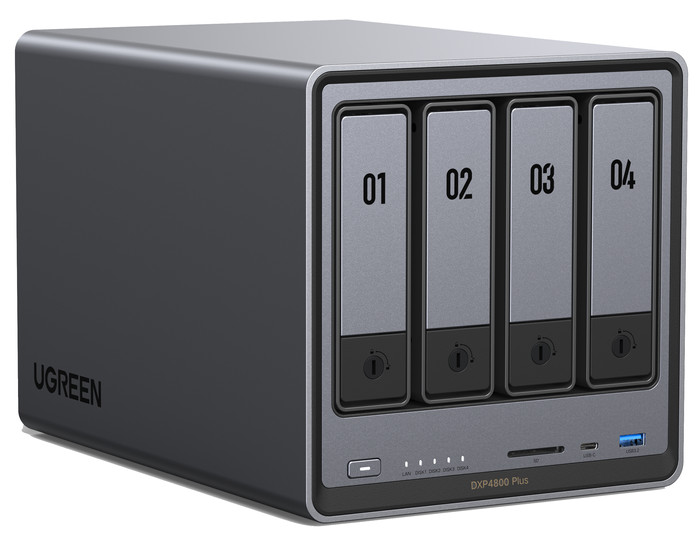
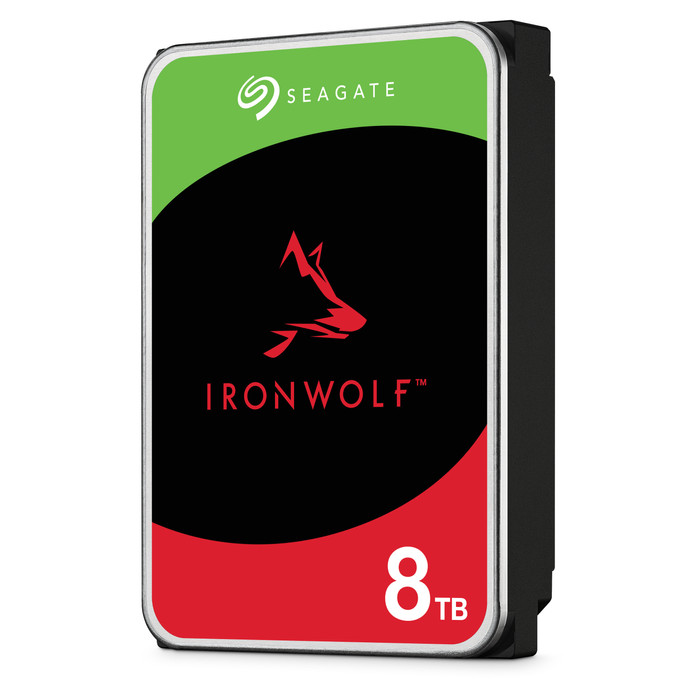
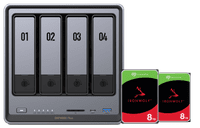
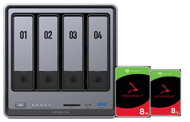
With the UGREEN NASync DXP4800 Plus NAS, you can create a server for large files and store all your data with the included Seagate IronWolf 8TB Duo Pack internal HDDs. You receive 2 internal hard drives of 8TB each in this bundle. This allows you to create backups for about 40 business laptops. You have 112TB storage space in total in this NAS server. You can place the 4 hard drives in RAID setup in this NAS. That way, you can connect your hard drives to each other for 1 large storage space. The DXP4800 Plus supports 2.5-inch SSDs, 3,5-inch HDDs, and M.2 SSDs. The NAS also has an Intel Pentium Gold 8505 processor with 8GB DDR5 RAM. You can expand this RAM up to 64GB. The NAS can perform multiple tasks at the same time that way, such as creating backups and streaming 4K media.
Current product
1.429,-
2.089,-
2.249,-
According to our NAS expert
You can create backups for 40 laptops with the included internal HDDs.
This NAS is suitable for RAID setups, so you can create 1 large and fast storage space.
You can expand the RAM up to 64GB, so you can perform demanding tasks at the same time.
This NAS doesn't have a Thunderbolt connector, so you can transfer large files less quickly to other devices.
Delivered tomorrow
Delivered tomorrow