reMarkable Paper Pro Move
Choose your Paper Pro Move:
reMarkable Paper Pro Move + Marker Plus
Choose your Paper Pro Move:
reMarkable Paper Pro Move + Marker Plus
Current product
529,-
699,-
829,-
849,-
569,-
According to our digital notepad expert
5 stars
4
4 stars
2
3 stars
1
2 stars
0
1 star
0
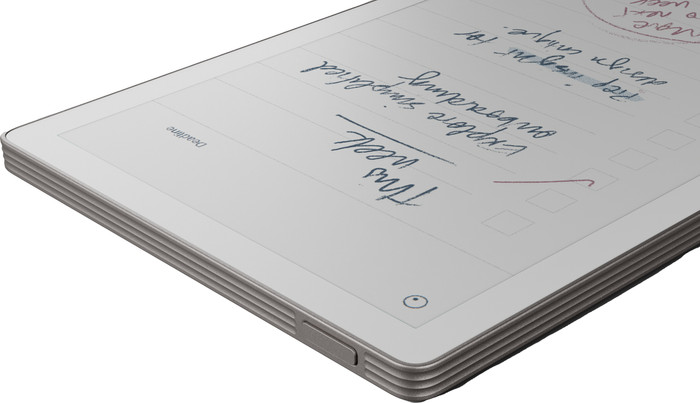
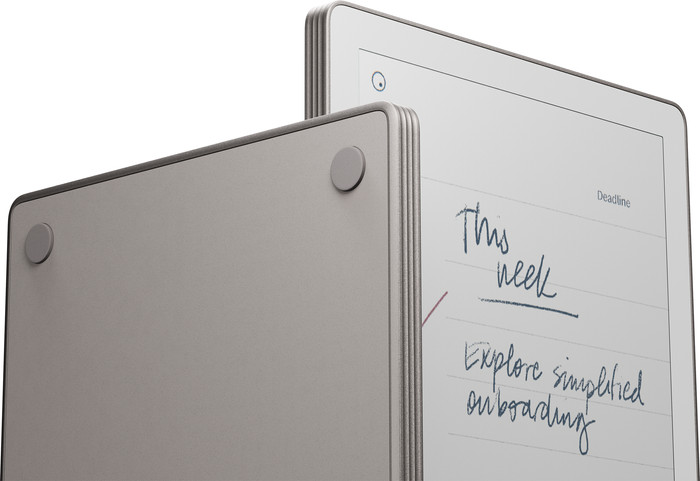
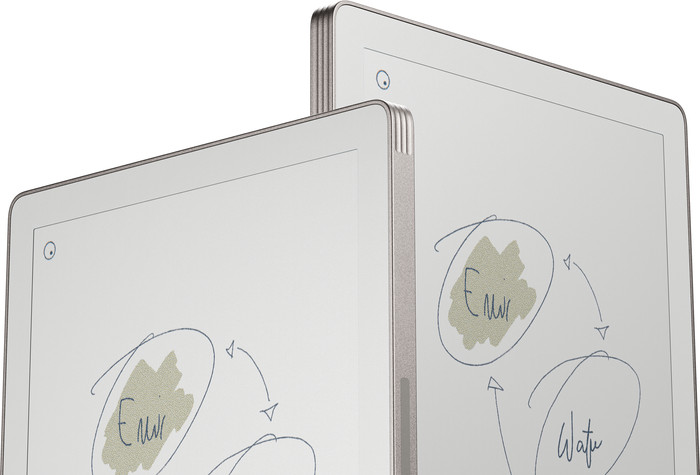
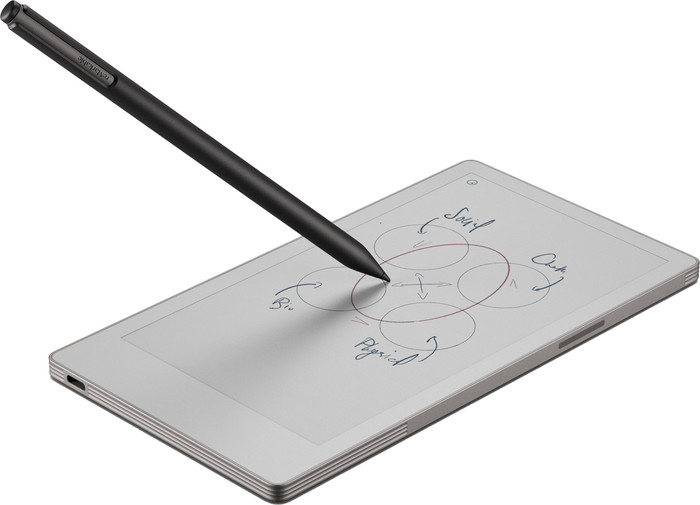
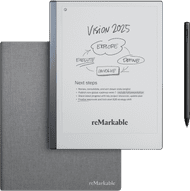
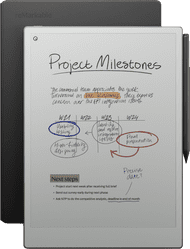
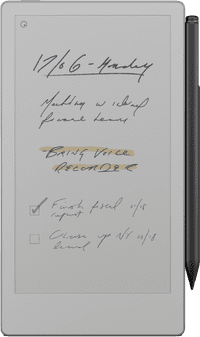
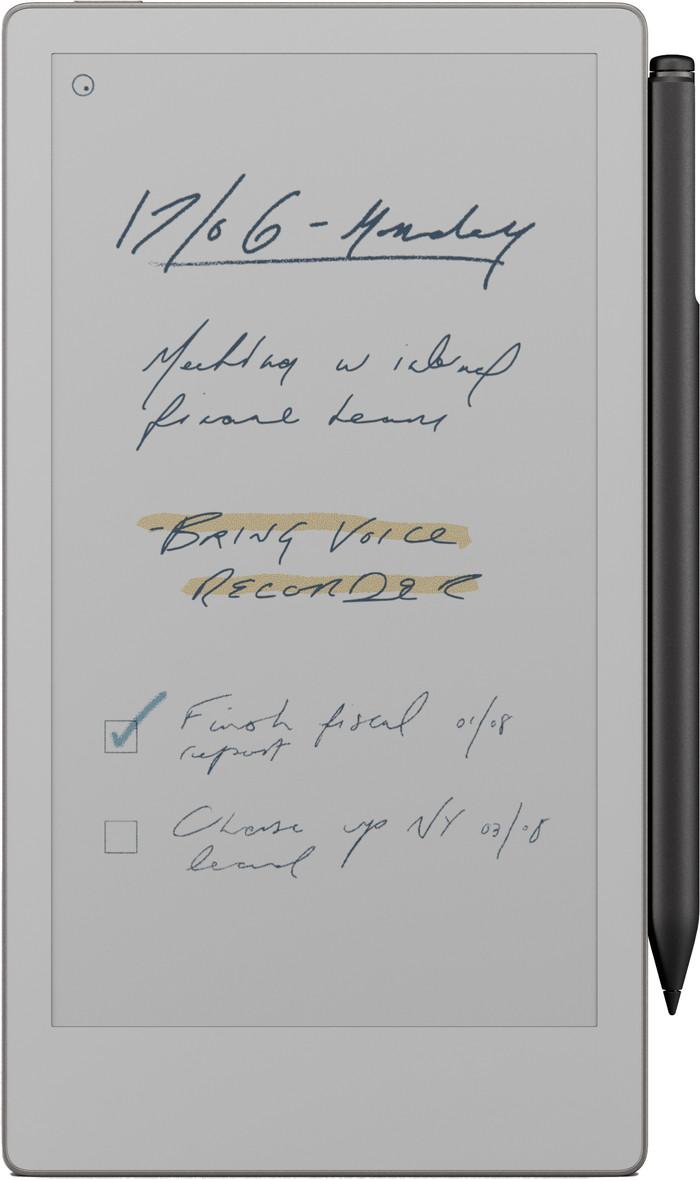
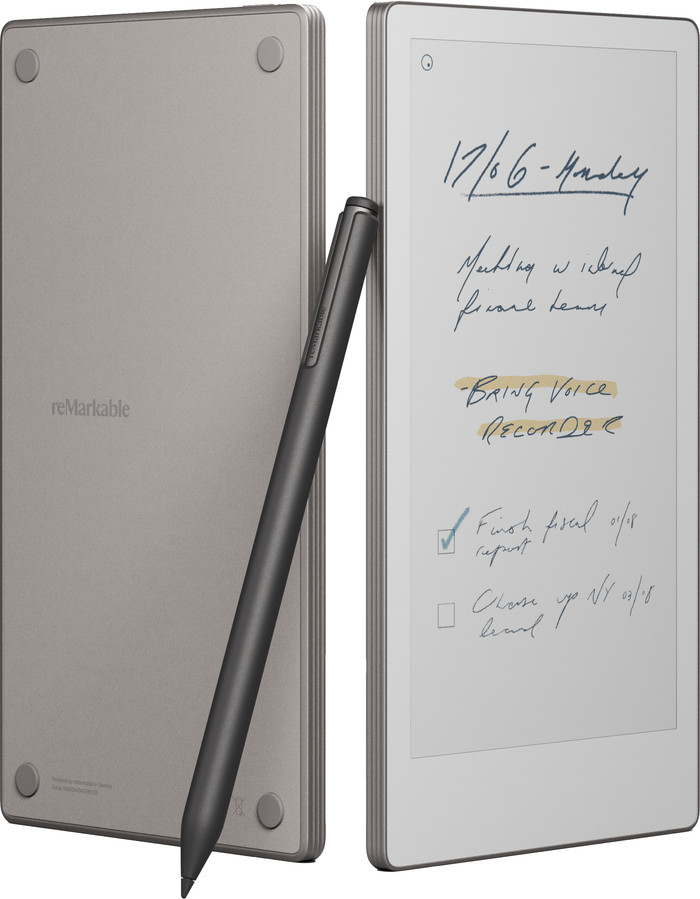
The reMarkable Paper Pro Move is a small digital notebook that I can easily take with me anywhere. The bright screen lets me view my notes and annotations in color.
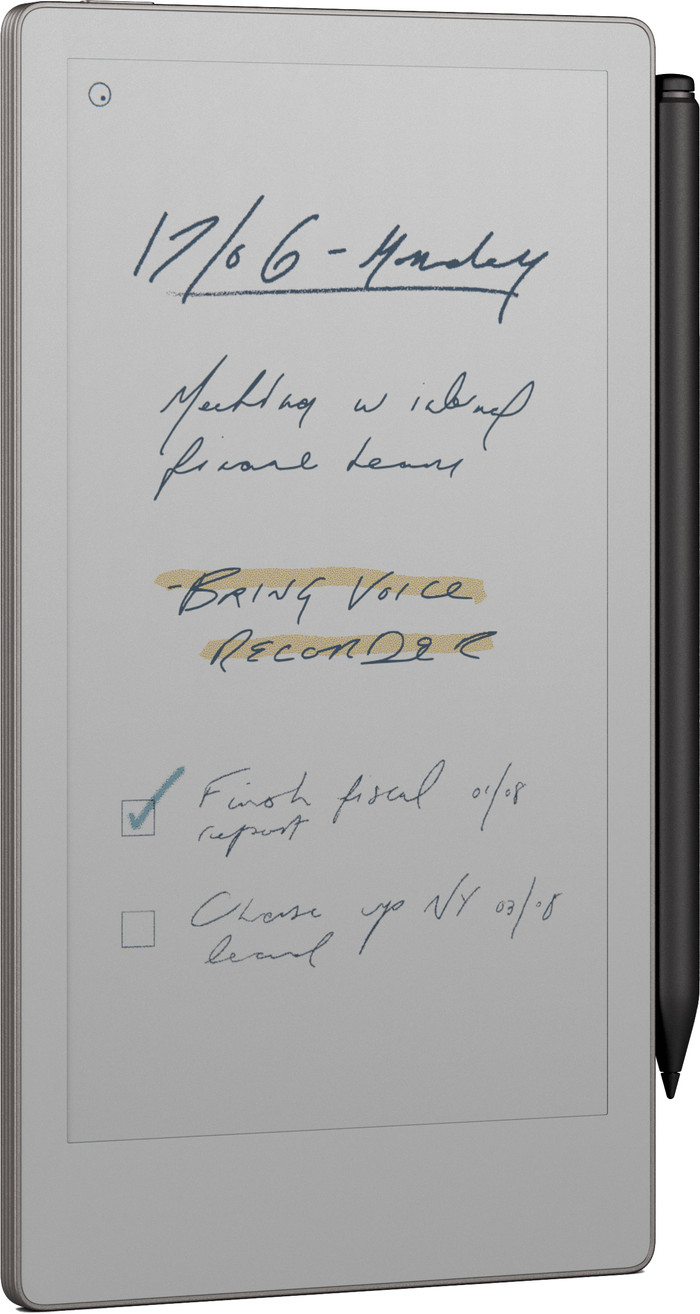
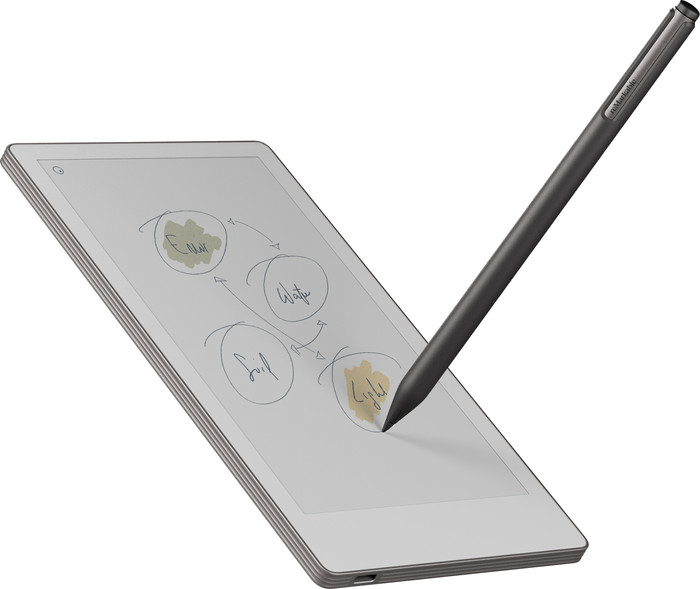
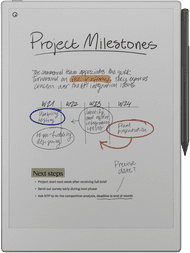
Bright and colorful screen I find the Paper Pro Move has a bright and pleasant screen for reading documents or notes. The notes I take appear quickly on the screen, and the included stylus writes smoothly. With the stylus, it really feels like I'm writing on paper. The documents I open are clearly visible, and the colors match the documents I view on my laptop.
Backlight I also like to work in the evening. I find that this isn't a problem with the Paper Pro Move. Thanks to the adjustable backlight, I can work on my documents even in a dark room. Moreover, the screen is easy to read in bright sunlight.
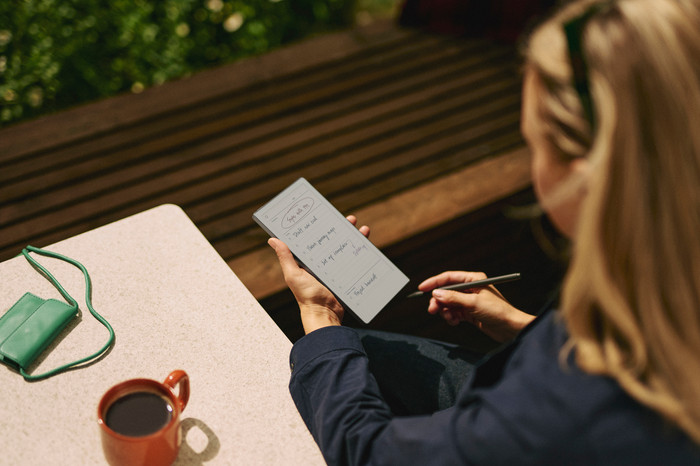
Convenient to take with you The Paper Pro Move's screen is small, but large enough to read everything comfortably. Its small size makes it easy to take with me anywhere. It fits in my pocket, but also in a small bag. This ensures I always have my notes at hand. The screen is much smaller than the Paper Pro, which means I have a bit less disk space.
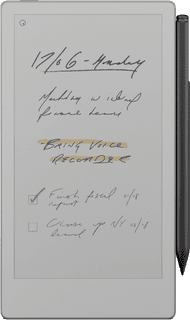
Various templates for my notes There are various templates you can use for your notes. You can choose from lined paper, dotted paper, to-do lists, and much more. This allows me to choose the right template for every situation.
Dounia. Digitale Notitieblokken Specialist.
17 February 2026
Automatically translated from Dutch
The reMarkable Paper Pro Move is a small digital notebook that I can easily take with me anywhere. The bright screen lets me view my notes and annotations in color.
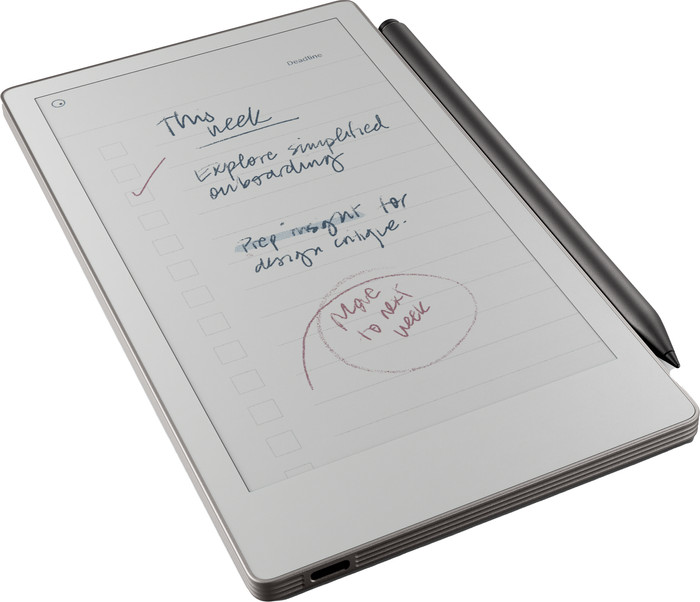
Bright and colorful screen I find the Paper Pro Move has a bright and pleasant screen for reading documents or notes. The notes I take appear quickly on the screen, and the included stylus writes smoothly. With the stylus, it really feels like I'm writing on paper. The documents I open are clearly visible, and the colors match the documents I view on my laptop.
Backlight I also like to work in the evening. I find that this isn't a problem with the Paper Pro Move. Thanks to the adjustable backlight, I can work on my documents even in a dark room. Moreover, the screen is easy to read in bright sunlight.
Convenient to take with you The Paper Pro Move's screen is small, but large enough to read everything comfortably. Its small size makes it easy to take with me anywhere. It fits in my pocket, but also in a small bag. This ensures I always have my notes at hand. The screen is much smaller than the Paper Pro, which means I have a bit less disk space.
Various templates for my notes There are various templates you can use for your notes. You can choose from lined paper, dotted paper, to-do lists, and much more. This allows me to choose the right template for every situation.
Dounia. Digitale Notitieblokken specialist.
12 February 2026
Automatically translated from Dutch
Unfortunately, I returned this one. I have the Remarkable Pro and am very happy with it. The Move works the same, but the size was just too awkward: the Pro documents simply didn't fit properly on the Move, which was very annoying. Because it also doesn't scroll easily, it was simply not usable. And especially for the price, I expect more user-friendliness.
Nicole
12 October 2025
Automatically translated from Dutch
Receive more coverage in case of damage than with your standard warranty. Coolblue takes care of everything: from taking out the insurance to repairs. Is a repair not possible? You receive the purchase price as CoolblueCredit.
XCover is allowed to arrange and process insurances on behalf of the insurer. The insurances are governed by Belgium law. If you have a complaint, you can contact the or our customer service.
First, add your digital notepad to your shopping cart. On the next page, choose one of the Protection Plans below. You always have a 30-day return window and pay no deductible in case of damage or theft.
The insurance can be canceled every year, even if you have paid in advance. If you cancel earlier, you will receive a refund for the overpaid amount.
Product number | 968096 | |
|---|---|---|
Manufacturer code | RM89A-1000NW | |
Brand | reMarkable | |
Warranty | 2 years | |
Processing of your defect | Carry-in warranty |
Color | Gray | |
|---|---|---|
Height | 19,56 cm | |
Width | 10,78 cm | |
Depth | 1 cm | |
Weight | 248 g | |
Material | Metal |
Operating system | Brand-specific | |
|---|---|---|
Supported and protected file formats | ePub | |
Text file format | DOC, JPEG, PDF, PNG, ePub | |
Suitable for model | reMarkable Paper Pro Move | |
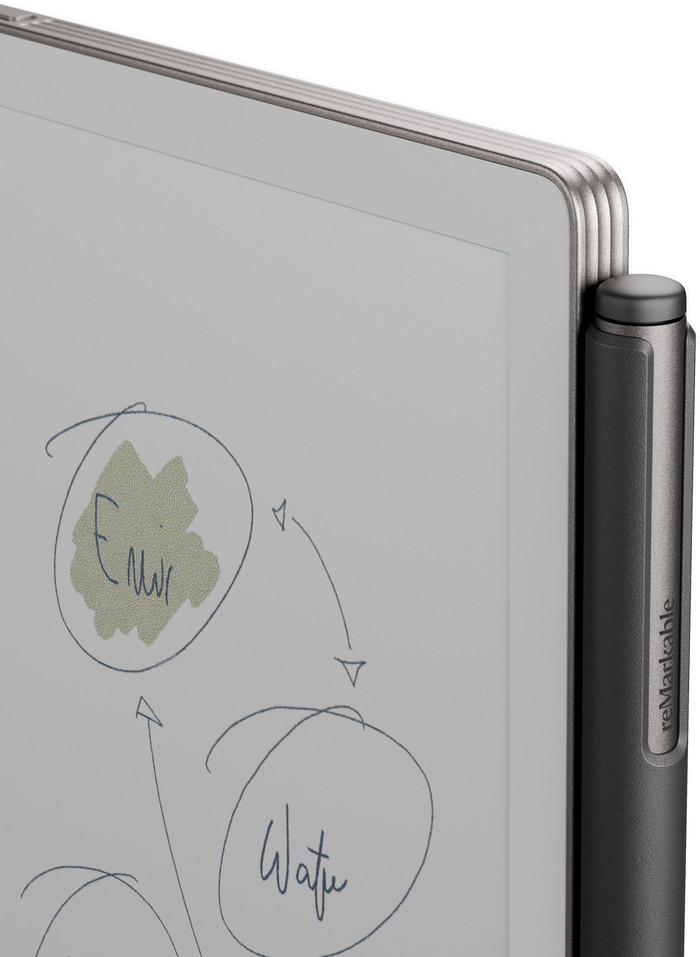
Photo file format | JPEG, PNG | |
eBook store integrated | ||
Controls | Touchscreen | |
Text-to-Speech function | ||
Connect with stylus | ||
Web browser | ||
Operating system language | English, German | |
Dictionary |
Screen size | 7,3 inches | |
|---|---|---|
Resolution height | 1696 pixels | |
Resolution width | 954 pixels | |
Pixel density | 264 ppi | |
Touchscreen | ||
Color screen | ||
Backlit screen | ||
Screen type | Electronic Ink | |
Blue light filter |
Total storage capacity | 64 GB | |
|---|---|---|
Internal RAM | 2000 MB |
Built-in WiFi |
|---|
Included by default | Stylus, USB cable |
|---|
Standby time | 12 m | |
|---|---|---|
USB port | ||
Type of USB port | USB-C |