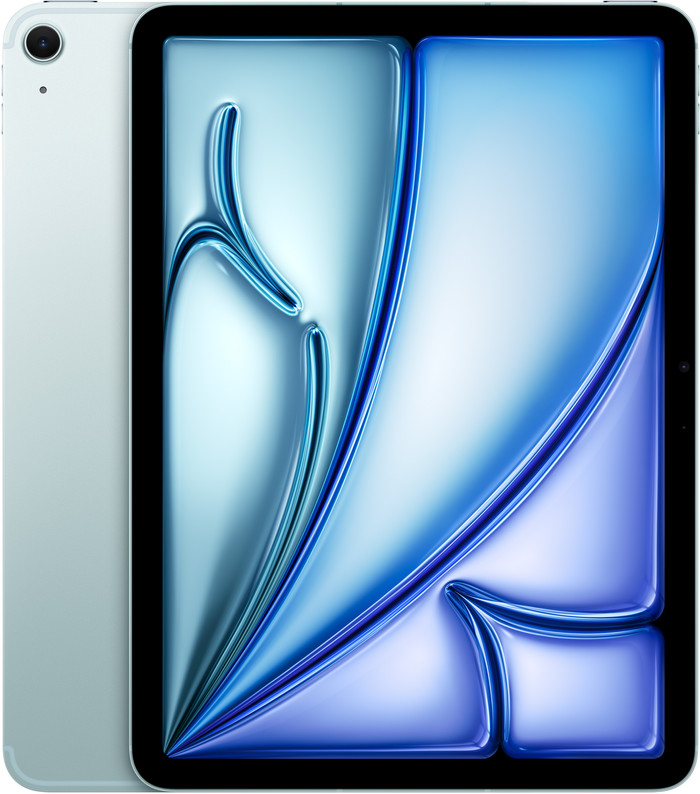
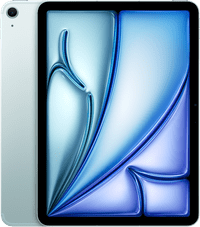
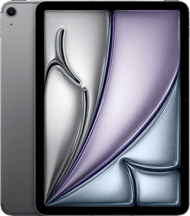
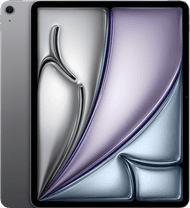
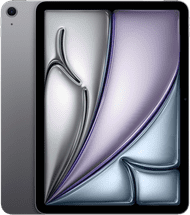
The Apple iPad Air (2026) is a nice, lightweight iPad with a fast processor. With it, I open most apps and games without any problems. Unfortunately, no charger or accessories are included with my iPad, meaning I am not getting the most out of the iPad Air.
The same beautiful design and screen
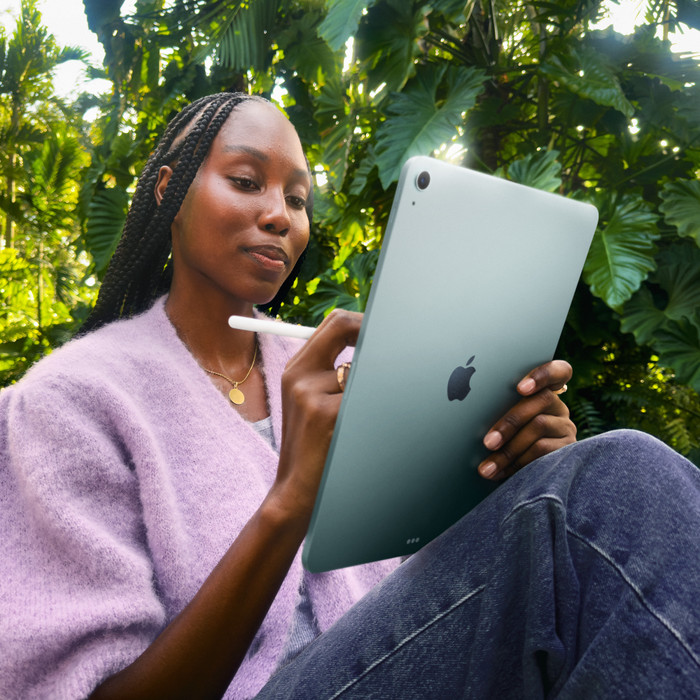
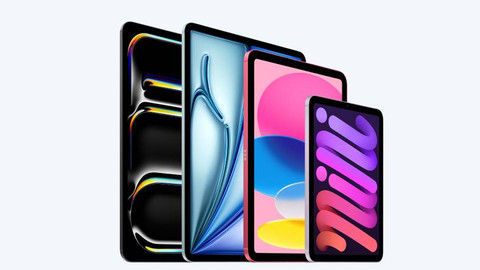
Just like the previous generation iPad, the Apple iPad Air (2026) features a Liquid Retina display. I certainly cannot complain about that: the screen is very sharp, so even small details in movies and series are clearly visible. Colors also stand out beautifully, and the screen is bright. However, the screen is less bright and sharp than the screen of the iPad Pro. I am testing the iPad Air (2026) with an 11-inch screen. Due to the small screen, I can easily carry this model in my bag. However, this means I see less of my apps and games. That makes this small screen less suitable for graphic tasks such as photo editing.
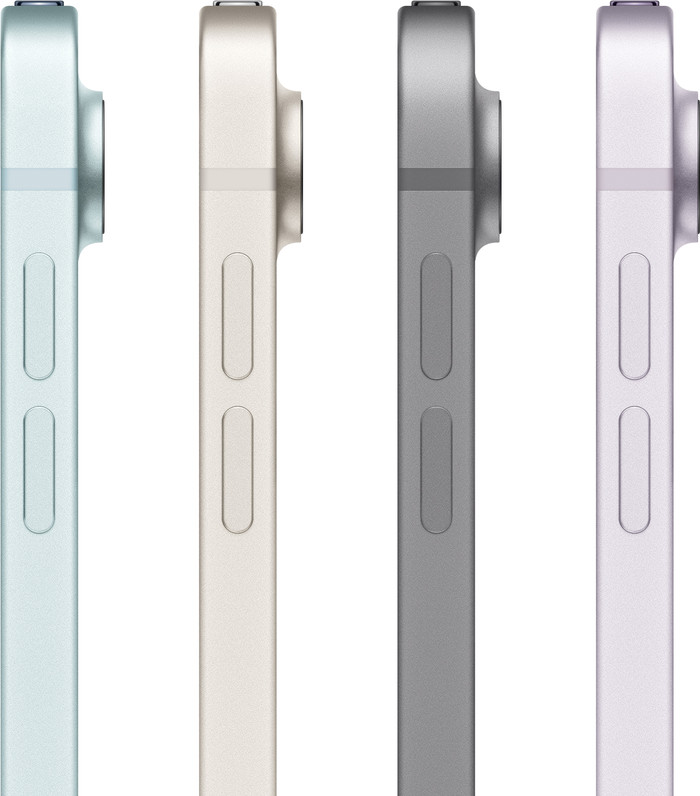
In terms of design, I find no major surprises with the Apple iPad Air (2026). After all, this new iPad looks the same as its predecessor.
Fast processor for most apps
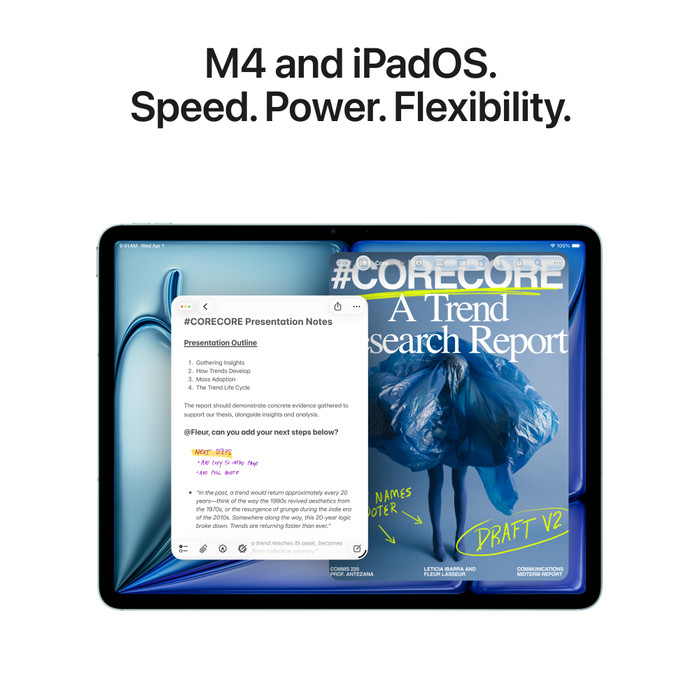
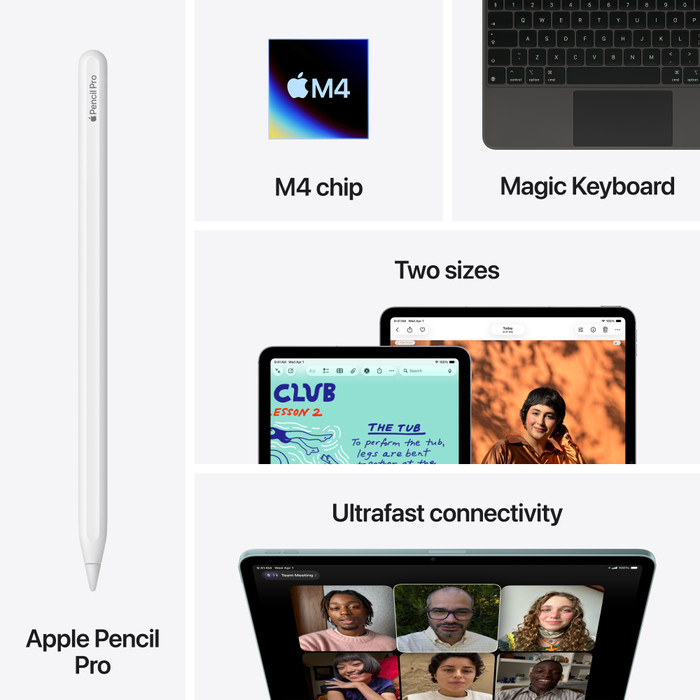
The biggest change with the iPad Air (2026) is on the inside: this model features a powerful Apple M4 processor. I notice this immediately when I use the iPad. All my apps open quickly, and my iPad handles large games with ease. For instance, I play one of my favorite games, Unpacking, smoothly and without any lag. I also use the iPad Air to plan my next vacation. I take notes, open several tabs in Safari, and watch videos on YouTube. I use my favorite AI model to work out my plans and create an itinerary. Afterward, I organize everything into clear spreadsheets in the Numbers app, Apple's version of Excel. I do all of this without any problems. I therefore think that the iPad Air (2026) is powerful enough for students or for business use.
Delivered without accessories
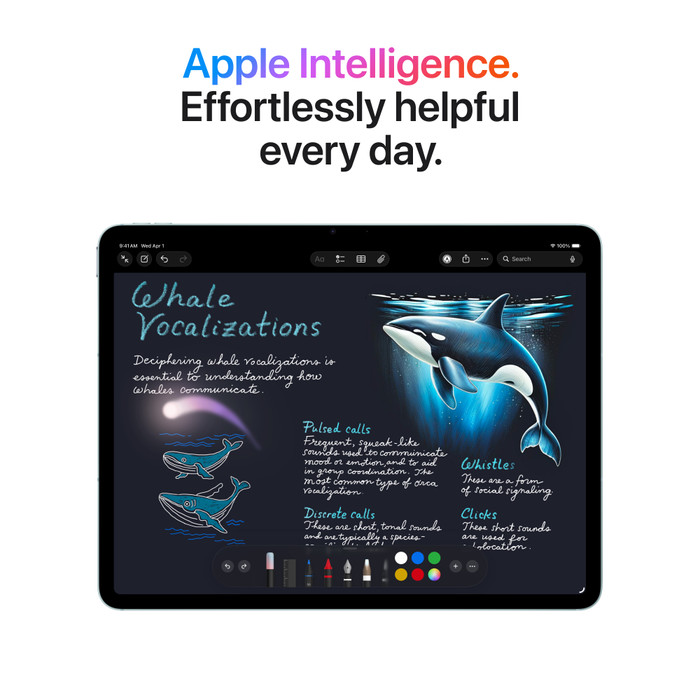
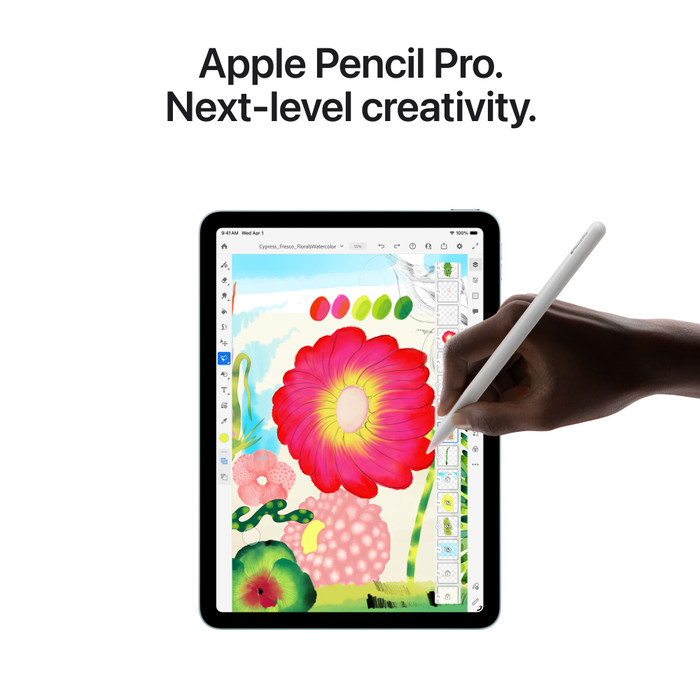
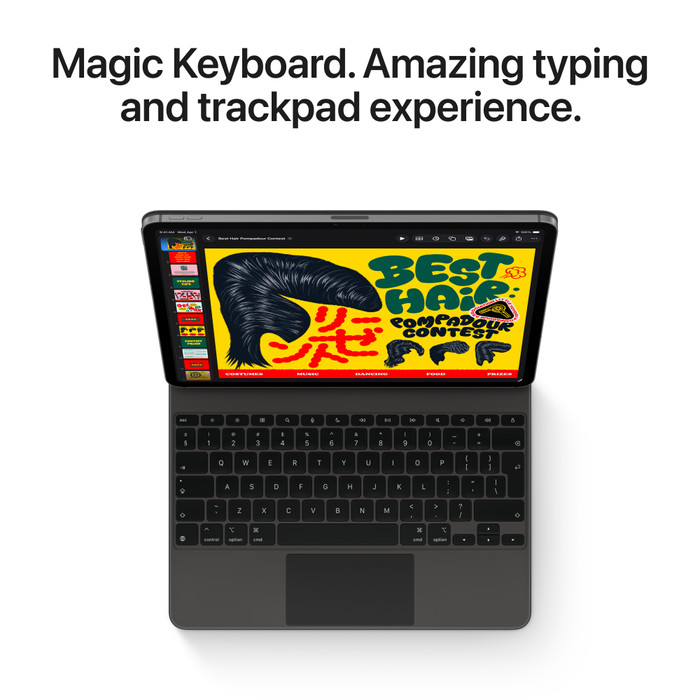
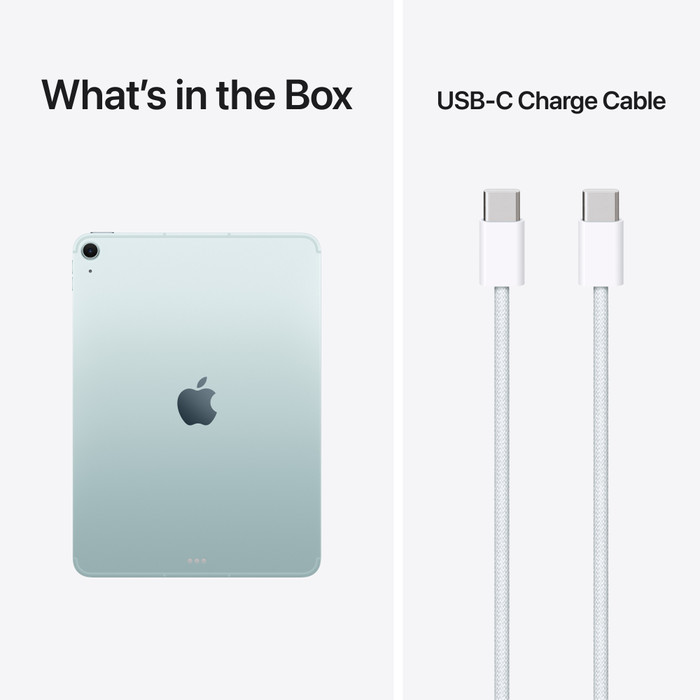
Apart from the iPad Air, I don't find much in the box. Besides the manual, I only receive a charging cable. Handy, but without an adapter, I cannot charge my iPad Air immediately. I therefore arrange for one myself. Furthermore, I don't get a stylus or keyboard with the iPad Air (2026), so I'm not getting the most out of my iPad. If you want to take notes comfortably or type long texts, I would definitely recommend these accessories.