Don't have an account yet? Start here
Product number | 978136 | |
|---|---|---|
Manufacturer code | CP.RN.00000531.01 | |
Brand | DJI | |
Warranty | 2 years | |
Processing of your defect | Via Coolblue |
Microphone model | Tie Clip Microphone (mono) | |
|---|---|---|
Directional characteristic | Omnidirectional | |
Transducer | Dynamic | |
Microphone suitable for | Camcorder, Mirrorless camera, Professional video camera, Single-lens reflex camera, Smartphone, Sportsscam, Voice recorder, iPad, iPhone | |
Zoom microphone | ||
Microphone recording type | Mono, Omnidirectional , Stereo |
Frequency range | 20 - 100 Hz | |
|---|---|---|
Impedance | 0,1 - 32 O | |
Microphone sensitivity | 120 dB |
Type of microphone connection | USB-C |
|---|
Width | 2,8 cm | |
|---|---|---|
Depth | 2,85 cm | |
Height | 1,35 cm | |
Weight | 0,011 kg | |
Color | Black | |
Material | Plastic |
Power supply type | Rechargeable battery, Via a different product | |
|---|---|---|
Type of battery | Specific battery | |
Battery charging time | 1,16 hour | |
Number of batteries included | 1 | |
Battery technology | Lithium-ion | |
Battery / battery voltage | 3,87 V | |
Battery/battery capacity | 0,114 Ah |
5 stars
5
4 stars
3
3 stars
0
2 stars
0
1 star
0
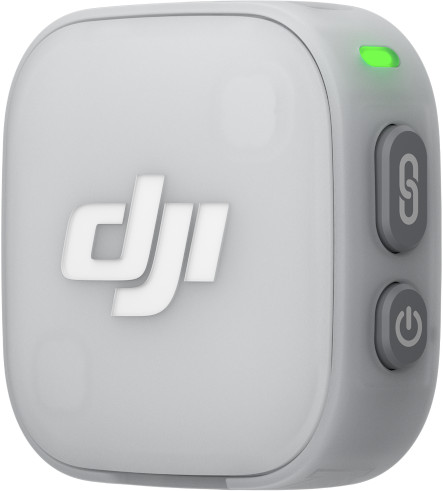
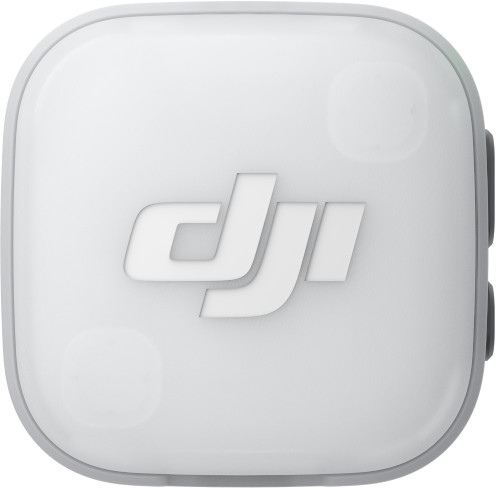
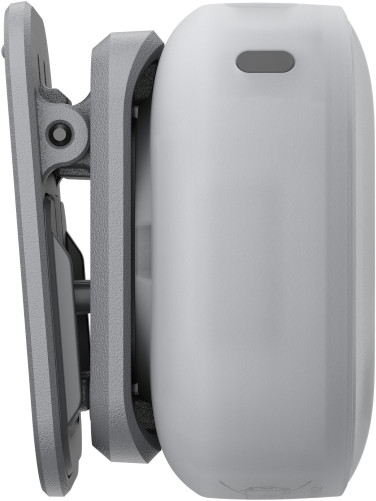
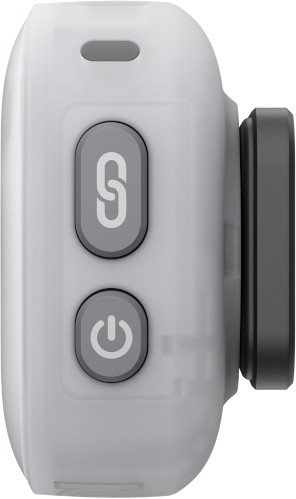
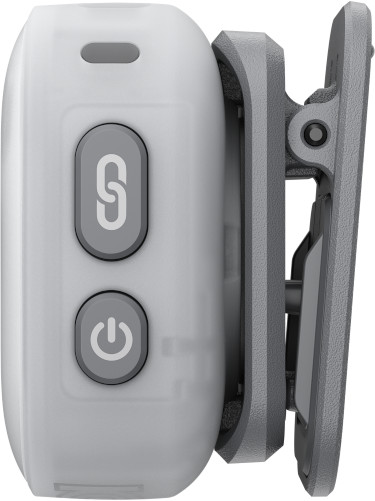
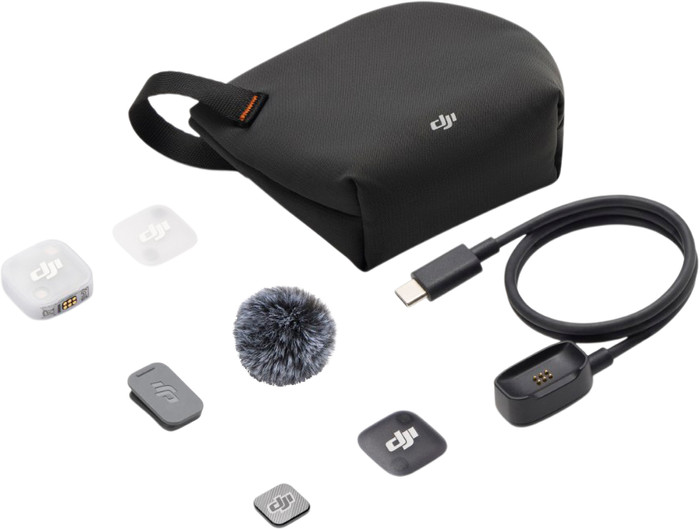
The DJI Mic Mini 2 is a small wireless microphone with interchangeable covers, clear sound, noise cancellation, and voice presets via the Mimo app. It works as a smartphone, desktop, and camera microphone. When used as a clip-on, the microphone stands out more due to its white housing.
User-friendly
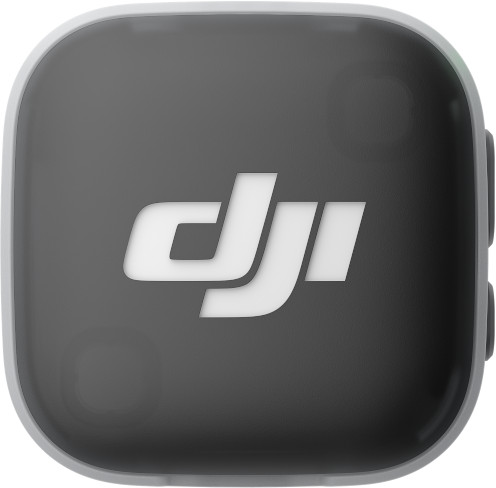
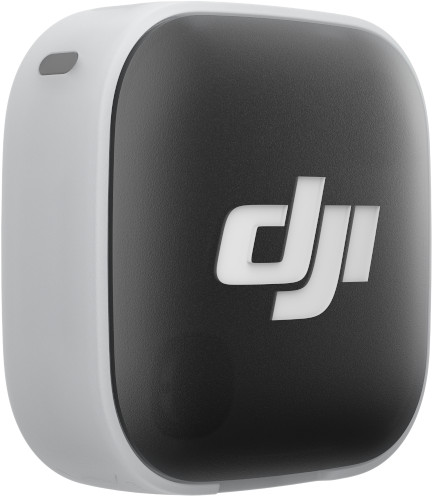
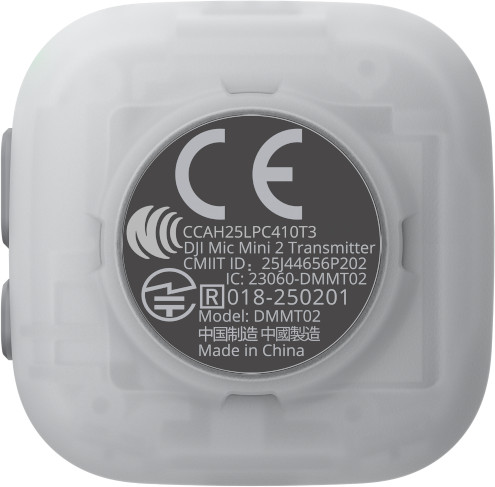
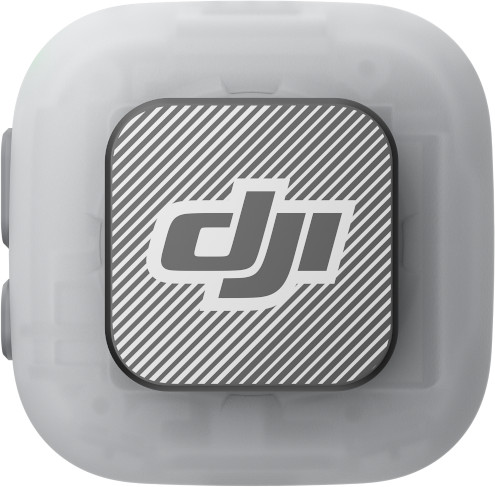
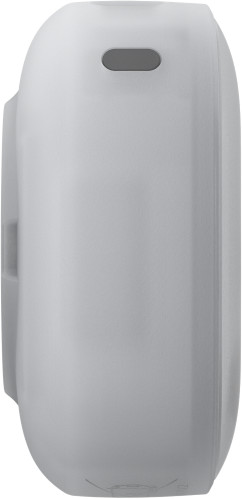
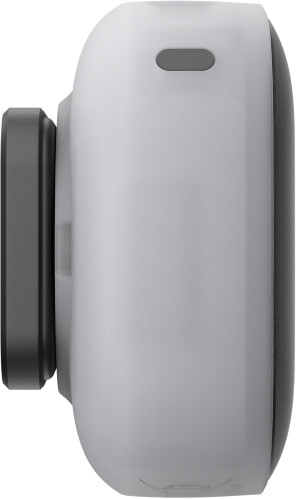
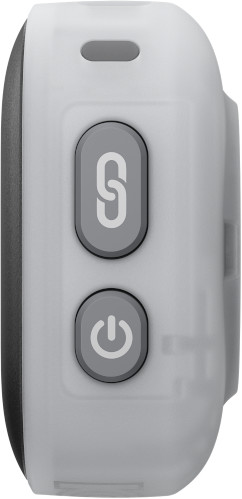
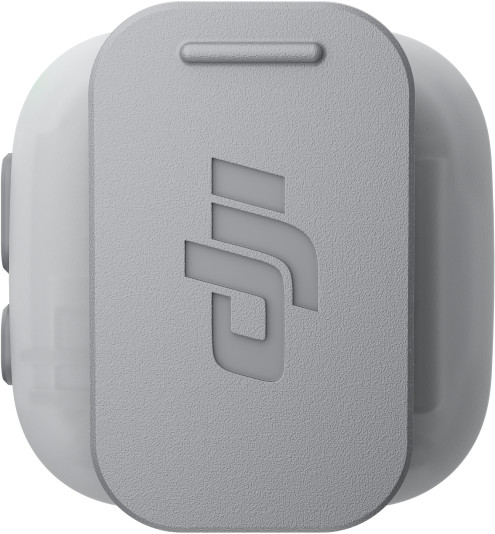
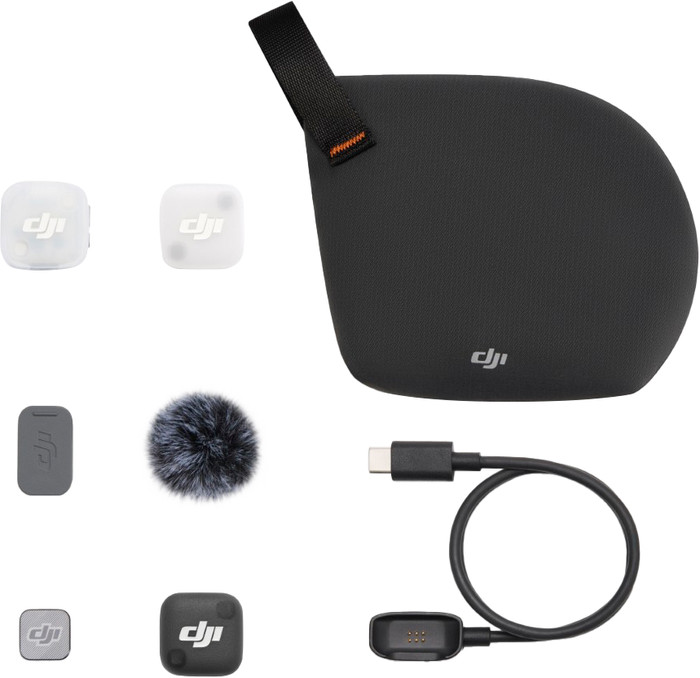
I tested the DJI Mic Mini 2 + Charging Case set. This set includes 2 small microphones, one receiver, the charging case, colorful magnetic covers, windscreens, and a storage bag. The microphones weigh only 11 grams and are slightly larger than a 2 euro coin. I easily store them in the charging case with the windscreen. It fits in my jacket pocket, so I can easily take the set with me. I find that handy for recording on the go. The microphones also come pre-paired out of the box. This allows me to start recording immediately. I find the controls very user-friendly: with a single button, I can adjust the volume, mute the microphone, or start recording. I connect the USB-C receiver to my smartphone, tablet, and computer and start recording right away. I also automatically connect it via Bluetooth to DJI Osmo devices such as the Osmo Pocket 4 or Osmo Action 6. The Mic Mini 2 has a white housing and comes out of the box with white covers, but I also attach colored covers in colors such as green, yellow, blue, orange, or purple. This gives my microphone a cheerful look that matches my clothing. For a neutral look, I attach the black cover to the transmitter. However, the sides of the transmitter remain white in this case. If you wear dark clothing, these will always stand out.
Noise cancelling
The Mic Mini 2 has 2 types of noise cancelling: Basic and Strong. I use Basic for indoor recordings and quiet situations. For recordings outdoors or in busy environments, I choose Strong. I tested this microphone on a windy day. Using the Mimo app, I turn on Strong mode and record a short voice message. My voice sounds clear, and I don't notice any voice distortion. I remain clearly audible, even when the wind picks up. Without noise cancelling, I can clearly hear the wind in my recording and am less intelligible. The noise cancelling saves me a lot of time on location, because I don't have to redo the recording.
Automatic voice presets with the Mimo app
In the Mimo app, I choose from 3 voice presets: Regular, Rich, and Bright. With these handy presets, I can quickly adjust the sound to my environment. The bass, midtones, and treble are already set for each usage situation. Outdoors, I use the Bright preset, which emphasizes the high tones and makes my voice clearer in environments with background noise. This means fewer adjustments are needed in post-production. For an indoor recording, such as an interview in a quiet location, I prefer the Rich preset. This gives my voice a warmer and fuller sound. If I want even more control, I adjust the sound further in the Mimo app.
Laura. Microfoonspecialist.
7 May 2026
Automatically translated from Nederlands
Once the system is paired, these are nice microphones to work with. Connecting a single microphone via Bluetooth is very simple. However, when you use the receiver to use two microphones, it becomes a different story.
On my Samsung Galaxy, I had to use Developer Settings to ensure my phone didn't immediately block audio devices. Next, you download an app from DJI that ensures the microphone connects. After that, you need a good app that can actually work with two microphones. I currently use USB Audio Recorder Pro. This app registers the receiver immediately (provided you have completed the other steps) and makes good recordings for podcasts. It takes a bit of figuring out, but then you can get started quickly.
Job
8 May 2026
Automatically translated from Nederlands
The Diji mic mini 2 is genuinely excellent! The quality is very good and you get a lot included. Such as special color panels that you can put on your transmitters. In short, everything went super well. Last night I was still hesitating about which one to buy, but I ordered it around 11:00 PM, just an hour before the delivery deadline for tomorrow (today). I highly recommend this!
Stepan B
12 May 2026
Automatically translated from Nederlands
32,99
Tie Clip Microphone (mono)
Tie clip microphone
Tie clip microphone, Wireless microphone
Tie clip microphone, Wireless microphone
Tie clip microphone
120 dB
20 dB
120 dB
120 dB
120 dB
Omnidirectional
Omnidirectional
Omnidirectional
Omnidirectional
Omnidirectional
Microphone model | Tie Clip Microphone (mono) | |
|---|---|---|
Directional characteristic | Omnidirectional | |
Type of microphone connection | USB-C | |
Microphone sensitivity | 120 dB |
Current product
32,99
37,99
48,99
49,99
39,99
According to our camera microphone expert
Automatically connected: the microphone automatically connects to DJI cameras.
For USB-C devices: you can easily connect the receiver to the USB-C port on your smartphone or laptop.
Easy to take on a trip: you can easily take this small microphone with you when you travel.
More ambient noise audible: with an omnidirectional microphone, you sometimes hear some ambient noise in your recordings.
32,99
Delivered tomorrow
Delivered tomorrow