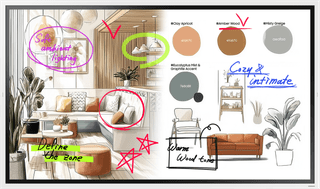
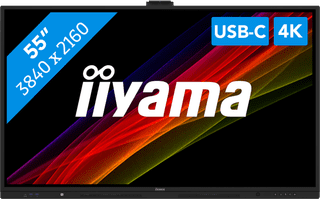
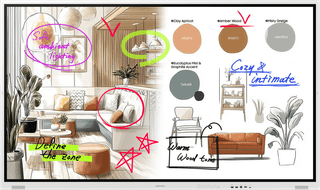
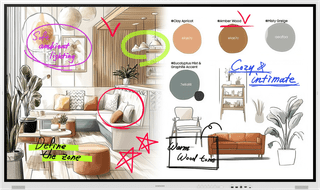
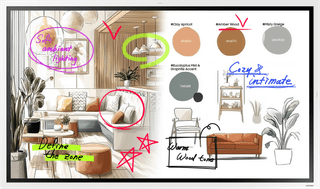
You can use a public display with touchscreen as an interactive presentation screen or as a life-size sketchbook during creative brainstorms. With the included stylus, you can make notes on your PowerPoint slide, for example. This will assist the presentation even more or record important findings. With some public displays, you can write on the screen with up to 4 people at the same time, which is very useful during brainstorming. You can also use the touchscreen screen as an interactive billboard, digital information column, or as a self-service display in a restaurant. Do you choose an infrared touchscreen? The screen will wear out less quickly, because you barely have to push on the screen.
  • How do you choose a public display?
1
Samsung Flip Pro WM55FX
Offertunity
Samsung
Samsung
Samsung Flip Pro WM55FX
55 inches|4K (UHD)|Touchscreen
1.299,-

1.249,-

Delivered tomorrow

2
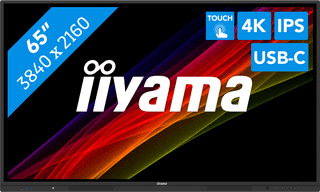
iiyama ProLite TE6513A-B2AG
Iiyama
65 inches|4K (UHD)|Touchscreen
Product Information sheet
Opens in new tab

1.399,-

Delivered tomorrow

3
Samsung Flip Pro WM65FX
Offertunity
Samsung
Samsung
Samsung Flip Pro WM65FX
65 inches|4K (UHD)|Touchscreen
1.599,-

1.549,-

Delivered tomorrow

Affordable Second Chance

from

1.408,-

4
iiyama ProLite TE5513A-B3AG
Iiyama
55 inches|4K (UHD)|Touchscreen
5
Samsung Flip Pro WM75FX
Samsung
Samsung
Samsung Flip Pro WM75FX
75 inches|4K (UHD)|Touchscreen

2.199,-

Delivered tomorrow

6
Samsung Flip Pro WM85FX
Samsung
Samsung
Samsung Flip Pro WM85FX
85 inches|4K (UHD)|Touchscreen

2.699,-

Delivered tomorrow

7
iiyama ProLite TE7512MIS-B4AG
Iiyama
75 inches|4K (UHD)|Touchscreen

1.529,-

No longer available

8
iiyama ProLite TE8613A-B2AG
Iiyama
86 inches|4K (UHD)|Touchscreen

1.899,-

Temporarily sold out

9
iiyama ProLite TE5513A-B2AG
Iiyama
55 inches|4K (UHD)|Touchscreen