Business monitors
Find the business monitor that suits you
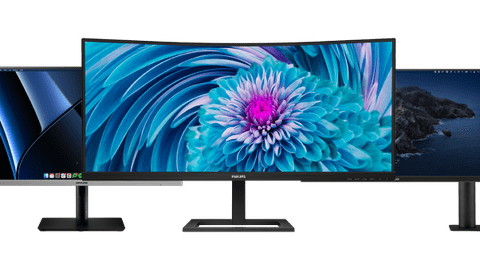
All business monitors
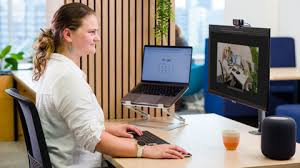
Which monitor do you choose for your home office?
Business monitors per usage situation
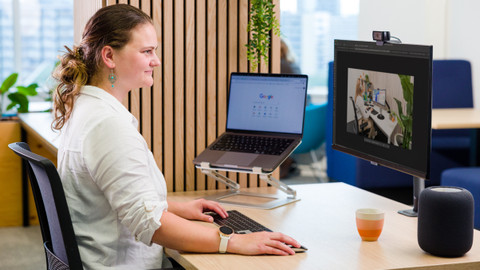
Business monitors for administrative tasks
With business monitors for administrative tasks, you can smoothly work in Excel or Google Sheets.Business monitors for data and finance tasks
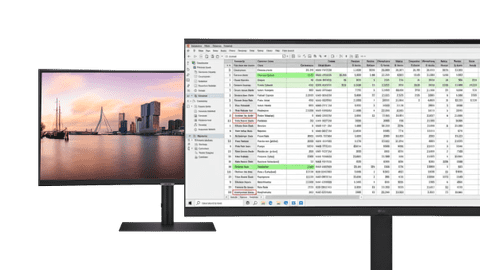
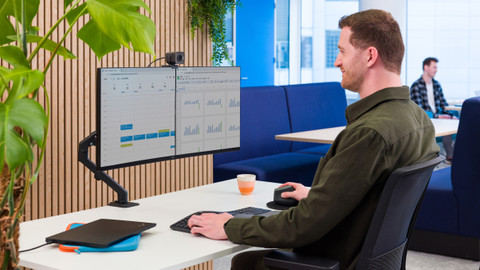
Perform data analyses and work in large spreadsheets with a business monitor for data and finance tasks.Business monitors for photo and video editing
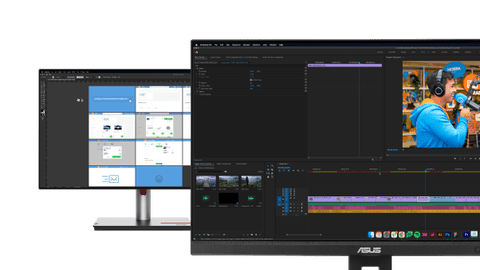
You can edit your photos and videos down to the smallest detail with a business monitor for photo and video editing.
Choose the business monitor for you
Business monitors for a flexible workspace
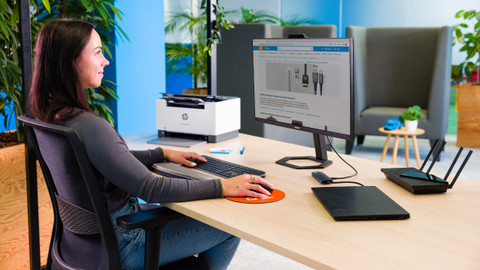
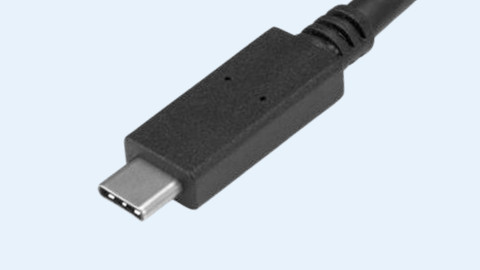
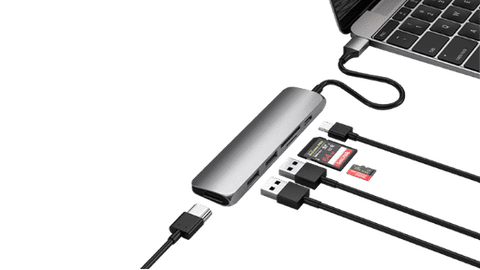
Easily connect your laptop to your business monitor thanks to the built-in USB-C dock.Business monitors for a dual setup
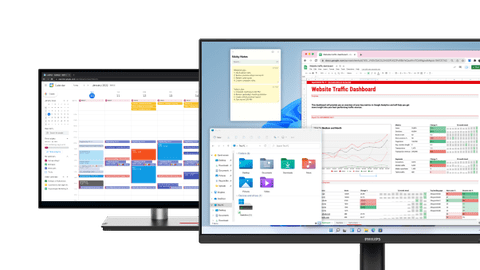
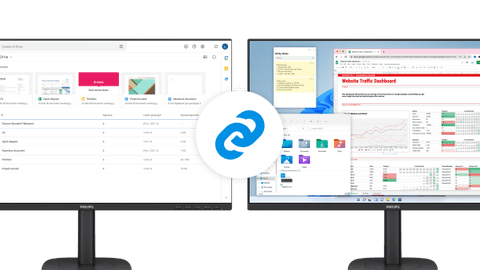
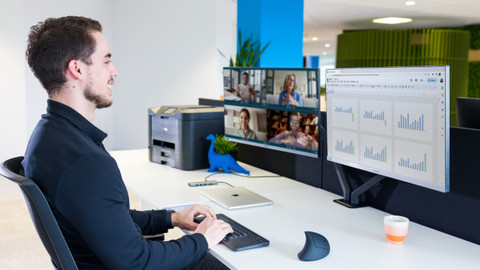
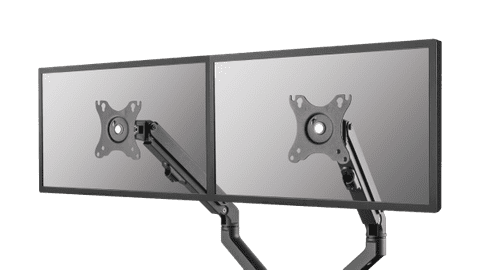
Increase your screen space and keep an overview of your work with a business monitor for a dual setup.Portable monitors
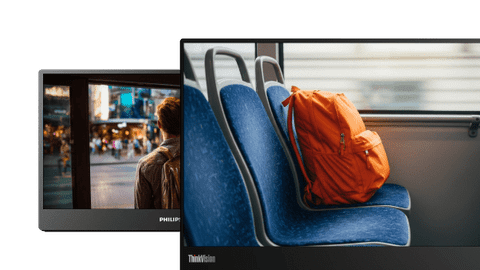
You can easily take a portable monitor on the go to a customer or your office thanks to its convenient size. That way, you can continue working on the go.public display
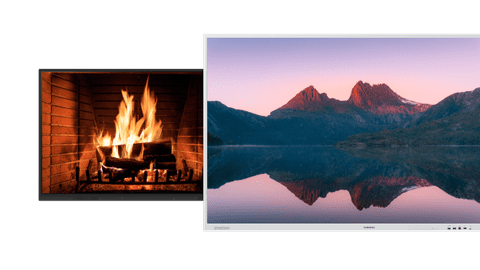
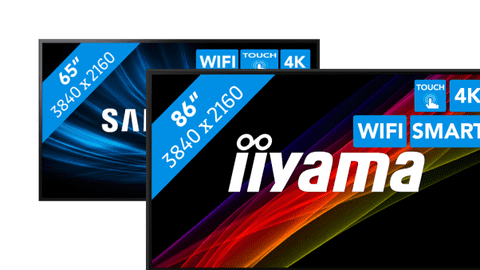
With a public display, you can show presentations, commercials, and other media on a large screen. This helps convey your message.





Complete your workspace
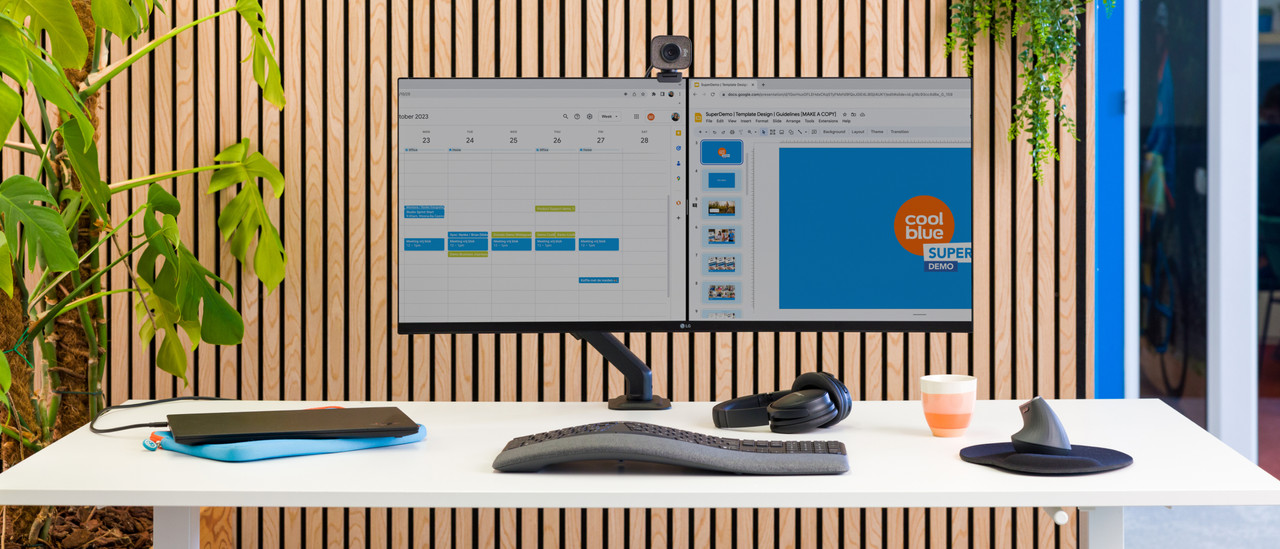
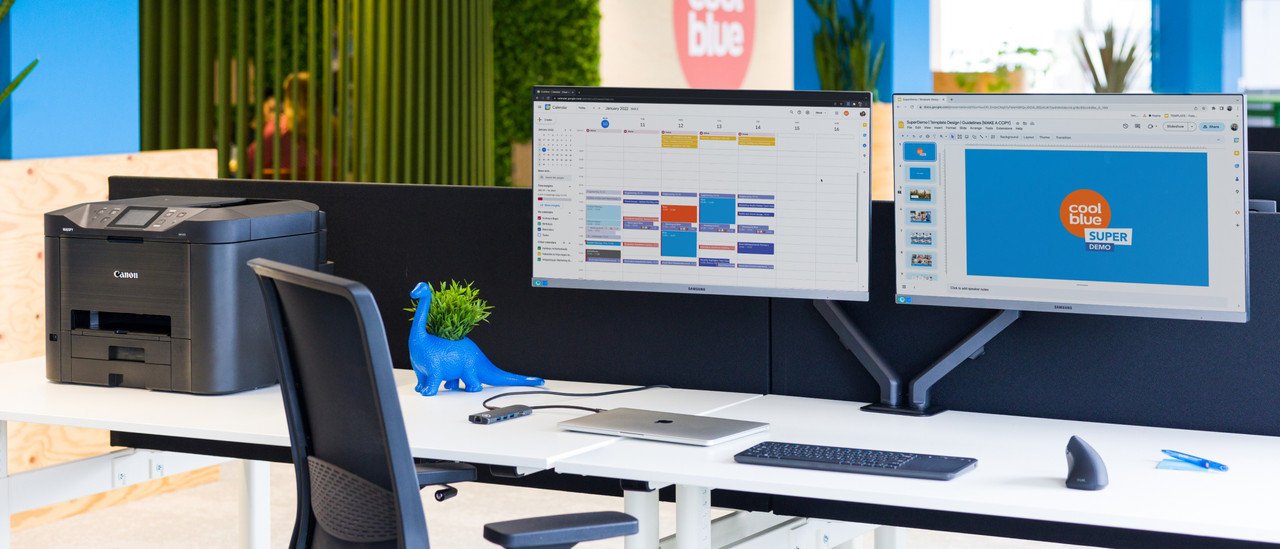
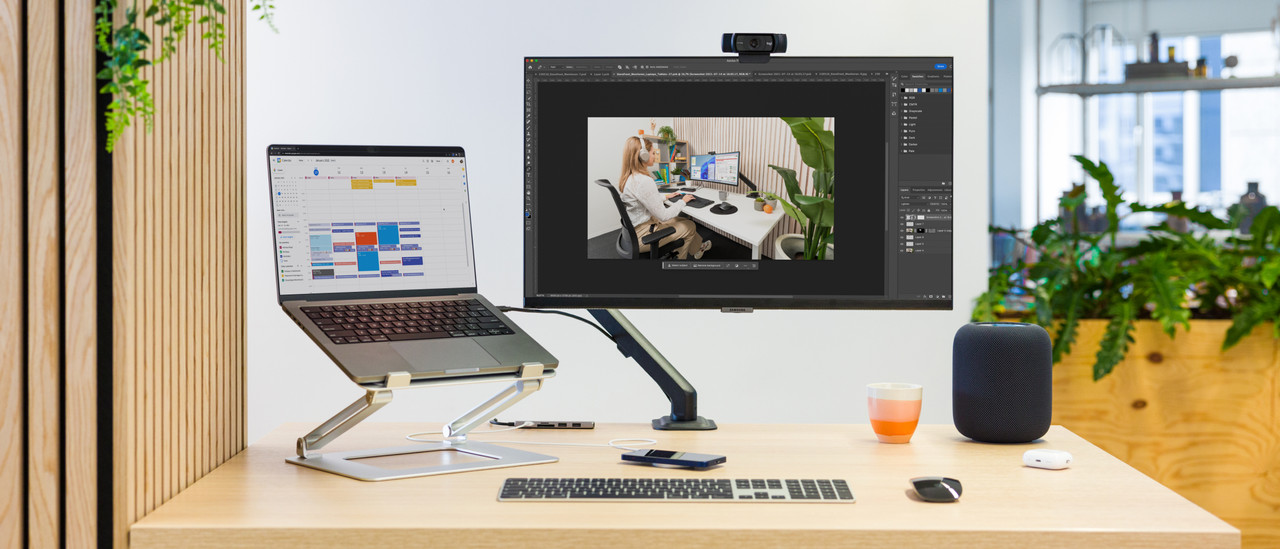
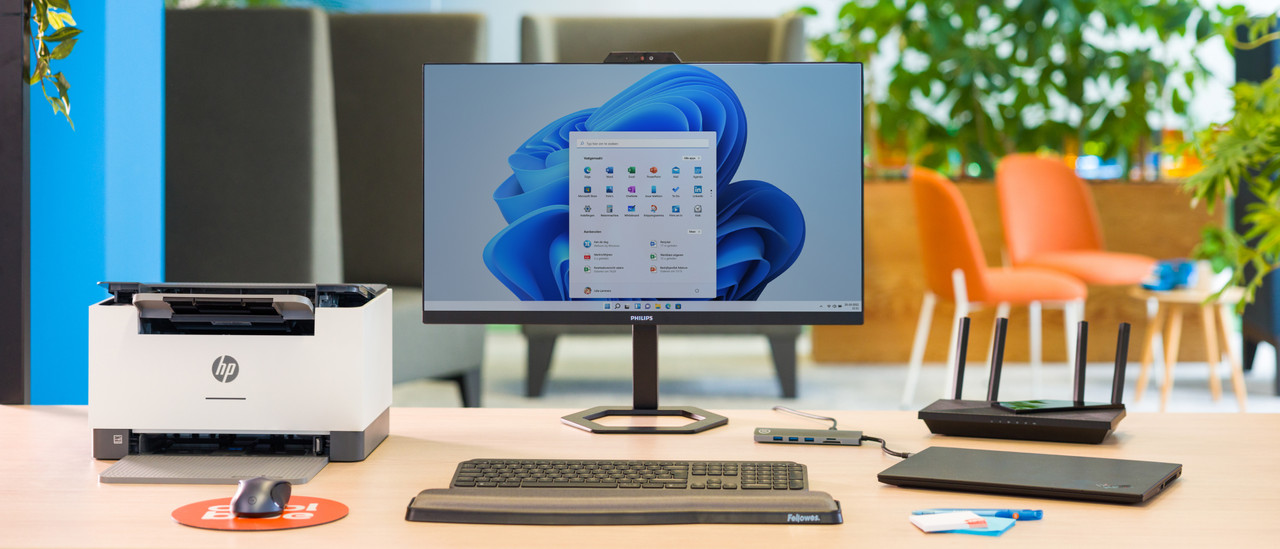
Business monitor segments
Accessories for your workplace
Frequently asked questions
How do you choose the right business monitor?
The choice for a monitor depends on your usage situation. Business photo and video editing need different specifications than text processing or programming. In the following article, we help you to make the right choice.
What's the right connector for my monitor?
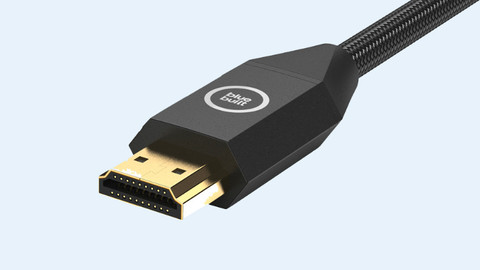
Choose a connector that you can find on your laptop and monitor, such as HDMI or USB-C. The image of your laptop usually appears on the monitor right away. In the following article, we explain this process step by step.
Which resolution do I need for my monitor?
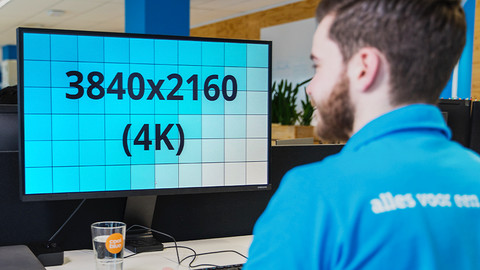
The resolution of your monitor determines more than just how sharp the screen is. The higher the resolution, the more pixels there are on the screen and how more space you can use. In the following article, we explain how the resolution can affect your choice.
What are the advantages of a dual screen setup?
With 2 screens side by side, you double the screen space you can work with. This allows you to open multiple windows and programs next to each other, without switching tabs. In this article, we explain more advantages.
How do I set up my home office?
The setup of your workplace is very important for how efficiently you can work. Is your monitor on eye level? Do you have enough space for your accessories? We're happy to help you get started.
Advice on Business monitors
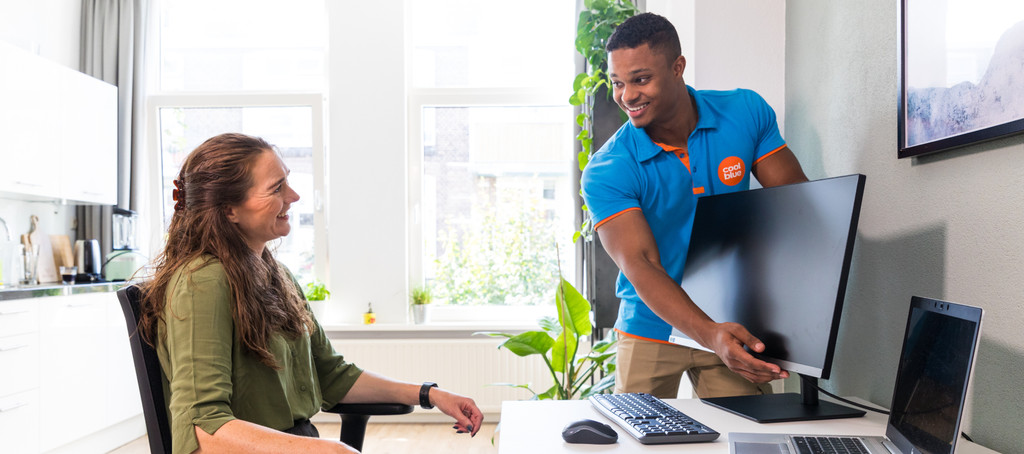
Can't choose? View the advice from our expert.