Welcome to your environment! You can order everything from your assortment with your personal budget here.

You can always return to the normal Coolblue website by clicking here.

Your outstanding budget (incl. VAT) is always visible here, so you know exactly how much you can spend.

Coolblue home

Help with your product

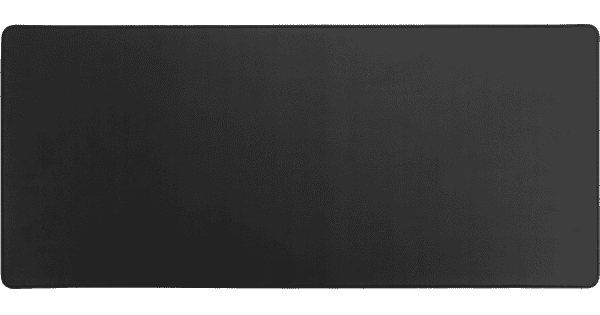
Steelseries Apex 5 AZERTY + BlueBuilt Gaming Mouse Pad XL

Get everything you need for your gaming setup with the CORSAIR K55 Pro Gaming Keyboard and BlueBuilt Gaming Mouse Pad XL. You'll have an extra large mouse pad to put your new gaming keyboard on right away. This Apex 5 has an LCD screen on the keyboard, which allows you to navigate through the settings easily. As a result, you can quickly adjust the settings while you play games. This gaming keyboard also has SteelSeries hybrid blue switches. This switch offers haptic feedback. You also hear a click when you press a key. That way, you always know when your key is being registered. A wrist rest is included for extra comfort, which is attached to the keyboard via magnets. The RGB lighting allows you to hit the right keys when you're in a dark room. That way, you can game in the dark without a problem too.

Read all tips here

How do I use my keyboard and mouse for the PS5?

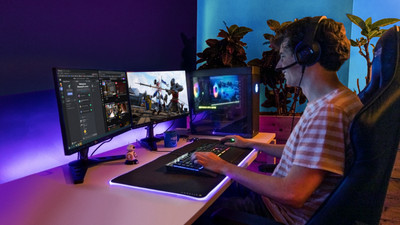
You can connect a gaming headset to your PlayStation 5, as well as a mouse and keyboard. This is a great solution when you're more of a PC gamer with a mouse and keyboard, because aiming is more difficult with a PS5 controller. In this article, we'll explain how to connect a mouse and keyboard to your PlayStation 5.

How do I clean my keyboard?

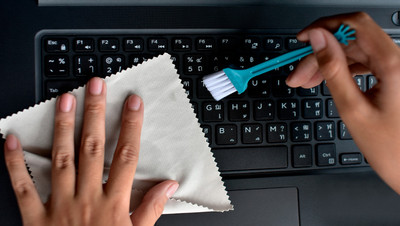
Cleaning your keyboard isn't one of the most fun chores, but if your fingers stick to your keyboard, you'll have to face the music. In this article, I'll explain how to clean a separate keyboard, and you'll read how to clean the keyboard of your laptop.

How do I use my keyboard and mouse for the PS5?

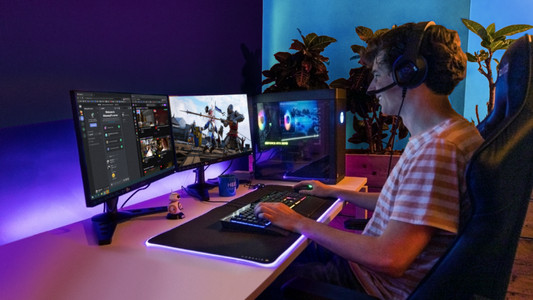
You can connect a gaming headset to your PlayStation 5, as well as a mouse and keyboard. This is a great solution when you're more of a PC gamer with a mouse and keyboard, because aiming is more difficult with a PS5 controller. In this article, we'll explain how to connect a mouse and keyboard to your PlayStation 5.

How do I clean my keyboard?

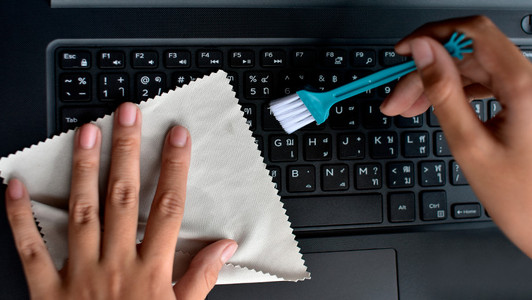
Cleaning your keyboard isn't one of the most fun chores, but if your fingers stick to your keyboard, you'll have to face the music. In this article, I'll explain how to clean a separate keyboard, and you'll read how to clean the keyboard of your laptop.

Didn't find your answer?

Find an answer to your question quickly and easily via our customer service.

Coolblue specialist
Personal chat Digitalk.
You're now chatting with Coolblue customer service
This chat is closed
foo
Oeps File size is larger than 5MB. Upload a smaller file.