Welcome to your environment! You can order everything from your assortment with your personal budget here.

You can always return to the normal Coolblue website by clicking here.

Your outstanding budget (incl. VAT) is always visible here, so you know exactly how much you can spend.

Coolblue home

Help with your product

Thrustmaster T300 RS GT + Project Motor Racing PS5
0 reviews

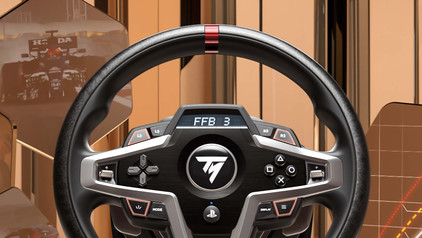
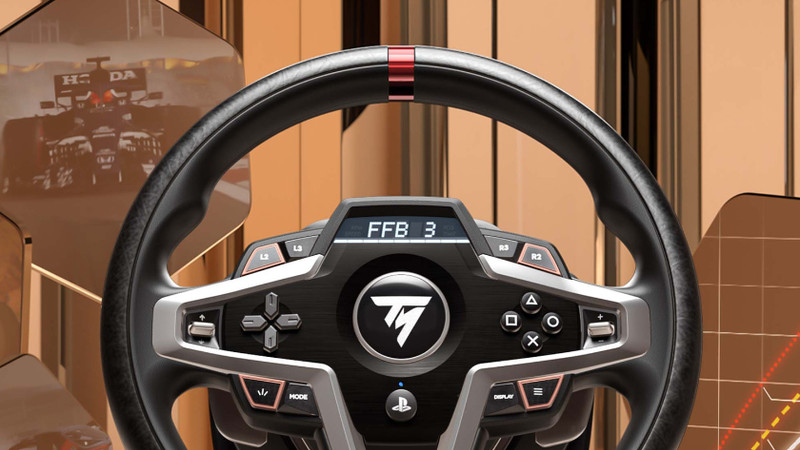
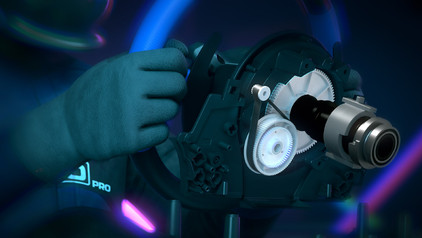
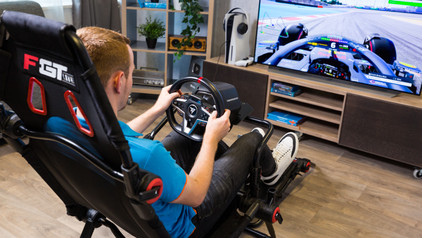
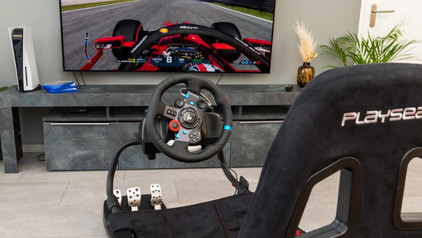
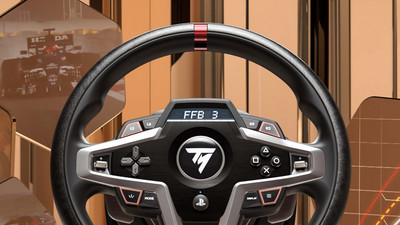
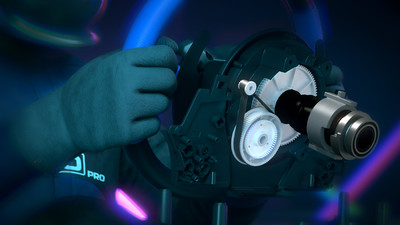
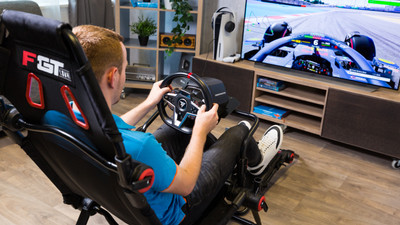
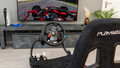
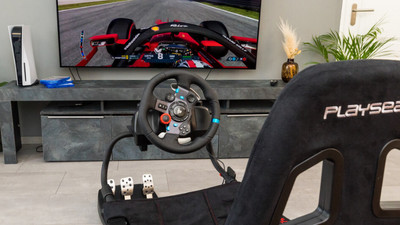
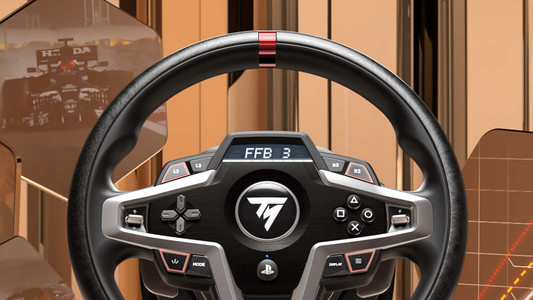
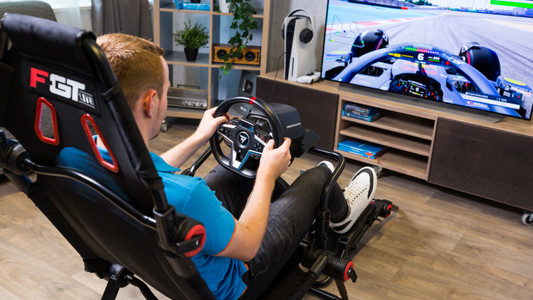
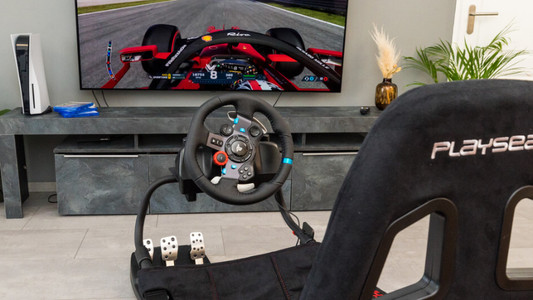
Replace your controller with a racing wheel and race through corners in style with this Thrustmaster T300 RS GT + Project Motor Racing PS5 bundle. This bundle includes a racing wheel and a racing games, so you can get started right away. The Thrustmaster T300 RS GT racing wheel has an improved brushless motor. This means that the motor is more silent and the force feedback smoother. With a 1080-degree maximum rotation angle, the steering wheel measures your movements accurately. For example, you can correct your car on a bad road. The magnetic sensor in the steering wheel ensures the most precise movements. You can adjust the pedals to your liking, so you can always race comfortably. The steering wheel is also detachable, so you can drive with a realistic Formula 1 steering wheel, for example.

Read all tips here

Which product do you want to see articles about?

How do I calibrate my Thrustmaster racing wheel?

Racing with a steering wheel is awesome, but everything must respond exactly to what you do with your steering wheel. In this article, we'll explain how to calibrate your Thrustmaster steering wheel and we'll give you some useful tips to prevent calibration problems.


How do you update the drivers of your Thrustmaster racing wheel?

The manufacturer of a racing wheel, Thrustmaster in this case, updates the racing wheel programs on a regular basis. The drivers ensure your racing wheel continues to work properly. Your force feedback stays up to date, for example. You can update the drivers of your racing wheel automatically or manually. In this article, we'll explain how to do this step by step.

How do I calibrate my Thrustmaster racing wheel?

Racing with a steering wheel is awesome, but everything must respond exactly to what you do with your steering wheel. In this article, we'll explain how to calibrate your Thrustmaster steering wheel and we'll give you some useful tips to prevent calibration problems.

How do you update the drivers of your Thrustmaster racing wheel?

The manufacturer of a racing wheel, Thrustmaster in this case, updates the racing wheel programs on a regular basis. The drivers ensure your racing wheel continues to work properly. Your force feedback stays up to date, for example. You can update the drivers of your racing wheel automatically or manually. In this article, we'll explain how to do this step by step.

How do I expand my Thrustmaster race set?

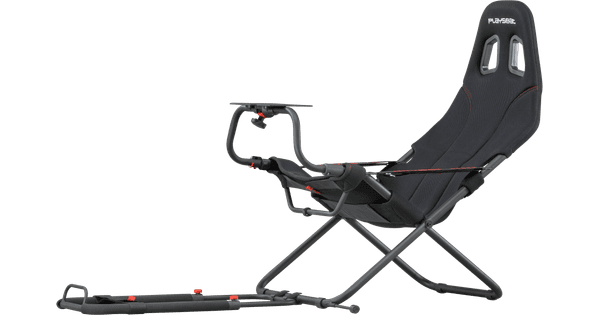
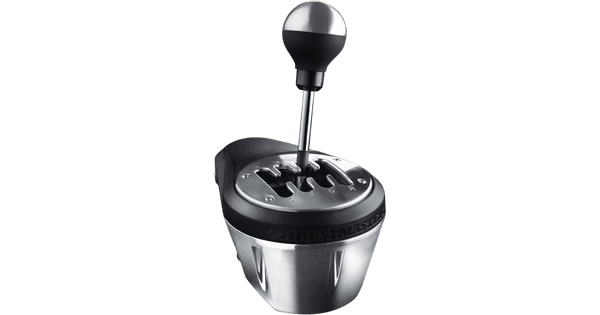
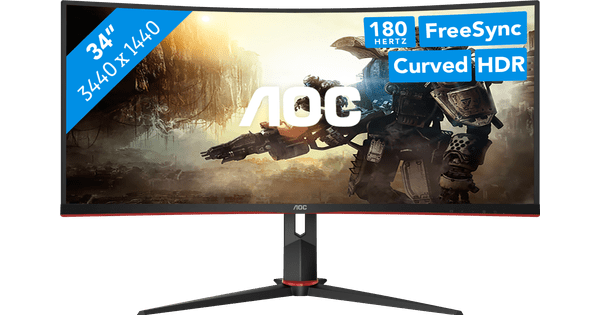
You can complete your Thrustmaster racing setup with the accessories on this page. There are bundles so you can get started with your own Thrustmaster cockpit, for example. There are also separate accessories like racing wheels, pedals, or shifter. We'll explain how you can expand your Thrustmaster racing setup.

How do you become a better sim racer?

Sim racing is very popular, no matter if you want to be the best sim racer in the world, or if you want to share the best in-game moments with your friends. But how do you become a better sim racer? You need certain equipment, the right settings, and dedication. In this article, we'll explain what to do to become a better sim racer.

How do you become a better sim racer?

Sim racing is very popular, no matter if you want to be the best sim racer in the world, or if you want to share the best in-game moments with your friends. But how do you become a better sim racer? You need certain equipment, the right settings, and dedication. In this article, we'll explain what to do to become a better sim racer.

Didn't find your answer?

Find an answer to your question quickly and easily via our customer service.

Coolblue specialist
Personal chat Digitalk.
You're now chatting with Coolblue customer service
This chat is closed
foo
Oeps File size is larger than 5MB. Upload a smaller file.