Welcome to your environment! You can order everything from your assortment with your personal budget here.

You can always return to the normal Coolblue website by clicking here.

Your outstanding budget (incl. VAT) is always visible here, so you know exactly how much you can spend.

Coolblue home

Help with your product

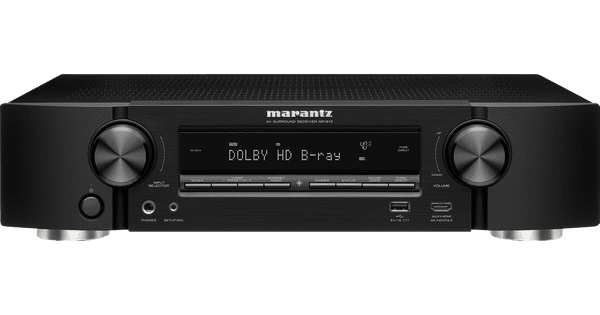
Polk Audio Monitor XT20 Home Cinema Set + Denon AVR-X1800H Receiver
0 reviews

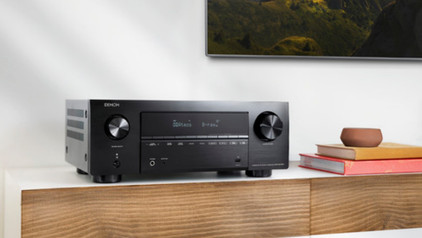
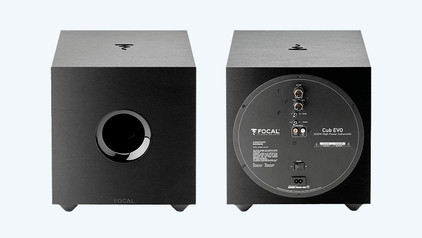
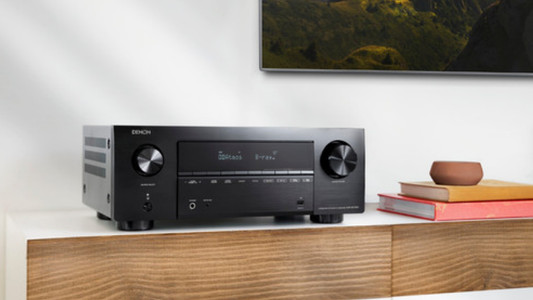
Enjoy movie theater-worthy sound right away with the Polk Audio Monitor XT20 Home Cinema Set + Denon AVR-X1800H Receiver. You can connect the speakers to the receiver and enjoy your favorite music right away. Place the center speaker in front of you and the HiFi speakers behind you to create a surround sound setup. This lets you enjoy sound that completely surrounds you. The center speaker and HiFi speakers have a frequency range of up to 40,000Hz. This allows you to play Hi-Res audio files and enjoy every detail in the sound. Place the subwoofer next to the center speaker and it provides a deep, full bass. The Power Port technology directs the airflow from the subwoofer to the floor. As a result, you hear almost no distortion and vibration in the sound. The receiver has Bluetooth and WiFi, so you can easily listen to your online playlists.

Read all tips here

How do I connect devices with an HDMI output to my receiver?

You are planning to connect all your devices with HDMI connection to your receiver, but you do not know how to do this. This article will help you with that. The installation is explained step by step.
How do I connect devices without an HDMI output to my receiver?

Do you still own old devices without a HDMI connector that you'd like to connect to your receiver? In this article, we'll give you a step-by-step solution on how to connect these devices.

How do I connect devices with an HDMI output to my receiver?

You are planning to connect all your devices with HDMI connection to your receiver, but you do not know how to do this. This article will help you with that. The installation is explained step by step.
How do I connect devices without an HDMI output to my receiver?

Do you still own old devices without a HDMI connector that you'd like to connect to your receiver? In this article, we'll give you a step-by-step solution on how to connect these devices.

Didn't find your answer?

Find an answer to your question quickly and easily via our customer service.

Coolblue specialist
Personal chat Digitalk.
You're now chatting with Coolblue customer service
This chat is closed
foo
Oeps File size is larger than 5MB. Upload a smaller file.