Welcome to your environment! You can order everything from your assortment with your personal budget here.

You can always return to the normal Coolblue website by clicking here.

Your outstanding budget (incl. VAT) is always visible here, so you know exactly how much you can spend.

Coolblue home

Help with your product

Synology DS925+ + Seagate Ironwolf 2TB Duo Pack

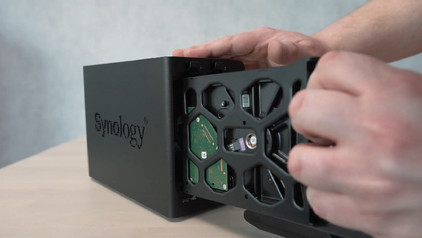
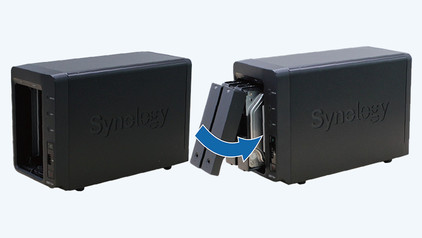
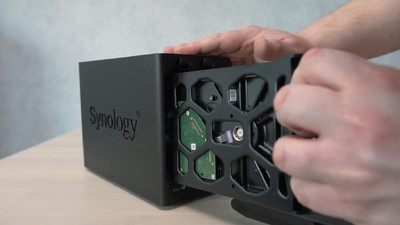
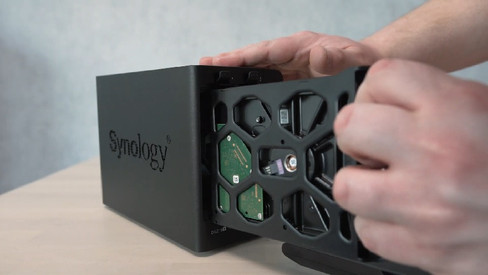
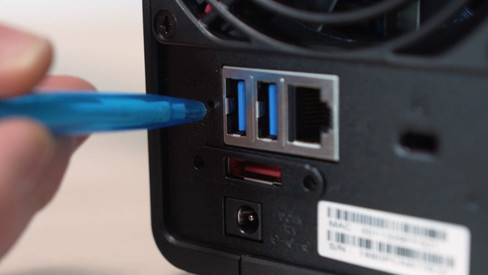
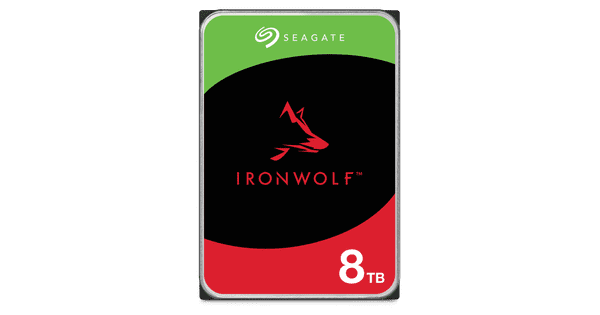
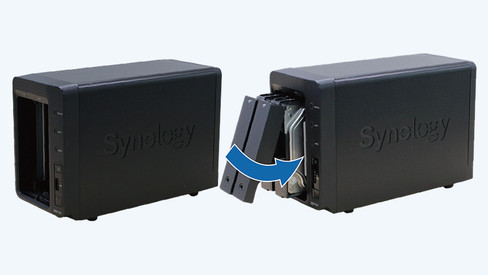
With the Synology DS925+ + Seagate Ironwolf 2TB Duo Pack, you can create a server for your work files or favorite games and store all your data on the 2 included Seagate IronWolf 2TB internal HDDs. You can place these hard drives in the NAS and get started right away with making backups or gaming. The DS925+ has 2 Ethernet ports with a speed of 2,500 megabytes per second. This lets you quickly transfer 4K videos, games, or other large files to your laptop or desktop, for example. The NAS has room for 4 hard drives in total, with a total storage space of 200 terabytes. This way, you can store large 4K and 8K video files and make backups for 300 business laptops. These slots support 2.5-inch or 3.5-inch HDDs and SSDs. You can also install 2 M.2 SSDs in it. You can create fast cache memory, so you can open frequently used files within a few seconds. Thanks to the 4GB internal RAM, you can use multiple light programs at the same time. The NAS is also suitable for RAID setups, so you can create 1 large storage space.

Read all tips here

Which product do you want to see articles about?

How do I record IP camera images with my synology NAS?

With Synology Surveillance Station, you can capture and store IP camera footage. A NAS also has more storage capacity than the SD card you can put in your camera. In addition, Surveillance Station has a useful interface you can use to watch your live footage. In this advice article, we'll explain how to make IP camera recordings with your NAS via Surveillance Station.

How can I save files to my Synology NAS from Windows?

After creating a shared folder, you also want to quickly transfer your files from your Windows computer to your Synology NAS. In this article, we'll explain how you can add your folders to the file explorer.
How can I save files to my Synology NAS from macOS?

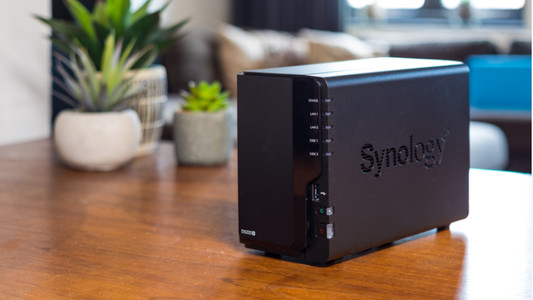
Do you have a Synology NAS and want to use it with your Apple MacBook or Apple MacBook? You have to add the Synology NAS to your Finder. This way, you can access all of the files you have stored on your NAS. Wherever you are. Go through the following steps to connect your Synology NAS to your MacBook.

How do I change the raid setup on my Synology NAS?

Do you have a NAS with 2 or more hard drives? It's a good idea to to work with a RAID setup. You can combine multiple hard drives into one safe storage space. Is a disk broken? Your files are still on the other disk. In this step-by-step plan, I'll show you how to create or customize a RAID setup on your Synology NAS.
How do you prevent a static shock while building your PC?

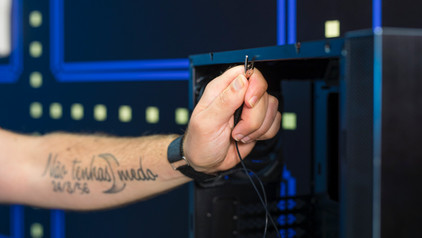
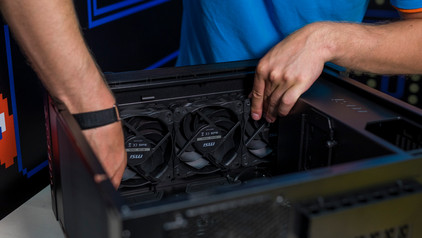
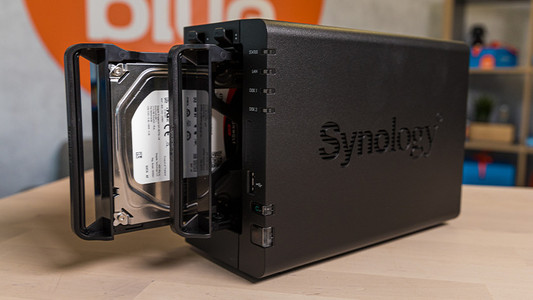
When you're building your PC, static shocks could be dangerous for your computer parts. A small static shock is enough to destroy your parts. Luckily, there are things you can do to safely work in your PC. Wear a antistatic wrist strap and work on a solid surface, for example. In this article, we'll explain what you should and shouldn't do when building your PC.

How do you prevent a static shock while building your PC?

When you're building your PC, static shocks could be dangerous for your computer parts. A small static shock is enough to destroy your parts. Luckily, there are things you can do to safely work in your PC. Wear a antistatic wrist strap and work on a solid surface, for example. In this article, we'll explain what you should and shouldn't do when building your PC.

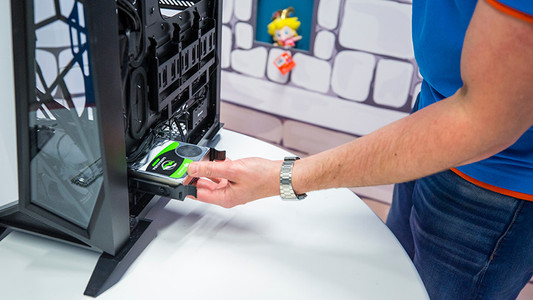
How do I build in an internal hard drive?

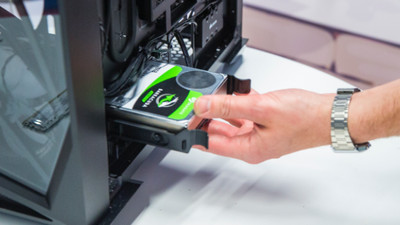
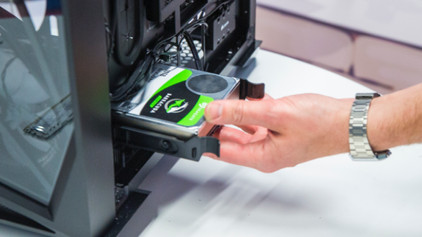
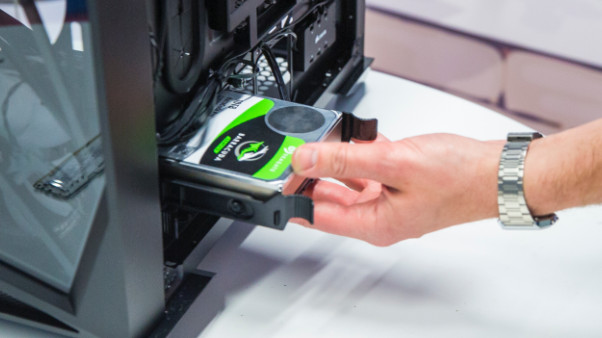
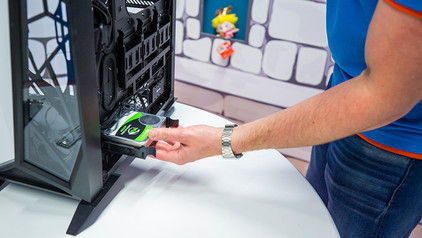
You have purchased a hard drive to replace your old drive or for more storage space in your computer. But how do you actually install such an internal HDD? In this article, I will explain that to you.

How do you prevent a static shock while building your PC?

When you're building your PC, static shocks could be dangerous for your computer parts. A small static shock is enough to destroy your parts. Luckily, there are things you can do to safely work in your PC. Wear a antistatic wrist strap and work on a solid surface, for example. In this article, we'll explain what you should and shouldn't do when building your PC.

How do you prevent a static shock while building your PC?

When you're building your PC, static shocks could be dangerous for your computer parts. A small static shock is enough to destroy your parts. Luckily, there are things you can do to safely work in your PC. Wear a antistatic wrist strap and work on a solid surface, for example. In this article, we'll explain what you should and shouldn't do when building your PC.

How do I build in an internal hard drive?

You have purchased a hard drive to replace your old drive or for more storage space in your computer. But how do you actually install such an internal HDD? In this article, I will explain that to you.

How do I record IP camera images with my synology NAS?

With Synology Surveillance Station, you can capture and store IP camera footage. A NAS also has more storage capacity than the SD card you can put in your camera. In addition, Surveillance Station has a useful interface you can use to watch your live footage. In this advice article, we'll explain how to make IP camera recordings with your NAS via Surveillance Station.

How can I save files to my Synology NAS from Windows?

After creating a shared folder, you also want to quickly transfer your files from your Windows computer to your Synology NAS. In this article, we'll explain how you can add your folders to the file explorer.
How can I save files to my Synology NAS from macOS?

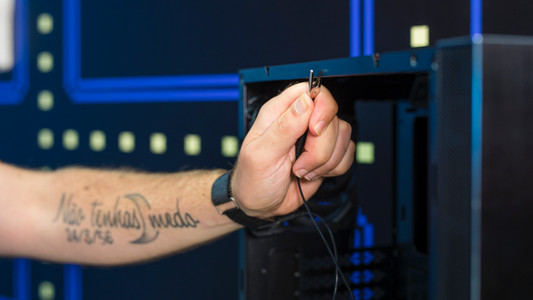
Do you have a Synology NAS and want to use it with your Apple MacBook or Apple MacBook? You have to add the Synology NAS to your Finder. This way, you can access all of the files you have stored on your NAS. Wherever you are. Go through the following steps to connect your Synology NAS to your MacBook.

How do I change the raid setup on my Synology NAS?

Do you have a NAS with 2 or more hard drives? It's a good idea to to work with a RAID setup. You can combine multiple hard drives into one safe storage space. Is a disk broken? Your files are still on the other disk. In this step-by-step plan, I'll show you how to create or customize a RAID setup on your Synology NAS.
Subjects
Didn't find your answer?

Find an answer to your question quickly and easily via our customer service.

Coolblue specialist
Personal chat Digitalk.
You're now chatting with Coolblue customer service
This chat is closed
foo
Oeps File size is larger than 5MB. Upload a smaller file.