OLED TVs
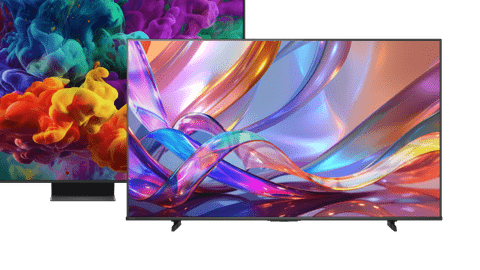
All OLED televisions

All OLED TV offers
What are the advantages of OLED?
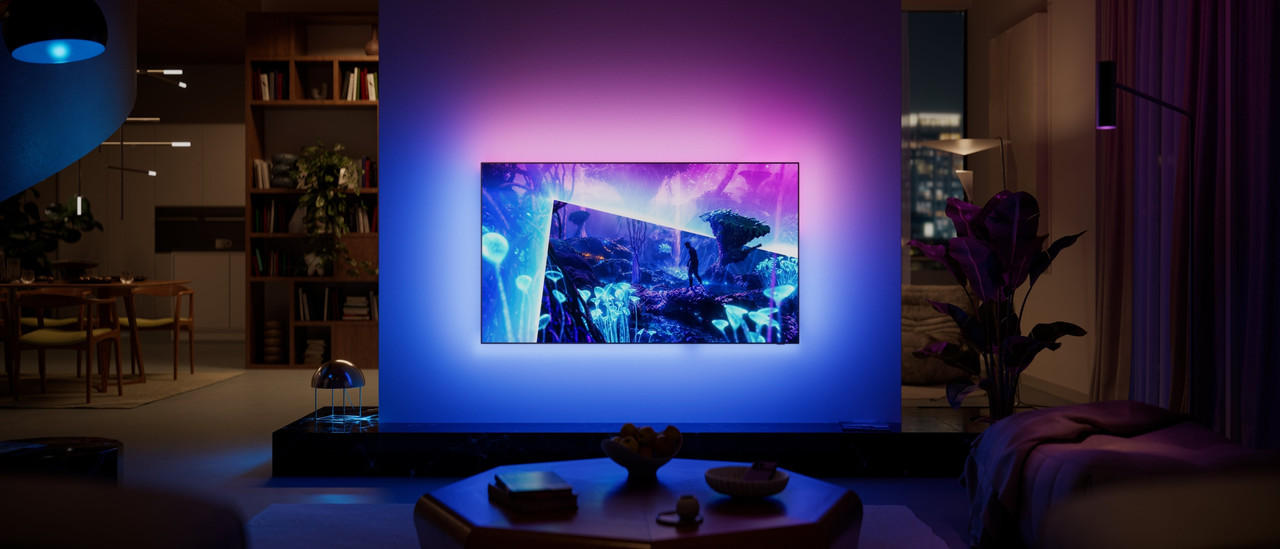
With an OLED TV, you can enjoy a realistic OLED display. These TVs use special pixels that light up themselves, without a zone of LED lights behind them. This way, an OLED TV determines per pixel how much it lights up and what can be turned off. The result? Images with unlimited contrast, where black is truly black. Combine the TV with a soundbar for immersive images and sound during movies, series, and games.
- Black is truly black
- Ideal for HDR content
- Very thin screen with a luxurious look

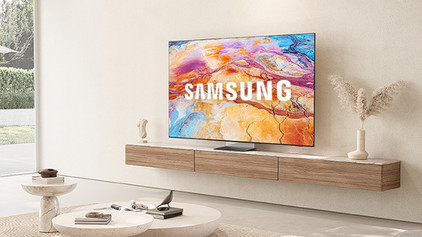
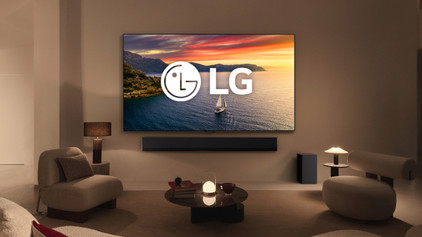
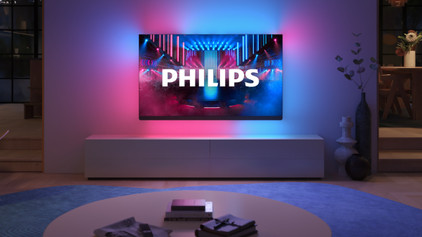

Advice on OLED televisions
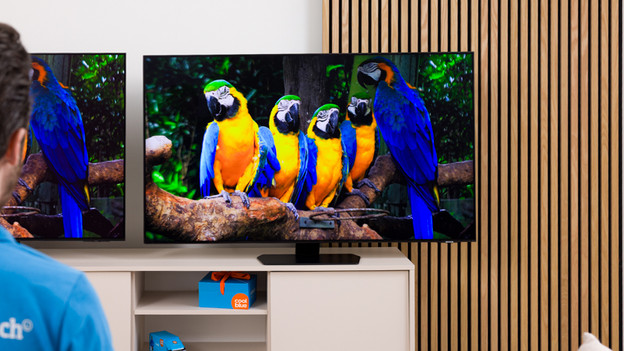
What's the difference between OLED and QLED?
OLED and QLED are similar in name, but they're totally different. Read all about these 2 display types here.

OLED in general
Curious about what OLED means? Read all about the advantages, disadvantages, and what the term means here.

All our advice on OLED televisions
Want to know even more about OLED TVs and which one you should choose? You can find all our advice here and discover which model suits you best.
Featured OLED television
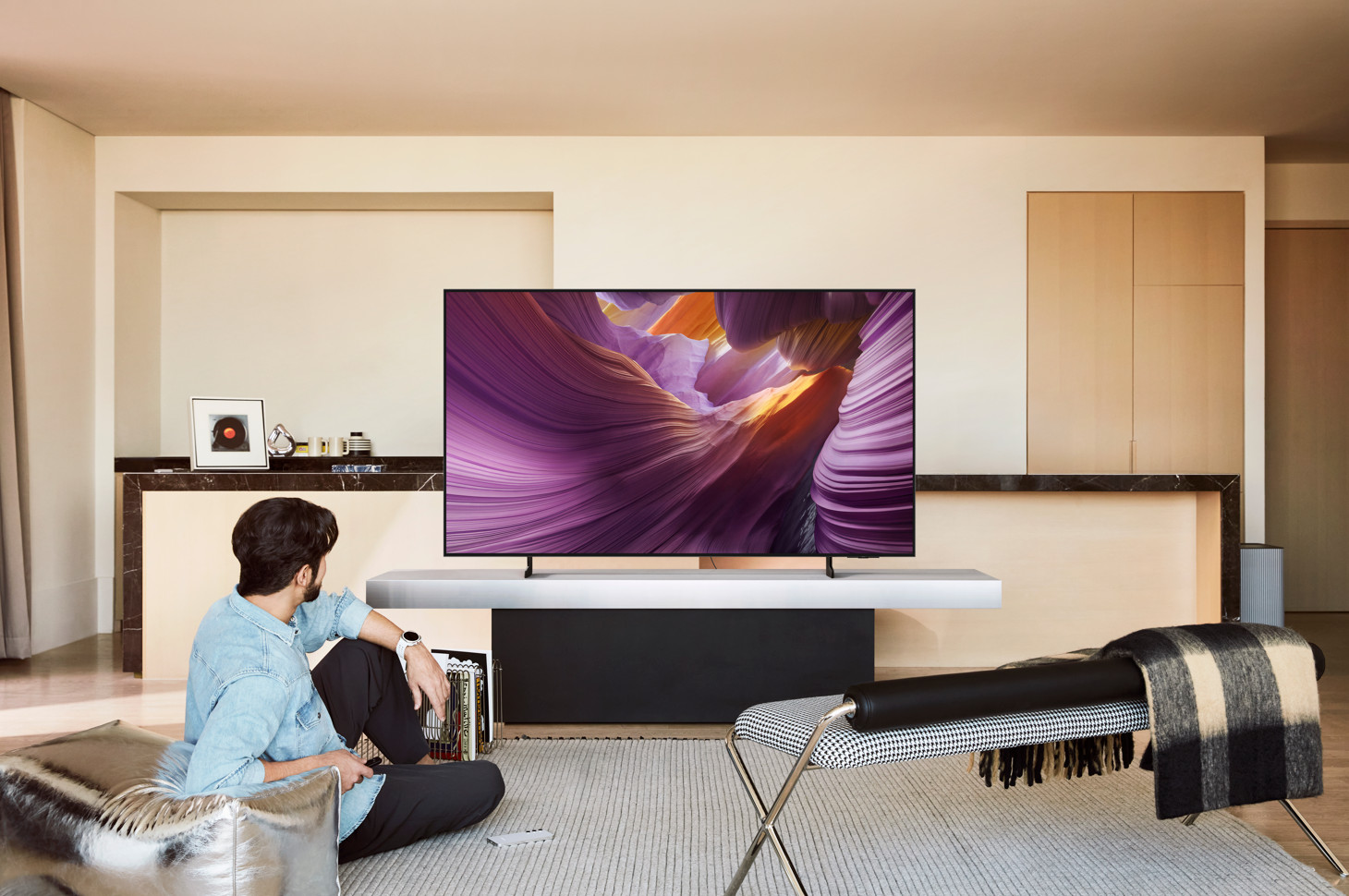
Samsung OLED display
View realistic images on a large screen with the Samsung 55-inch OLED S85F. This TV has an OLED display. Each individual pixel can light up, dim, or turn off without backlight. As a result, black is truly black and you can enjoy a powerful contrast between dark and light. The TV also has a wide viewing angle. That way, you can easily watch a soccer match with all your friends. The image quality stays high, no matter where you sit.

OLED inspiration by brand
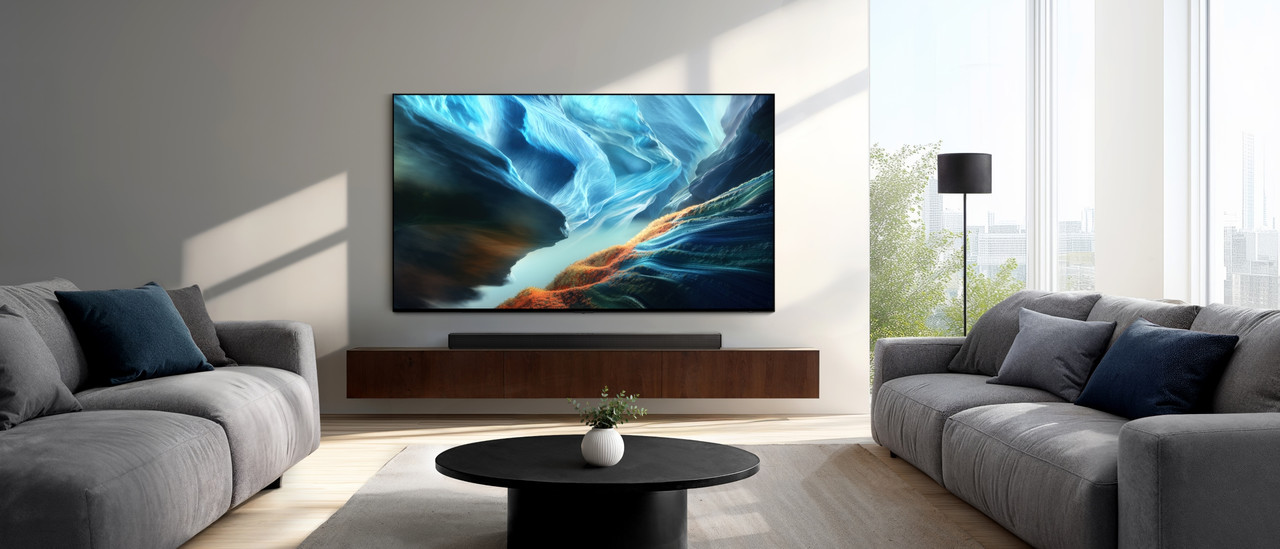
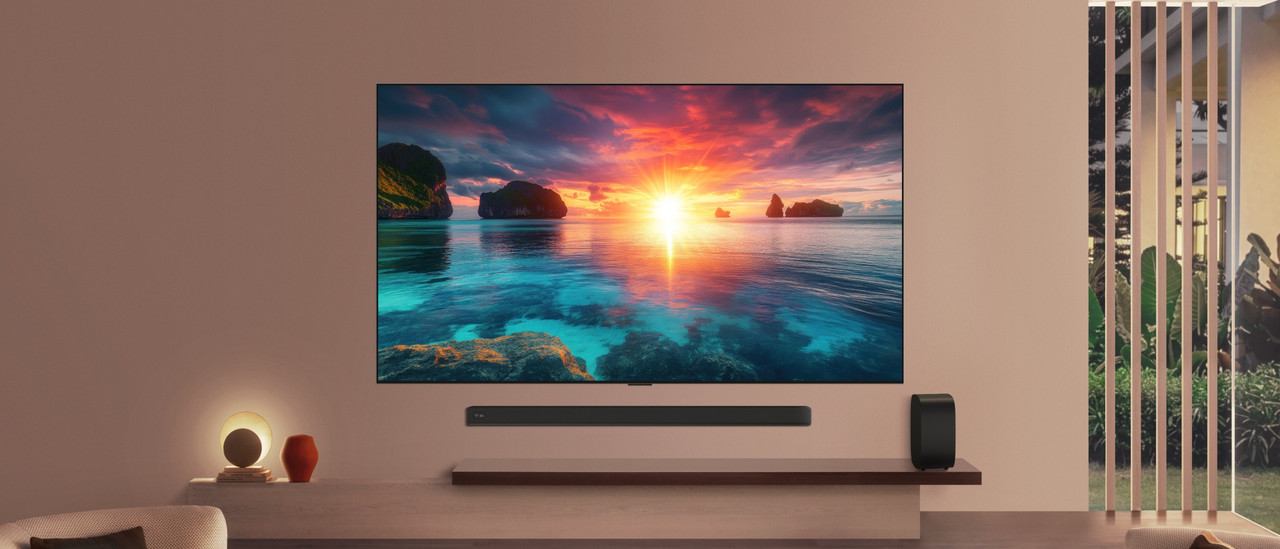

Help choosing the right TV size
Have your eye on a new OLED TV? To measure is to know. Check the following for the best viewing experience:
- Viewing distance: the farther away you're sitting, the larger the TV can be.
- Size of your TV cabinet: adjust the width of the TV to your TV cabinet for a nice look.
- Space on your wall: if you're mounting the TV, make sure you have the space to do this. Use the screen size in centimeters.
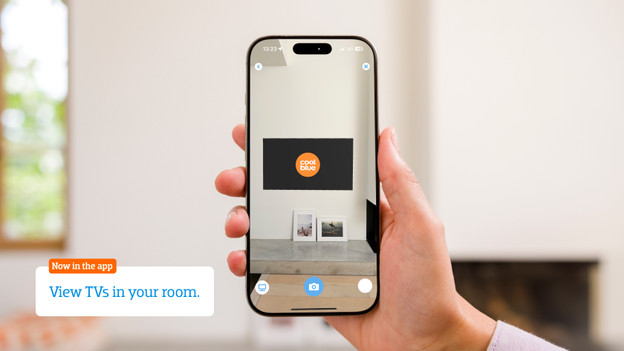
Want to see exactly how the TV looks in your living room? Download the Coolblue App and virtually place the TV in your room via the augmented reality function.

Advice on OLED TVs
Can't choose? View the advice from our expert.