Written by Stan
Edited on
24 November 2023
·
14:54
How do you add a second Bose SoundTouch speaker?
In this article, you can read how to add a second Bose SoundTouch speaker to your network.

Step 1: connect speakers
Connect both speakers to the socket and turn on the speakers.

Step 2: open the Bose app
Turn on your smartphone or tablet and open the Bose SoundTouch app. The battery of your phone has be to charged at least 60%.
Step 3: open settings
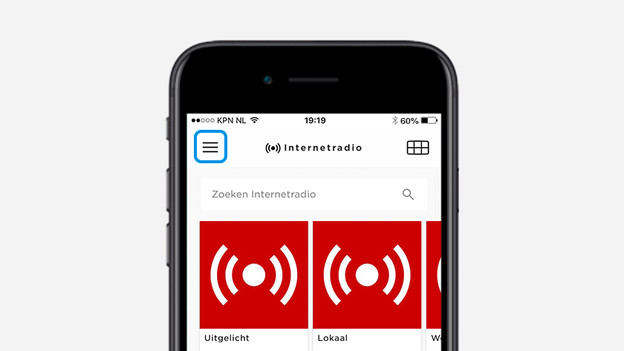
Open the menu by pressing the stripes in the top left of your screen. Next, click on Settings.
Step 4: add the speaker
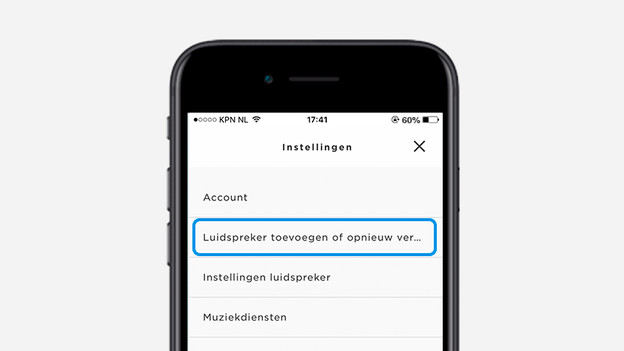
Click on Add or Reconnect Speaker
Step 5: set up second speaker
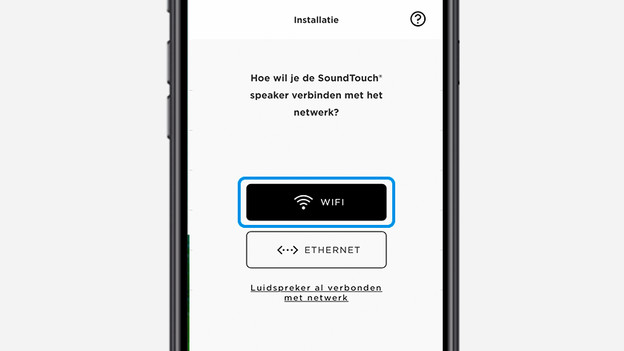
Set up the second speaker on the same WiFi network as your other Bose SoundTouch speaker.

Step 6: return to the home screen
When the second speaker is connected, you automatically return to the home screen.
Step 7: select speaker
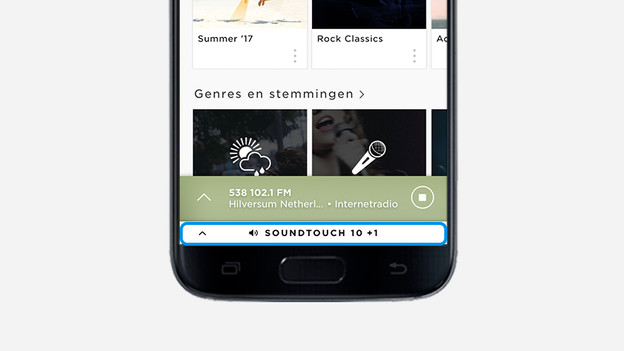
Press on the name of your speaker at the bottom of the screen.
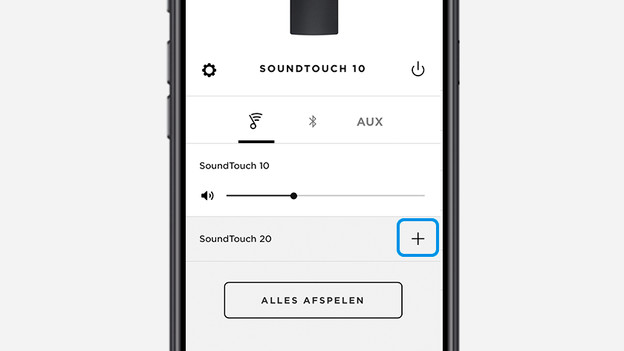
Step 8: press the plus icon
Press the plus icon to add the second speaker.
You're done!
The second speaker is connected successfully. With the Bose SoundTouch app, you can conrol the volume and turn the speakers on and off form a distance.