Help choosing RAM
You want to buy RAM to make your laptop, PC, MacBook, or iMac faster. We'll help you on your way with choosing the right RAM that fits your needs and your device. In addition, we'll give you tips about installing new RAM.
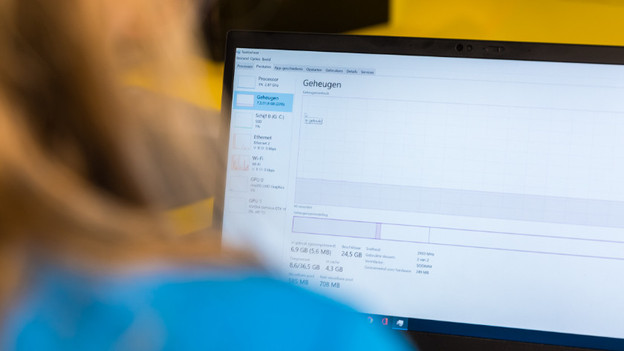
Before you buy RAM
Before you buy a RAM module, it's important to think about a couple of things. For example, how much RAM you want to buy and if this is compatible with your motherboard. In these advice articles, we'll explain what to keep in mind when you choose a RAM.
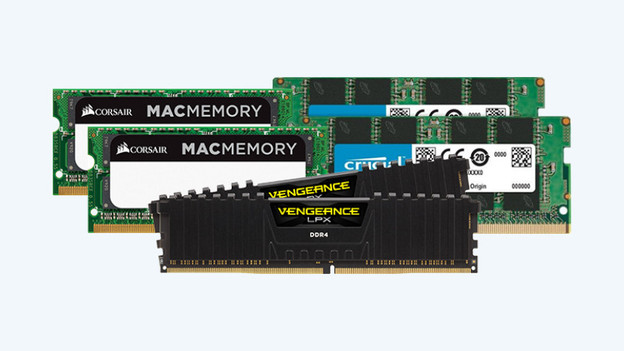
Choosing the right RAM
Choosing the right RAM raises a lot of questions. For example, the right type of RAM and the brand. In the following advice articles, we'll help you choose the right RAM.

Choose RAM for your Windows laptop
Do you want to expand or replace the RAM module of your Windows laptop? We'll explain what you should pay attention to in order to choose a suitable RAM module.
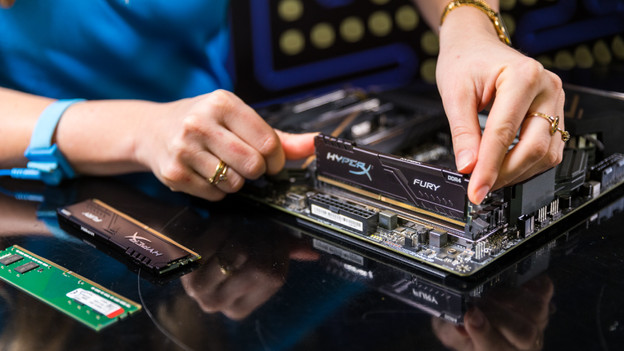
Choose RAM for your Windows desktop
You're going to provide your desktop of new RAM. We'll explain what to keep in mind to choose the best RAM.
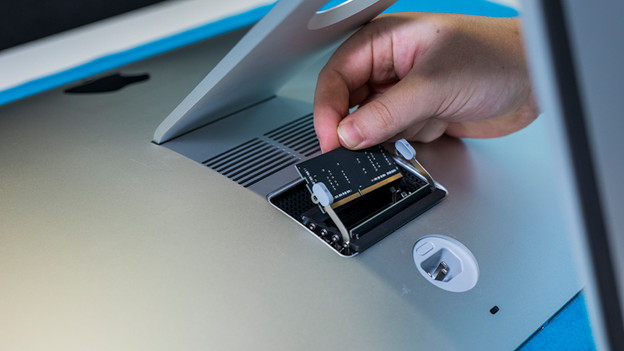
Choose RAM for your Apple MacBook and iMac
Your old MacBook or iMac needs a RAM upgrade. We'll explain what you should keep in mind to find the best RAM module for you.
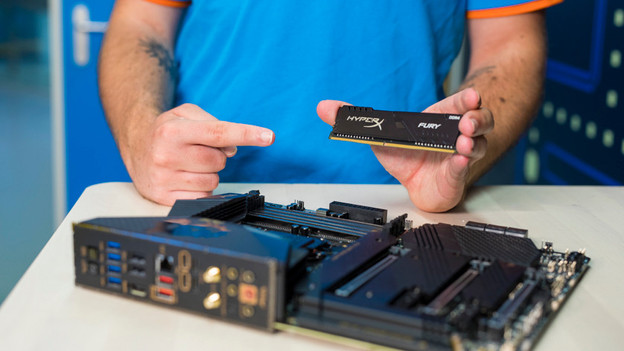
Install your new RAM or replace the old RAM
Did you choose the right RAM? It's time to install it. Whether you install a completely new module or replace an old one, there's a lot involved with this process. In the following advice articles, we'll explain how you can do this step by step.