
Written by Job
Edited on
23 June 2025
·
13:48
How do you choose RAM for your laptop?
If you change the RAM of your laptop, there are a couple of things to kep in mind. For example, the maximum RAM, the number of slots, and the type of connectors of the RAM module. In this article, we'll explain what to keep in mind when you buy a RAM module.
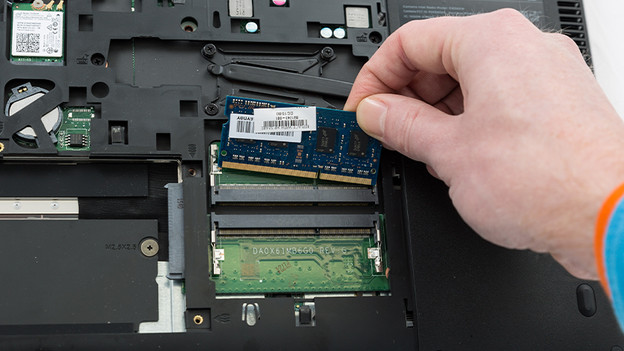
Choose RAM
If you buy RAM for your laptop, always choose a SO-DIMM module. These modules are made specially for a laptop, MacBook, or iMac. There are a couple of specifications you need to keep in mind when you buy a RAM module for these devices. Ask yourself the following questions when you buy a RAM module:
- How much RAM does your laptop support?
- How many slots is the RAM divided over?
- Which DDR version does the motherboard have?
- Which voltage does the motherboard have?
- Which clock speed does your motherboard support?
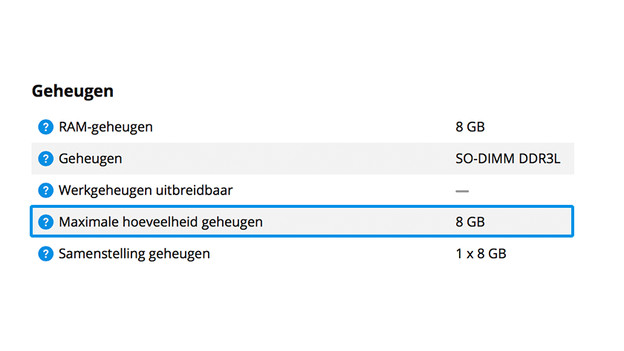
How much RAM does my laptop support?
Every laptop can support a maximum amount of RAM. That's why you should check how much RAM your laptop supports before you buy a module. Note: you always need a SO-DIMM module for a laptop. DIMM modules are suitable for a PC. You can usually find how much RAM a laptop supports in the specifications on our product page or in the manual of your laptop. You can also find this information on the website of the manufacturer.

How many slots is the RAM divided between?
RAM is usually divided over multiple slots. We call this dual-channel memory. There's a RAM limit for each slot. We recommend dividing the RAM over multiple slots. For example, 2x 4GB is better than 1x 8B. You'll double the bandwidth that way. This ensures a faster data transfer. As a result, your laptop performs better when you perform demanding tasks like gaming or graphic design. Choose 2 of the same RAM modules if you divide the RAM.
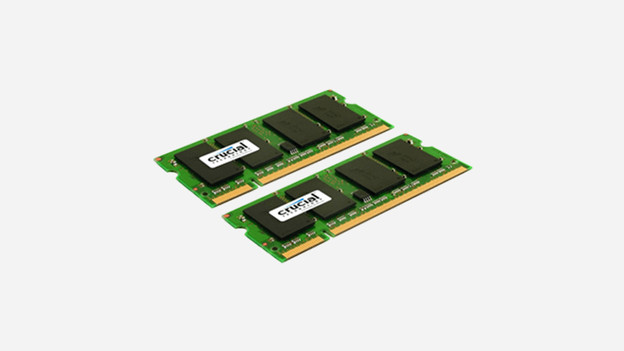
Which DDR version does the motherboard have?
Check which type of memory your motherboard supports before you buy a RAM module. The different generations of RAM are expressed in DDR (Double Data Rate). The higher the DDR, the faster and more energy-efficient the RAM is. Be sure to check which version is compatible with your motherboard. A DDR4 module doesn't fit in a DDR5 slot, for example.
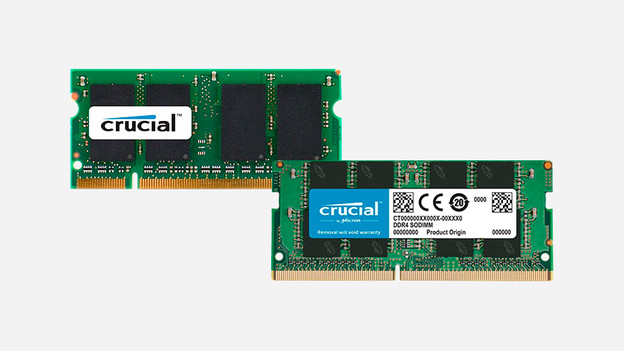
Which voltage does the motherboard have?
Which a higher voltage, the RAM module has more power. This makes your laptop faster. It does consume more energy if you have a RAM module with a high voltage. The amount of voltage a RAM module has depends on the type of memory. A DDR4 module uses 1.2V and a DDR5 module uses 1.1V. Want to overclock? Choose a DDR5 module with 1.1V. That way, your RAM module performs optimally and has a longer lifespan.

Which clock speed does your motherboard support?
The clock speed determines how fast the internal memory processes tasks. The higher the number of megahertz (MHz), the faster the RAM module is. We also refer to clock speed as RAM speed. Choose a RAM module with a clock speed that's the same as the speed that your motherboard supports. You can check the RAM speed of your Windows laptop in the following way:
- Press the Ctrl + Shift + Esc keys at the same time.
- Click 'Performance'.
- Then click 'Processor'.
- At the bottom of the screen you can see the clock speed under 'Base speed'.
Article by Job
Laptop expert
