Written by Giorgos
Edited on
6 October 2025
·
10:43
How much RAM do you need?
The amount of RAM you need for your computer differs per situation. For your daily work, you need less RAM than for playing large games, for example. In this article, we'll explain how much RAM you need for your usage situation.
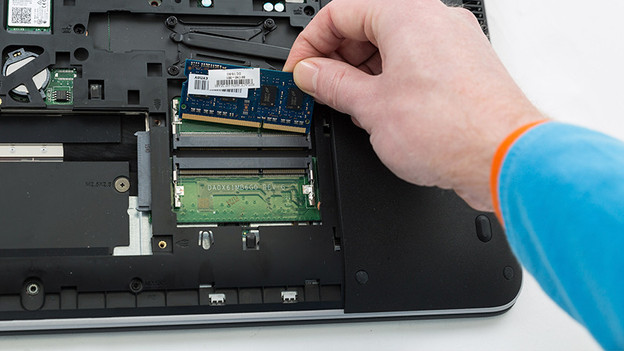
Choose amount of RAM
How much RAM you need for your tasks differs per situation. You can ask yourself the following questions to make a choice:
- Want to browse the internet, email, or write texts?
- Want to edit photos and videos?
- Do you game at high settings?
- Do you use an NAS?
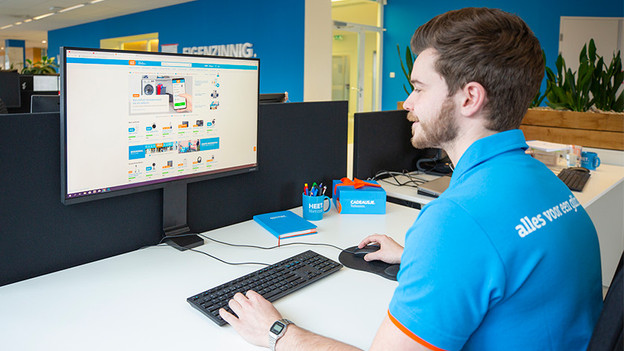
Do you want to browse the internet, send emails, and write texts?
For everyday use of a computer, you have enough with 8GB RAM. That way, you can open a lot of tabs or programs like Word or Photoshop at once, without your laptop or PC slowing down. Want to build in RAM in the laptop or PC you already own? Make sure if your computer or laptop can handle 8GB RAM before your purchase. You can find this in the manual or system information of your device. Go to the search bar of your Windows laptop or PC and type in 'system information. After that, look for 'installed physical RAM'.

Do you edit photos and videos?
If you want to edit footage, you often have more than 1 program open on your computer. This requires a lot of your RAM. With 8GB, you have more than enough RAM for hobby photo editing and video editing. If you want to edit footage images professionally, you need at least 16GB. That way, you can open programs like Adobe Premiere Pro, InDesign, and Photoshop side by side without slowing down your computer. Do you edit 4K, 8K, or 3D images? Choose 45GB. That way, you can use large software programs and edit your images with the highest resolution.
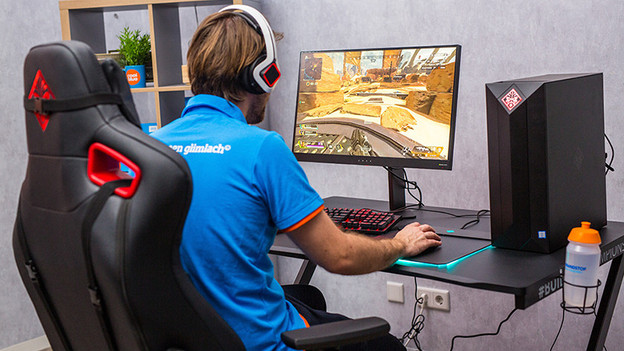
Do you game with high settings?
Game graphics are getting sharper and more realistic, so you need a higher RAM for smooth gameplay. That's why you should choose a 32GB RAM or higher, so you can play your games smoothly with 4K resolution. That way, you can make your gaming setup future-proof. You can enjoy smoothly gameplay and also stream your gameplay with 32GB. Do you have a desktop with colorful lighting? A RAM module with RGB LED lighting is something for you. That way, the RAM module matches with the reset of the accessories in your PC case.
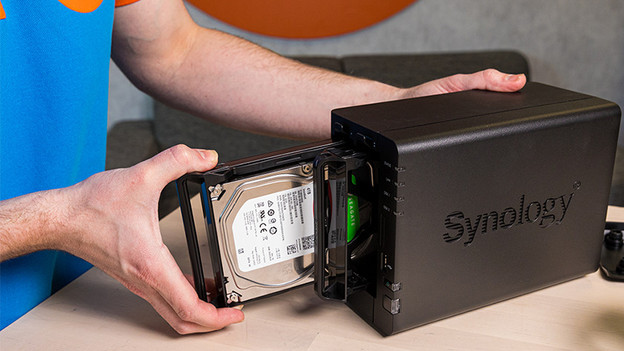
Do you use a NAS?
You can also expand the internal memory of your NAS with a RAM module. That way, you also make your NAS faster, even if multiple use the NAS. For basic use, you need 4 or 8GB. For example, storing folders with photos or documents. You should choose at least 16GB for business use, such as storing hundreds of documents and backups. When multiple people open and on the NAS at the same time, this requires a lot of RAM. Note that not all RAM modules fit in a NAS. In the manual of your NAS, you can see what type of RAM is needed.
Conclusion
The amount of RAM you need differs per usage situation. The more demanding and intensive the usage, the more RAM you need. Check beforehand what the maximum amount of RAM is that your device can handle. For basic and hobby use, 4 or 8GB will be enough RAM. Professional use usually requires 16GB or even 32GB. Want to know more about the different types of RAM? Our expert will explain it to you in the following article.
Article by Giorgos
Components Expert.