Written by Fanny
Edited on
25 February 2026
·
13:33
Samsung Galaxy S26 vs S26 Ultra
In January 2026, Samsung released the Galaxy S26 series. In this article, we'll compare the 2 models: the Samsung S26 and S26 Ultra. The Samsung S26 Ultra has a larger, sharper privacy screen than the S26. This device also has a larger battery that you can charge faster. Keep reading and discover the most important differences between these Samsung smartphones.
Difference S26 and S26 Ultra
- Samsung Galaxy S26
Suitable for the most demanding tasks, like 3D games.
With the 3 cameras on the back, you can take razor-sharp photos.
Thanks to the compact 6.3-inch screen, it easily fits in your pocket.
Zoom in 3 times without your photos becoming less sharp.
An S Pen stylus isn't included.
From
999,-
- Samsung Galaxy S26 Ultra
Suitable for the most demanding tasks, like 3D games.
Suitable for the most demanding tasks, like 3D games.
With the 3 cameras on the back, you can take razor-sharp photos.
Thanks to the larger 6.9-inch screen, it's less easy to take with you.
Zoom in 5 times without your photos becoming less sharp.
The included S Pen stylus lets you control the screen with extra precision.
From
1.409,-
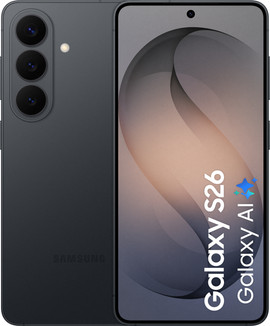
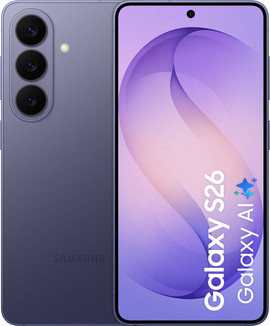
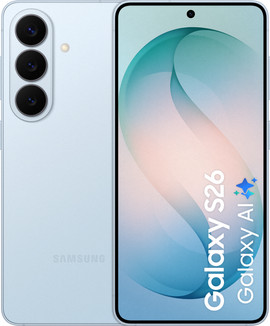
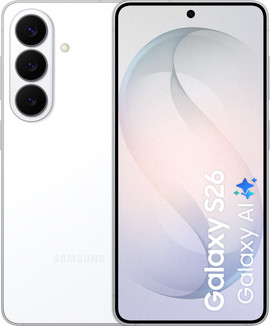
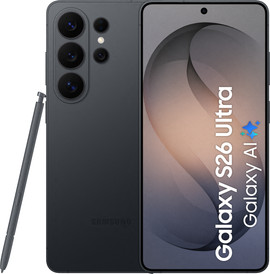
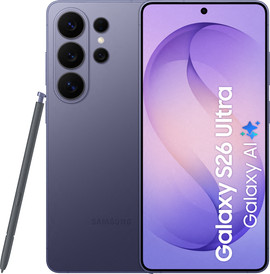
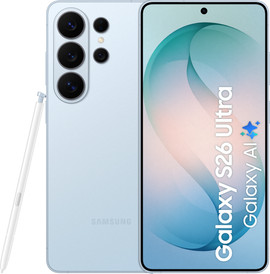
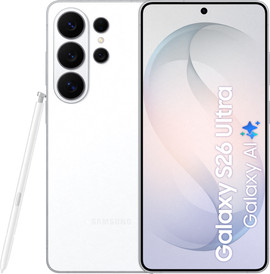
Compare the Samsung S26 and S26 Ultra
| Samsung S26 | Samsung S26 Ultra | |
|---|---|---|
| Screen size | 6.3 inches | 6.9 inches |
| Screen resolution | Full HD | Quad HD |
| Optical zoom | 3 times | 3 and 5 times |
| Privacy screen | No | Yes |
| Battery capacity | 4300mAh | 5000mAh |
| Charging power | 25W | 60W |
| S Pen stylus | No | Yes |
Size and screen
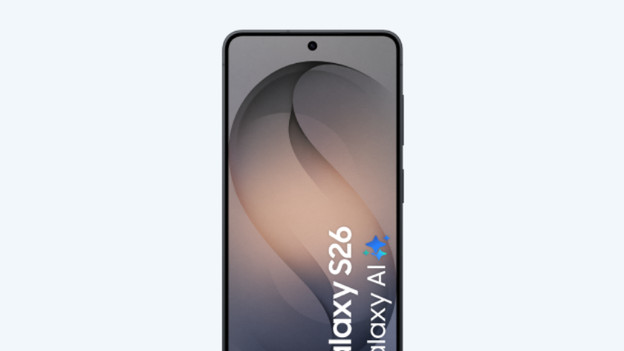
Samsung S26: compact screen, lower resolution
The Samsung S26 has a compact 6.3-inch screen, so it's smaller than many other smartphones. You can easily control the screen with 1 hand and put it in your bag or pocket without any problems. Due to smaller screen, you do have less space to watch movies and series on. On the Full HD screen of the Samsung S26, your YouTube videos and Netflix series look sharp and in high quality. An S Pen stylus isn't included with the Samsung S26.
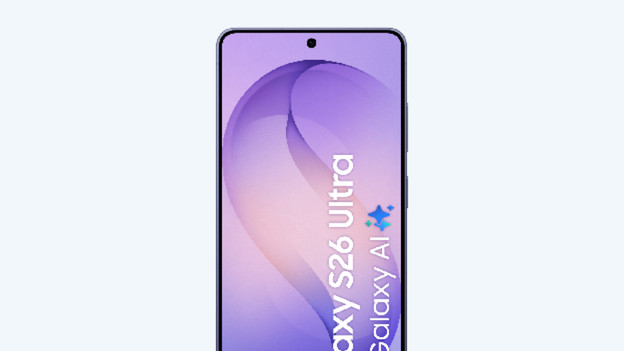
Samsung S26 Ultra: a lot of viewing space and a high resolution
The Samsung S26 Ultra has a large 6.9-inch screen, so it's clearly larger than the S26. This means the device is harder to control with 1 hand and is harder to put in your pocket. On the large screen, you have a lot of space to watch movies and series. Thanks to the Quad HD resolution, you can do this in the highest image quality. An S Pen stylus is included with the Samsung S26 Ultra, so you can enjoy the screen extra accurately.
Cameras
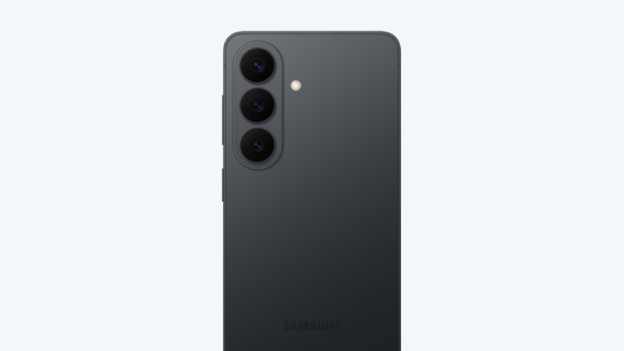
Samsung S26: zoom in 3 times without loss of quality
The Samsung S26 has 3 cameras: a standard lens, wide-angle lens, and telephoto lens. You can take sharp photos and 8K videos with this. Even when it's dark or you're photographing indoors, your photos remain clear. With the telephoto lens, you can zoom in 3 times optically without your photos becoming blurry.
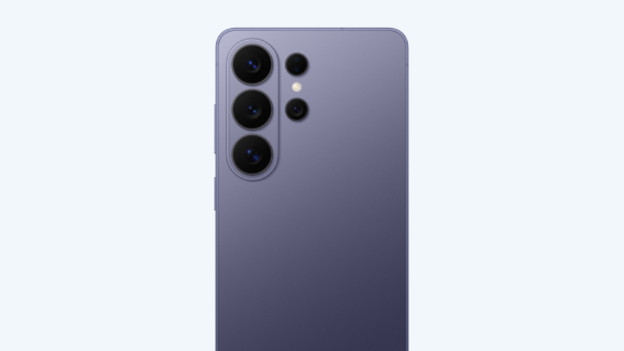
Samsung S26 Ultra: zoom in 5 times without quality loss
The Samsung S26 Ultra has 4 cameras: a standard lens, wide-angle lens, and 2 telephoto lenses. That way, you can take razor-sharp photos. Thanks to the larger image sensor, you can capture even more details in low light. With the 2 telephoto lenses, you can zoom in 3 and 5 times optically without the image quality getting worse.
Battery and charging
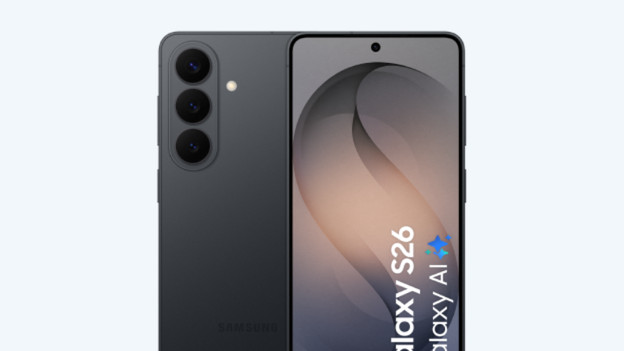
Samsung S26: smaller battery
The Samsung S26 has a 4300mAh battery. That's smaller than that of the S26 Ultra. If you use your smartphone a lot for social media, gaming, or recording, for example, the battery won't always last until the end of the day. With a separately available 26W fast charger, you can fast charge the S26. After 30 minutes, the battery is about 60% full again.
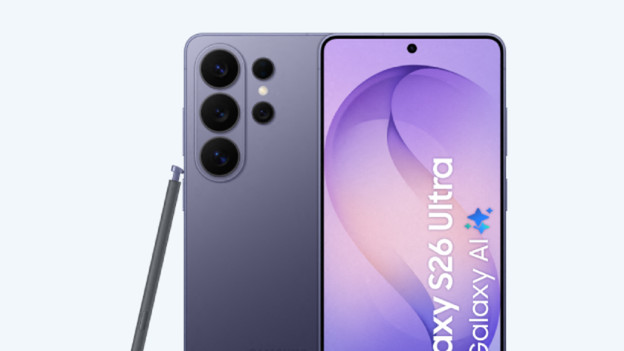
Samsung S26 Ultra: larger battery
The Samsung S26 Ultra has a large 5000mAh battery. With average use, you can often make it last the entire day. Is the battery empty? You can charge the device superfast with a separately available 60W fast charger. After 30 minutes, the battery will be charged for about 95%.
Privacy screen
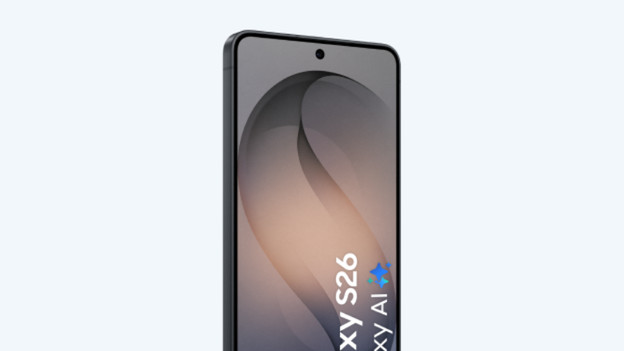
Samsung S26: no privacy screen
The Samsung S26 doesn't have a built-in privacy screen like the S26 Ultra, but it does have a bright OLED display with wide viewing angles. That's useful if you're watching a video together or showing a photo, because others can see your screen well as well. If you want more privacy on the train or at the office, use a separate privacy screen protector. This makes the image darker from the sides, while you can still read the screen fine from the front.
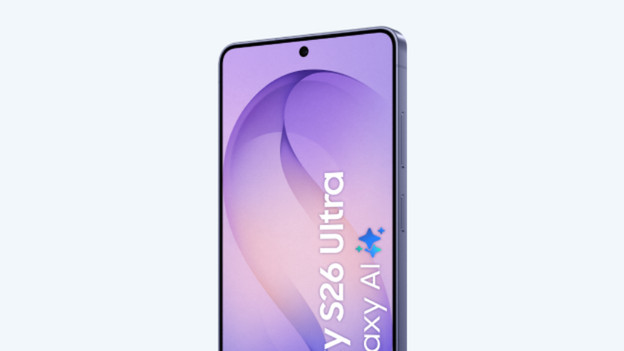
Samsung S26 Ultra: privacy screen
The Samsung S26 Ultra has a special privacy screen. If you turn this function on, you can see the screen well when you're right in front of the smartphone but much less clearly from the sides. That's useful on the train, bus, or at the office, as the people next to you can't just see your messages, email, or banking details on your screen. Don't you need the extra privacy for now and want the brightest screen possible? Turn off the function in the settings just as easily.
Conclusion
The Samsung S26 is a good choice if you want a compact smartphone that you can easily control with 1 hand and take anywhere. The Samsung S26 Ultra is mostly interesting if you take many photos and videos and like a larger screen. This device has better cameras and more screen space, so it suits you better if your record, photograph, or watch a lot of videos on your smartphone. If you're looking for extra privacy on the train or at the office, the built-in privacy screen of the S26 Ultra is a nice advantage.
Article by Fanny
Smartphone Expert.