Written by Deanne
Edited on
20 July 2026
·
10:41
What are the differences between the HP laptops?
There are various types of HP laptops, such as an HP OmniBook. There's an HP laptop for daily tasks, an HP laptop that you can use as a tablet, and HP laptops for creative tasks. In this article, you can read everything on the different HP laptops.
HP Essential: for light tasks
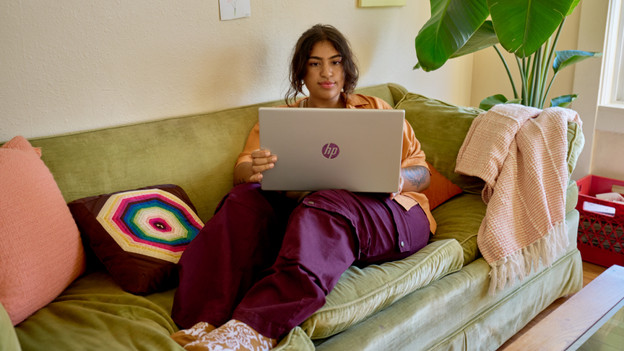
The HP Essential laptops are the HP starter laptops. These laptops are mainly suitable for light tasks. Light tasks such as watching movies and series, browsing the internet and text processing. With a powerful processor, you can also edit photos and videos. Thanks to the standard, plastic casing, this laptop is less well protected from bumps and scratches. The casing consists for a part of recycled plastic, which makes this laptop more durable.
HP Pavilion SE: for daily tasks
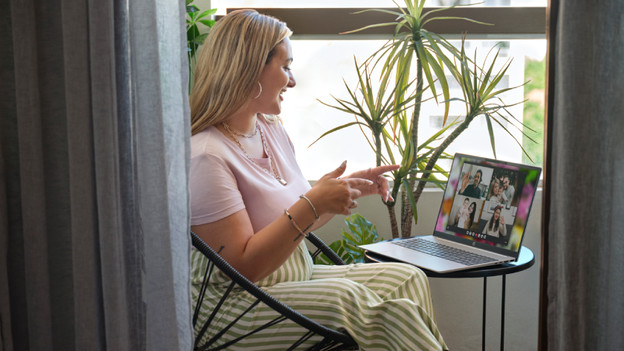
HP Pavillon SE laptops have a partially aluminum casing, so they're well-protected from bumps and scratches. They're suitable for working in light and demanding programs. You can watch your favorite movies, but can also edit large video files. With an HP Pavillon SE, you can also keep working at night. That's because you can quickly find the right keys thanks to the backlit keyboard.
HP OmniBook 5: for light and medium demanding tasks
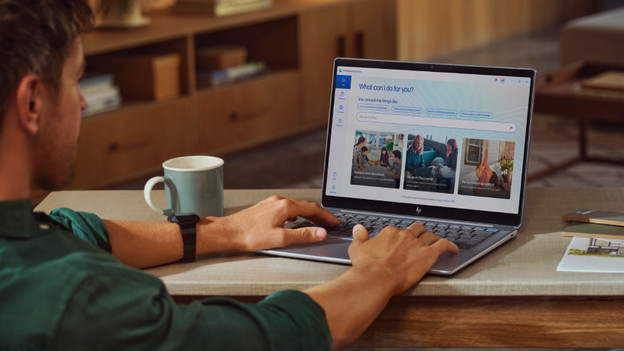
An HP OmniBook 5 laptop has an aluminum casing. A bump or scratch doesn't damage your laptop, which is useful if you often take your laptop with you on the go. You can also use an OmniBook 5 Flip as a tablet, so you can easily make edits on the touchscreen. At night, you can smoothly keep working with the backlit keyboard. You can use the HP OmniBook 5 laptops for light and medium demanding tasks, from text processing to light video editing.
HP OmniBook 7: for light and demanding tasks
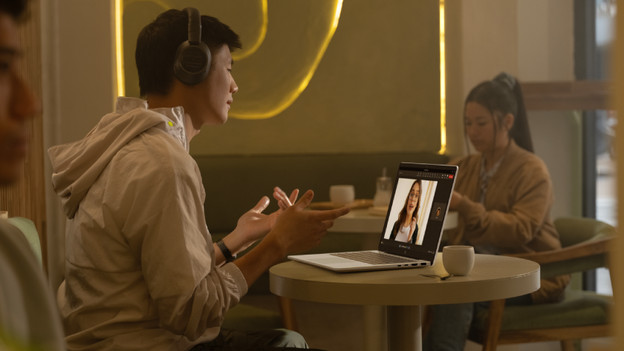
You can use an HP OmniBook 7 for light and demanding tasks. You can edit texts, but also edit photos and videos. Do you edit large RAW files or do you create industrial designs? Choose a model with a dedicated video card. These laptops have an NPU in the processor. Thanks to this, you can smoothly edit AI tasks. You can easily keep working at night with the backlit keyboard. Some models have a touchscreen, so you can easily take notes or make sketches.
HP OmniBook X: for light, creative tasks
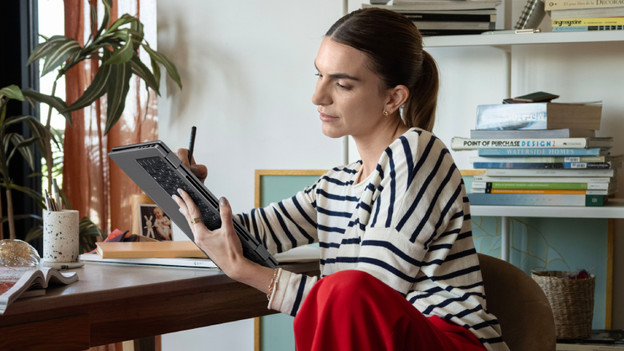
The HP OmniBook X laptops are suitable for light and demanding tasks. Thanks to the AI processor, you can work more smoothly on creative tasks. That's because AI helps you with photo and video editing, for example. Thanks to the high resolution, you can see all details of your images clearly on the screen. You can easily take the OmniBook X with you thanks to the compact size. You also don't have to worry about bumps and scratches thanks to the aluminum casing. Choose an OmniBook X Flip and convert the laptop into a tablet.

HP OmniBook Ultra: for demanding and creative tasks
With the HP OmniBook Ultra, you can smoothly get started with creative tasks. Thanks to the powerful AI processors, you can edit photos and videos and and create 2D designs with AI. You can see all details of your creations sharply on the screen thanks to the high resolution. With the OmniBook Ultra Flip, you can easily sketch your designs on the touchscreen and use the laptop as a tablet. Thanks to the aluminum casing, you don't have to worry about bumps and scratches.
Article by Deanne
Laptop Expert.