Windows laptops
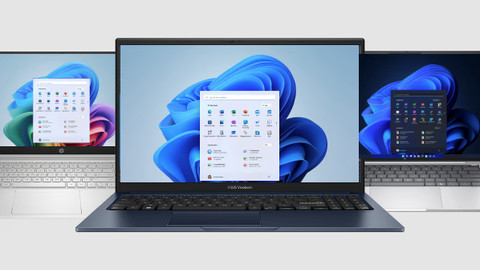
All Windows laptops
Windows laptops promotions
Windows laptops
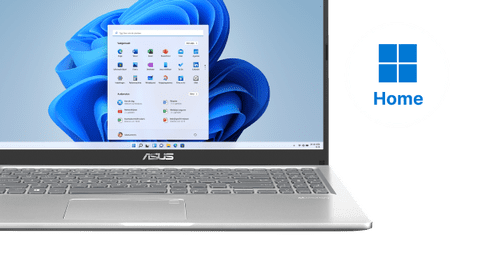
Windows Home laptops
Windows Home laptops are suitable for home use, studies, and graphic design.Windows Pro laptops
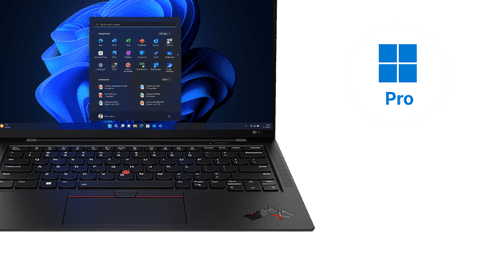
Windows Pro is important for business use because of the extra security and functions.Gaming laptops
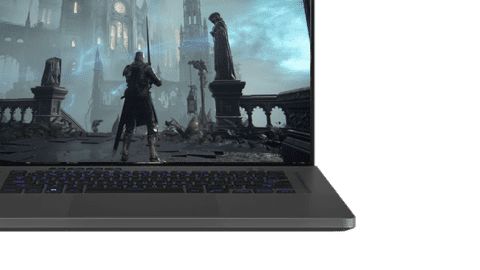
Whichever game you play, we have the best gaming laptop for you.






Find the ideal Windows laptop for your usage situation here
Windows laptops for home use
Browse the internet, watch series, send emails, and write texts with a laptop for home use. You can work in programs like Microsoft Word, Google Chrome, or Pages.Windows laptops for studies
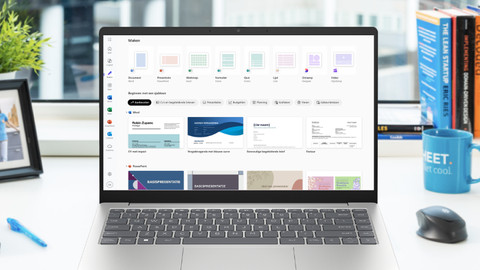
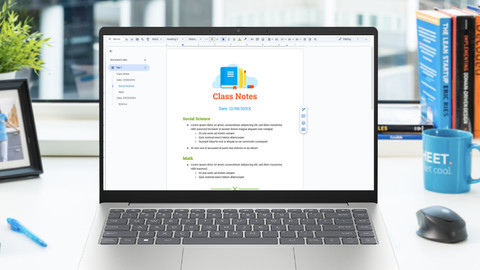
With a Windows student laptop, you can write reports, make presentations, and work on all your assignments. Thanks to the compact size, you can easily bring it to lectures.Windows laptops for graphic design
You can create graphic designs or edit images with Adobe Photoshop or Premiere Pro, as well as create designs in programs like AutoCAD or Blender.Windows laptops with AI
Get started with AI tasks and make your work easier with AI. You can edit and design images with AI. Thanks to the processor with a powerful NPU, you can enjoy a long battery life.


Small Windows laptops (12-14 inches)
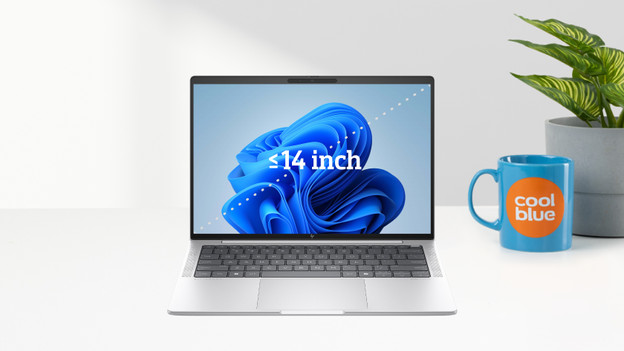
A small laptop has a 14-inch screen or smaller. Thanks to the compact screen size and light weight, it's suitable for on the go. You can easily put it in your bag and use in on the train or at school, for example. We offer 12, 13, and 14-inch laptops. The larger the screen, the more details you see.
- Thanks to the light weight, your backpack or laptop bag isn't too heavy.
- Suitable for all of your daily basic tasks.
- Less suitable for detailed work and demanding tasks, like extensive graphical editing.
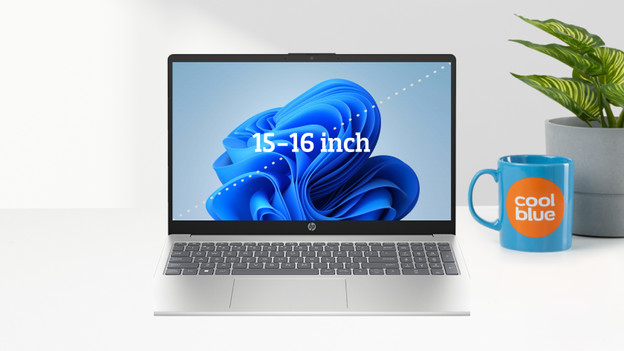
Medium-sized Windows laptops (15 - 16 inches)
You can comfortably use 15 or 16-inch laptops at a desk thanks to their size. Details during graphical editing or gaming stand out more, but they're still not too large to fit in your backpack. This makes medium-sized laptops suitable for every usage situation. Most 16-inch laptops have the benefit of a 16-inch screen in 15-inch casing. This means you can enjoy more screen space, without the laptop being larger or heavier.
- A suitable model for every usage situation.
- The screen is large enough for detailed tasks.
- It's heavier in your bag than small laptops.
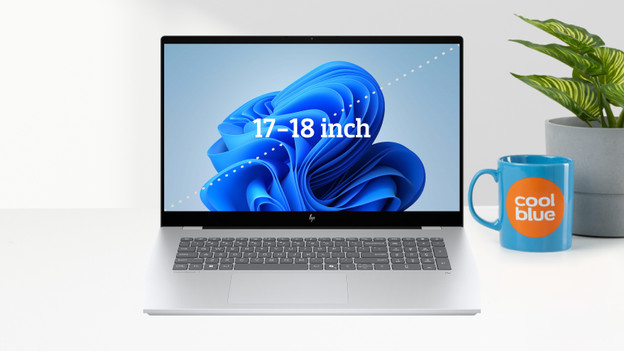
Large Windows laptops (17 - 18 inches)
A large 17 or 18-inch laptop is deal if you mainly use your laptop in 1 place, like at your desk. Due to the large size and the heavy weight, they're less suitable to take with you in a backpack or laptop bag. The benefit on the large screen is that you see a lot of details and mistakes stand out sooner. That's why 17 and 18-inch laptops are mainly suitable for tasks like gaming and intensive photo and video editing.
- Details stand out better and sooner with graphical editing.
- The large screen is ideal for gaming.
- Large and heavy, so less suitable for on the go.
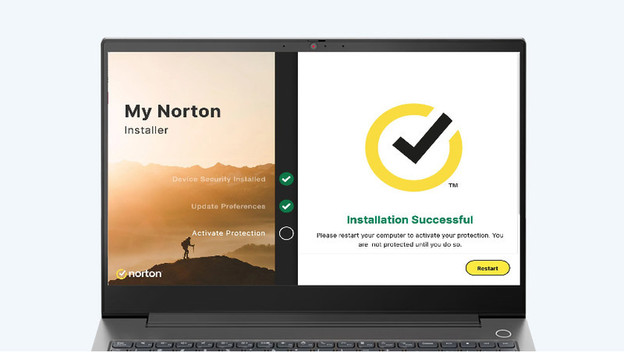
Enjoy 1 free year of Norton Antivirus with VPN
When you buy a laptop at Coolblue, you receive 1 free year of Norton Security worth € 99.99. You receive the code in your inbox within 24 hours after the purchase of your new laptop.
The advantages of Norton listed:
- Stream your favorite series anywhere in the world with a VPN connection.
- Protect your PC from viruses, spyware, malware, and other internet attacks.
- This pack is for 3 devices, so you can secure your phone and tablet as well.
- This subscription is free for 1 year, and you can then pay to extend it.
You can view Windows laptops in the stores

View which stores have laptops here
You can easily choose a laptop once you've actually seen it in the store. For example, you can see how large a laptop truly is, what you think of the color, and how well it suits you. You also receive advice from one of our experts. We're happy to welcome you to one of our stores. There's always a Coolblue store near you.

Advice from an expert
Make an appointment with our Windows laptop expert and visit one of our stores. With personal advice, we'll help you choose a laptop and you can experience the usage in the store right away. You can make an appointment with our expert every day of the week within our opening hours.

Advantages of viewing laptops in our stores
Visit one of our stores and ask your questions to our laptop experts. You can easily see the differences between the laptop sizes, keyboards, touchpads, and screens. That way, you can experience which laptop suits your wishes and needs in real life.
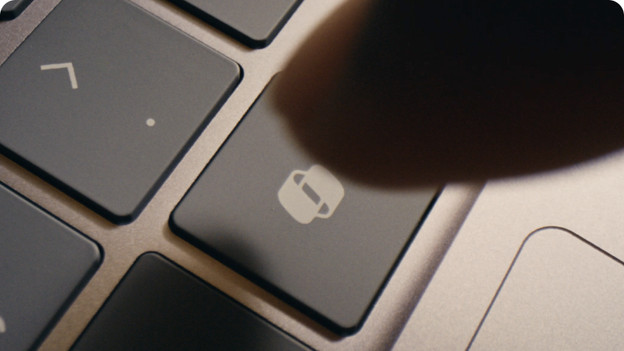
Copilot+ PCs
Copilot+ PCs are Windows laptops that work with built-in artificial intelligence. These laptops have an NPU, a special chip that processes AI tasks quickly. Thanks to this, you can use various Copilot AI functions, such as Live Captions, Recall, or Cocreator.
- Enjoy a long battery life
- Use convenient AI functions from Microsoft Copilot
- Process AI tasks faster while working
Frequently asked questions about Windows laptops
What's the difference between Windows Home and Windows Pro?
Windows Home is suitable for home use, studies, and gaming. Windows Pro is suitable for business use.
How do you choose a Windows laptop?
First think about what you'll use your Windows laptop for. You don't need a powerful processor for light tasks, but you do need one for more demanding tasks.
Which inch size laptop do I need?
If you often take your laptop with you, you need a small laptop. If you only take your laptop with you every now and then, a medium-sized laptop is ideal for you. Often work in the same spot? Choose a large laptop.
Which connectors do I need?
The connectors you need depends on how you'll use your laptop. The most important connectors are USB, HDMI, and DisplayPort.
What's a video card?
A video card makes sure that your laptop screen displays images. With a dedicated video card, images are displayed even more smoothly on the screen.
How does Coolblue ensure that the laptops meet my needs?
At Coolblue, we choose which laptops we sell. We also build laptops ourselves. We do this based on our expert knowledge, as well as customer feedback and data. This way, we always have the best Windows laptops that completely match your needs and usage situation.
Discover our Windows laptops
Going to buy a new Windows laptop? The Microsoft operating system is the most popular choice, and that's for a reason. You can use Windows in any usage situation. You can find various brands in our assortment, like HP, Lenovo, ASUS, MSI, Acer, and Samsung. Looking for a flexible 2-in-1 laptop with touchscreen that you can also use as a tablet, or a powerful laptop for gaming and graphic design? From compact 14-inch models for on the go to powerful workstations: there's always a device that suits your needs. View the offer and discover which laptop with Windows suits your situation best.