Written by Deanne
Edited on
15 September 2026
·
11:00
Everything on testing laptops in our stores
Would you like to try a laptop first or do you need advice? Feel free to visit one of our stores to choose the laptop that suits you best. Here you can view, touch, and compare a wide range of laptops. If you need additional advice, our experts are at your service.
Advice in the store
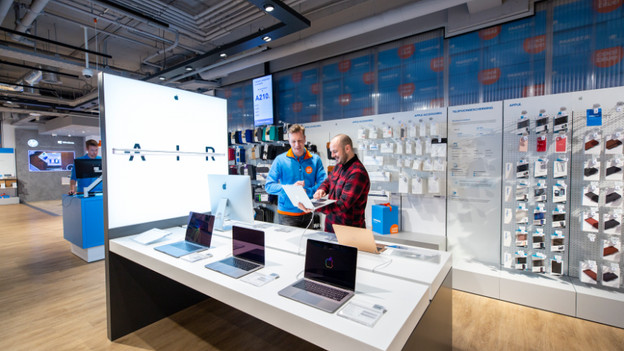
Advice by appointment
Our experts are ready to answer all your questions about laptops. Whether it's technical or practical, our experts have an answer to almost any question.

In which stores can you find our laptops?
Want to know whether you can find a certain laptop in a store near you? Go to the following page, choose a store location near you, and find the laptop for you.
Tips for testing laptops

Size and weight
The size and weight of a laptop are important in making the right choice. Do you take your laptop with you on the go for study or work? If so, a light 14-inch laptop is recommended. Do you mainly use the laptop at home? You may have a greater need for a larger model. In photos, a laptop sometimes looks smaller or larger than in real life. Come to our stores to see which size and weight suits your use.
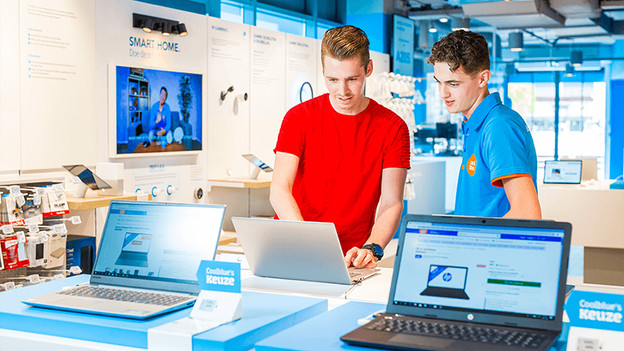
Keyboard and touchpad
All actions you perform on your laptop are done via the keyboard and touchpad. That's why it's important that typing on the keyboard feels comfortable and that the touchpad works properly. You can test different laptops in our stores. You'll experience what it's like to type long reports or scroll through web pages.
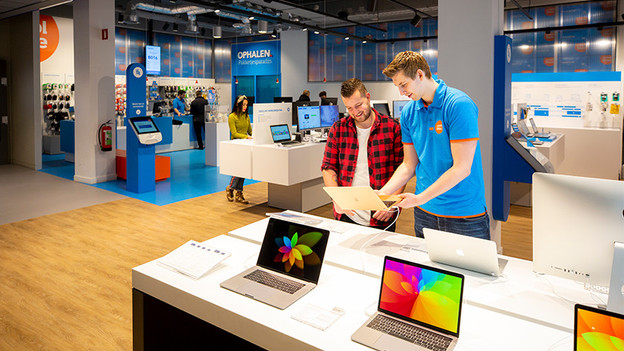
Screen
The colors and viewing angles of a laptop screen are best experienced in the store. It's difficult to know whether you like a screen, purely based on specifications and images. Do you prefer glossy or anti-glare matte? Come to our store and experience the screens in real life. This way, you can be sure that your favorite Netflix series or holiday photos look amazing on your new laptop.
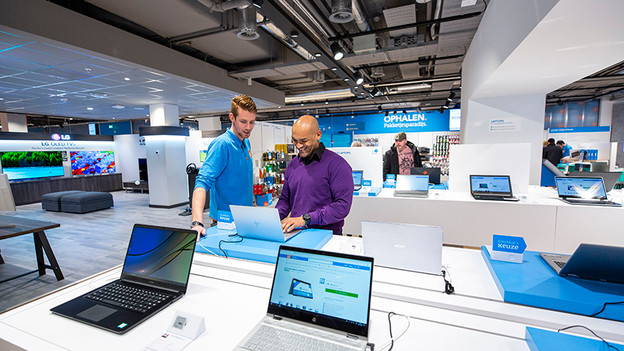
More tips
It may be difficult to choose from the large assortment. That's why it's useful to you ask yourself a few questions in advance. This way, you'll know better what to look for while viewing laptops in our stores.
- Think about what you're going to use the laptop for. Are you often on the go or working at school? A smaller model might be a better option.
- Test the 3 different operating systems in our stores: Windows (Pro), ChromeOS, or macOS. Which operating system suits you?
- What exactly do you do on your laptop? Do you need a lot of processing power or not? Our experts in the stores have the right advice for you.
Article by Deanne
Laptop Expert.