Written by Stefan
Edited on
22 July 2026
·
14:40
Expert review Apple MacBook Pro M5 (2025)
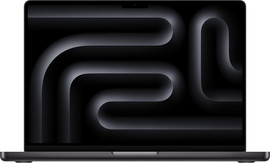
In March 2026, Apple announced the new MacBook Pro models: the MacBook Pro with M5 Pro and MacBook Pro with M5 Max. Combined with the MacBook Pro with M5 announced earlier, the M5 family is now complete. These are the most powerful models out right now, available in 14 and 16 inches. In this article, you can read all about my experience with the MacBook Pro M5 (2026).
Compare the Apple MacBook Pro with M5
- Apple MacBook Pro M5 Max
I can develop apps and produce music with the M5 Max chip.
Images are razor-sharp on the Liquid Retina XDR display.
I can connect up to 4 extra screens to the MacBook Pro with M5 Pro.
From
4.399,-
- Apple MacBook Pro M5 Pro
I can edit 3D files and 8K videos with the M5 Pro chip.
Images are razor-sharp on the Liquid Retina XDR display.
I can connect up to 2 extra screens to the MacBook Pro with M5 Pro.
I need the M5 Max chip to develop apps or produce music.
From
2.849,-
- Apple MacBook Pro M5
I can edit photo files in high quality with the M5 chip.
Images are razor-sharp on the Liquid Retina XDR display.
I can connect up to 2 extra screens to the MacBook Pro with M5.
I need the M5 Pro chip to edit 8K videos.
From
1.829,-


First impression
I open the box and the first thing I see is the MacBook Pro. After removing the paper foil, I can use it right away. Apple products are always partially charged when you first turn them on. That's nice, because I can start testing right away. The box also contains a MagSafe charging cable and a manual. I don't receive a charger adapter, Apple doesn't include this anymore. To charge my MacBook, I'll have to buy one separately.
Processor and speed
Apple M5 Max: the fastest, most powerful chip
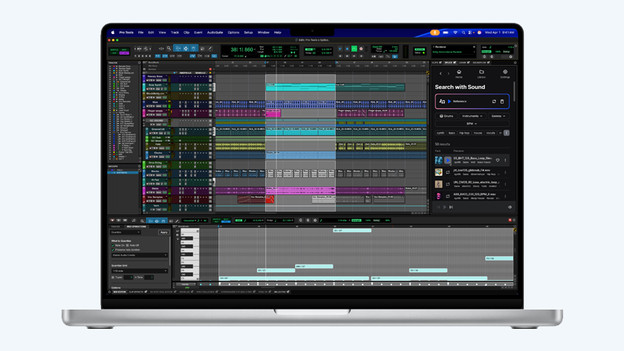
The Apple M5 Max is the most powerful MacBook processor at this time. Even the most demanding tasks aren't a problem. For example, I can smoothly perform complex calculations, develop apps, or produce music. And with at least 36GB RAM, I can also easily switch between various demanding apps. I never have to worry about too little storage space for my files. Thanks to the 2TB storage, I always have enough space, even for demanding apps and large projects.
Apple M5 Pro: powerful chip for demanding tasks
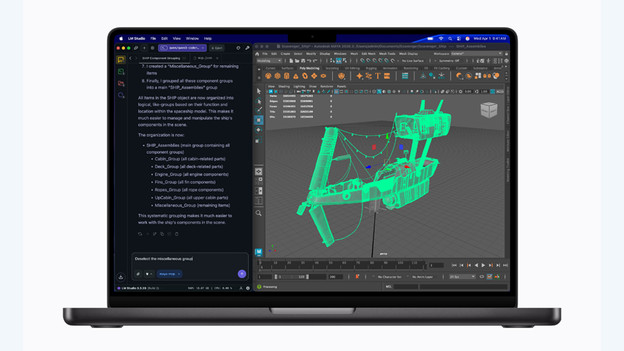
With the Apple M5 Pro chip, I can smoothly work on demanding tasks on the MacBook. That way, I can edit large 3D files in programs like Shapr3D. I can also easily edit video projects in apps like Final Cut Pro. With at least 24GB RAM, I can smoothly work in multiple apps at a time and quickly switch between them. Do you want to be sure that you can use the most demanding apps and files effortlessly? Choose the M5 Max and always have enough power.
Apple M5: work quickly and smoothly
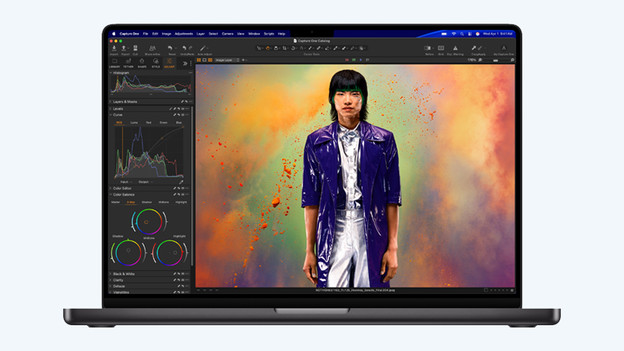
The M5 chip is powerful enough to smoothly open most apps and files. I can easily edit my vacation photos in high quality in Adobe Photoshop, and I can even make a beautiful video with the footage I recorded myself. With at least 16GB RAM, I can smoothly open a few apps next to each other and easily switch between them. Do you need more power to smoothly use demanding apps, for example? Choose the MacBook Pro with M5 Pro chip.
Design: available in 14 and 16 inches
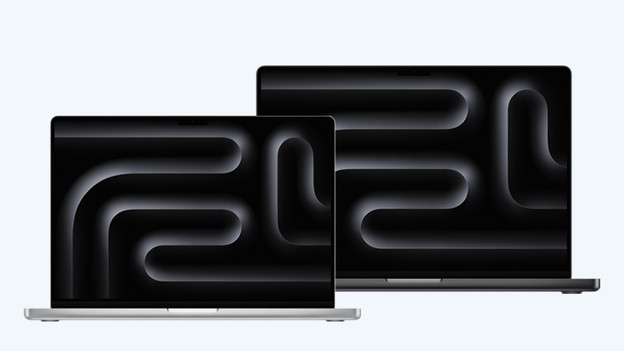
I think the casing of the MacBook Pro looks very beautiful and has a sleek finish. You can choose from the colors Black and Silver. I can choose from a 14 or 16-inch screen size. The 14-inch size is easy to take with me to work somewhere else. On the 16-inch screen, I can see more details in my files. For example, I can easily edit photos and videos. The 16-inch model is pretty heavy, though. I don't recommend it if you often take your MacBook on the go.
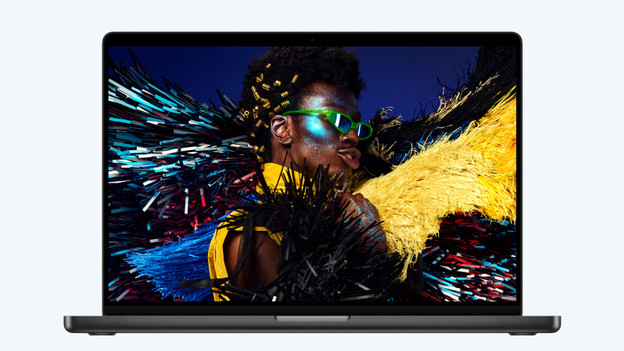
Image and sound: razor-sharp screen and powerful speakers
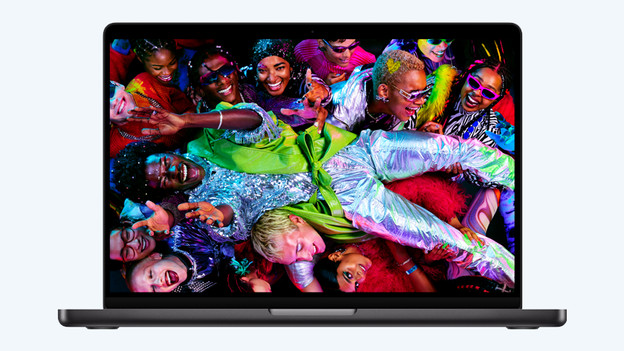
On the MacBook Pro, I can enjoy the best image and sound of all MacBook models. They show razor-sharp and lifelike images on the Liquid Retina XDR display. Thanks to the 120Hz refresh rate, I can always enjoy smooth images, even during intense action scenes in movies. Thanks to the 6 powerful speakers with Dolby Atmos support, all my music sounds realistic and spatial.
Conclusion: for all my accessories
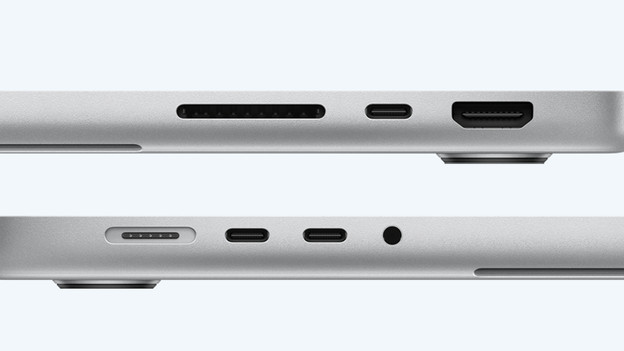
With an HDMI connector, 3 USB-C ports, an SDXC card slot, and a 3.5mm connector, I can connect all my devices and accessories to my MacBook. For example, I can easily connect an external display, charge my phone, or connect wired headphones. I can charge via the magnetic MagSafe connector. It's on firmly, but I can easily detach it when I trip over the wire, for example. That's nice if you're as clumsy as I am.
Article by Stefan
Apple MacBook Expert.