All help with choosing a monitor
Choosing a monitor may seem easy, but they come in all different types and sizes. That's why there's more to it than you'd think. On this page, we'll help you choose a monitor and give advice on the usage.
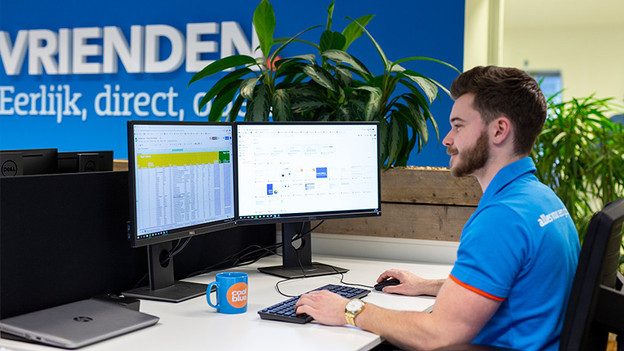
What do you want to use the monitor for?
What to keep in mind when choosing a monitor depends on your usage situation. For example, you need a high refresh rate for gaming, but this isn't as important for office work. In this article, we'll ask you a couple of questions to help you on your way with choosing a monitor. Do you already know what you're going to use the monitor for? Check the article on this page.

Which monitor suits you?
Do you already know what you're going to use the monitor for? In this article, we'll help you on your way with all the different options. For example, do you want a 24-inch or a 27-inch monitor for at home use? And what are the advantages of a USB-C monitor for at the office? If you're not sure yet what you're going to use the monitor for, click the other article on this page.
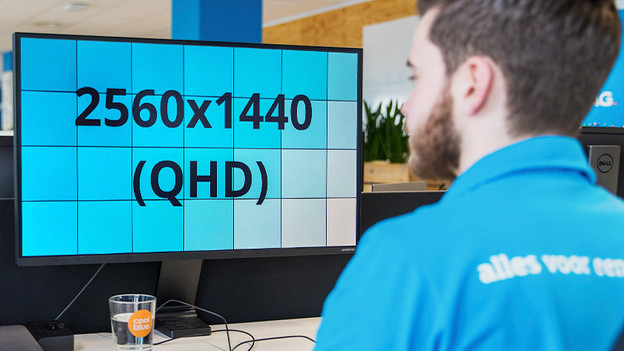
Everything on specifications
When choosing a monitor, you'll come across many different terms and specifications, but which ones are really important? In this advice hub, we'll explain which specifications are the most important for your usage situation.

Everything on connectors
A monitor has many different connectors, like HDMI, DisplayPort, and USB-C. But, which connector is the most suitable for your usage situation? And which connector ensures the best viewing experience? In the following advice hub, we've listed everything about the connectors on monitors, connecting monitors, and more.