Help, my projection is blurry
You bought a new projector. You're completely ready, but the projection is blurry or dark. Bummer. In this article, we'll give 3 simple tips to solve this problem. This way, you can enjoy a bright projection in not time.

3 tips if your projection is blurry
With these 3 tips, you can make your projection sharp.
Tip 1. Adjust the projection via the lens ring or image settings
Tip 2. Move the projector
Tip 3. Clean the lens
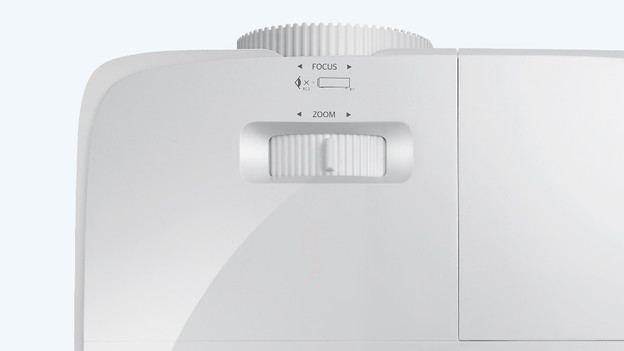
Tip 1: focus the projection with the lens ring or via the settings
Most projectors have a lens ring to focus the projection. Rotate this ring and see if the projection gets sharper.
Doesn't your projector have a lens ring? Or is the projection still not bright? Some projectors allow you to focus the projection via the settings. Open 'settings' and look for 'image settings' or 'image'.
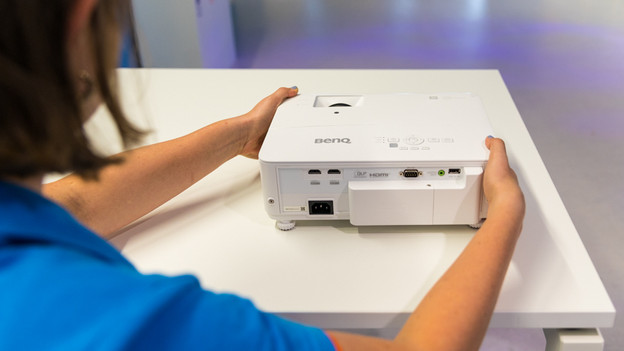
Tip 2: move the projector
Check the manual or the product page for the minimum and maximum projection distance of the projector. Did you place your projector between these 2 distances? It won't help to move the projector. Is the projector too close or too far away? Move the projector to the right distance from the wall or screen. Also try the zoom function if your projector has this function.
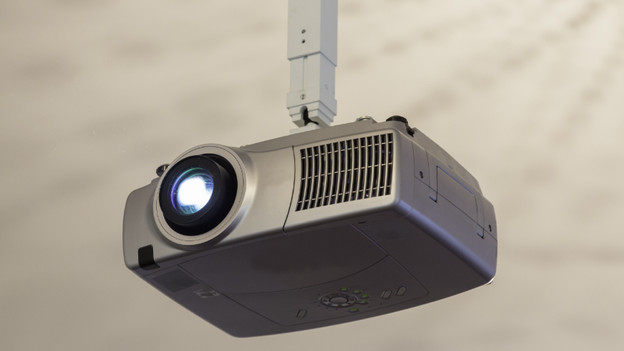
Tip 3: clean the lens of the projector
Check if there are stains on the screen. Does the lens look dirty? Clean the lens gently with an air blower and a microfiber cloth. Don't clean the lens with a random piece of cloth. That can scratch the lens.
Article by Jorn
Projector Expert.