Written by Rowan
Edited on
15 November 2024
·
11:10
How do you use a printer with your Apple Mac?
With a printer with your Apple Mac, you can easily print vacation photos, reports, and posters. Especially when your printer supports Apple AirPrint. Here, we'll tell you how to set up a printer and how to use it with your Apple MacBook, Apple iMac, or Apple Mac Mini.

Get started with printing on your Apple Mac
With these tips, you can print all your documents via Apple Mac in no time:
Tip 1. use an AirPrint printer
Tip 2. use a WiFi printer
Tip 3. use a cable converter and USB printer
Tip 1: use an AirPrint printer
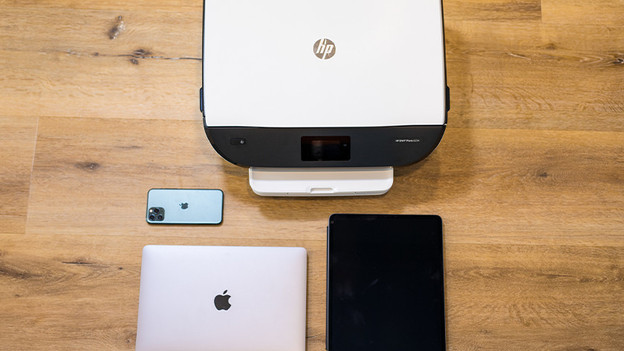
Apple AirPrint is the easiest way to print from your Apple Mac. If you have a printer that supports AirPrint, you can quickly and easily print files without extra programs or accessories. AirPrint doesn't just work with your Apple Mac, but also with your iPhone and iPad. That way, you can quickly print documents and photos without a hassle with cables or confusing programs.

Tip 2: use a WiFi printer
With a WiFi printer, you can wirelessly print documents and photos. Connect your Mac and the printer with the same WiFi network for this. Open the document you want to print and select the printer from the list. Your Mac sends the document wirelessly to your printer. Most modern printers support wireless printing.
Tip 3. use a cable converter and USB printer
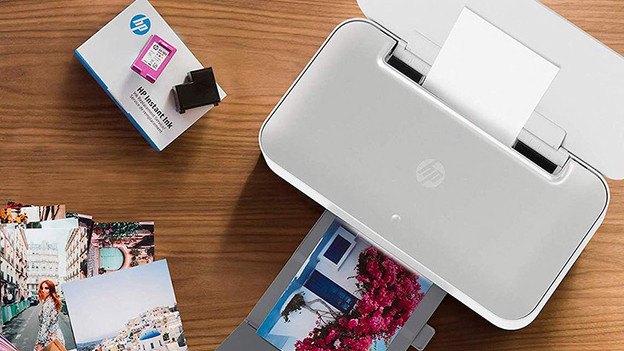
Do you have a printer that can't print wirelessly? Or aren't you able to connect to your printer? You can print your files via a USB cable. If your Mac doesn't have USB-A ports, you can connect the printer using a cable converter. You can then print your files and photos as usual.
Article by Rowan
Apple Expert.