Written by Lucas
Edited on
1 May 2023
·
13:07
Getting started with the Huawei Freebuds 3
You want to get started with your Huawei Freebuds 3 as soon as possible. In this article, we'll explain how to get started with the earbuds in 3 steps. We'll show you how to put the earbuds in your ears and how to ensure a good connection.
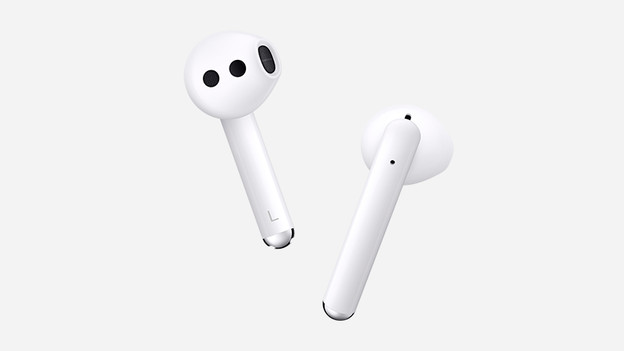
Get started in 3 steps
Find out how to get started with your Huawei Freebuds 3 as soon as possible.
Step 1: connect to your phone
Step 2: put in your earbuds
Step 3: ensure a good connection
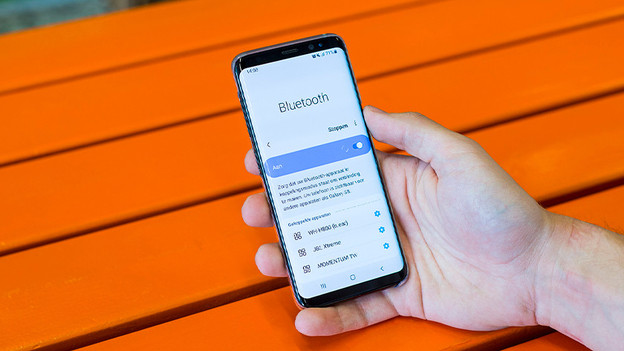
Step 1: connect to your phone
The first step is to pair the earbuds to your phone. If you've already done this, you can skip this step. Not sure how to pair the earbuds to your phone? Read the article below.
Step 2: put the earbuds in your ears
The Huawei Freebuds 3 are earbuds. This means the earbuds don't go directly into you ear canal, but hang in the round part of your ear cup.
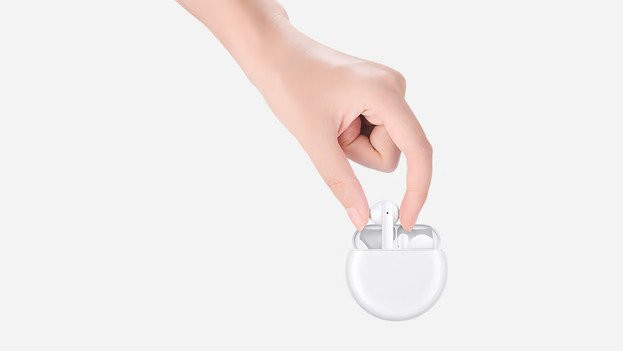
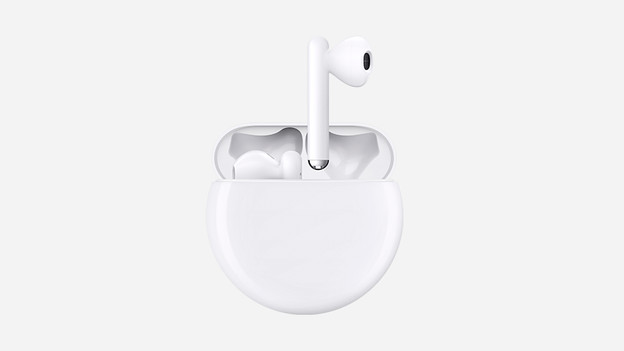
Step 3: how do you ensure a good connection?
Nothing is more annoying than a poor connection that makes the music stutter. In the article below, we'll give you some steps to take to ensure a better connection. So you can listen to all your favorite songs without issues.
Article by Lucas
Audio Expert.