
Written by Iris
Edited on
8 July 2025
·
15:06
4 tips to reduce the noise of your air purifier
It's annoying if your air purifier makes so much noise that you can't relax on your couch anymore. Usually, there's a specific reason that causes it to make more noise than you're used to. You can easily solve most of these problems yourself. Below, we'll tell you what the possible causes are and how to solve them.
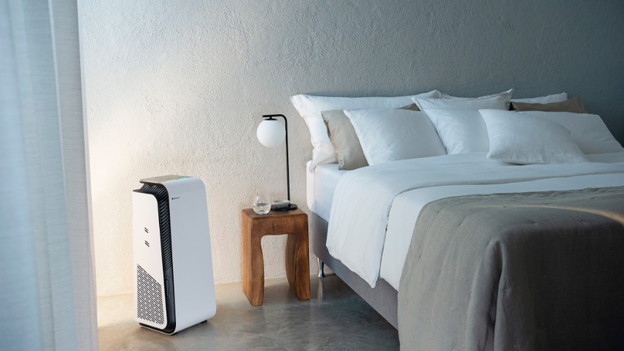
Solve noise of your air purifier
Below, you can read about the most common problems that cause noise. Next you can read about the solutions.
- Tip 1: turn off the automatic mode.
- Tip 2: set it to a lower setting.
- Tip 3: level your air purifier.
- Tip 4: place the device further away from the living area.
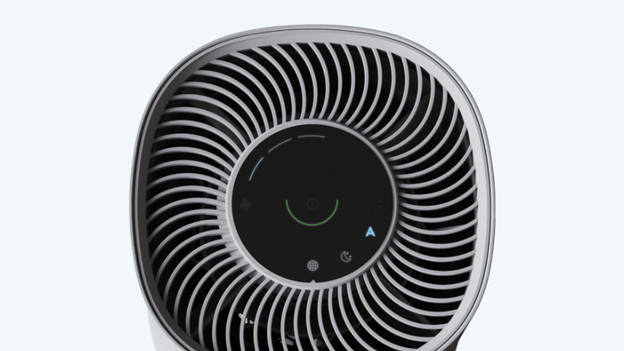
Tip 1: turn off the automatic mode
In automatic mode, your air purifier takes care of everything automatically and you don't have to think about anything. That's very convenient, but the downside is that the air purifier often makes more noise in this mode. Turn off the automatic mode on your purifier to make it more silent.
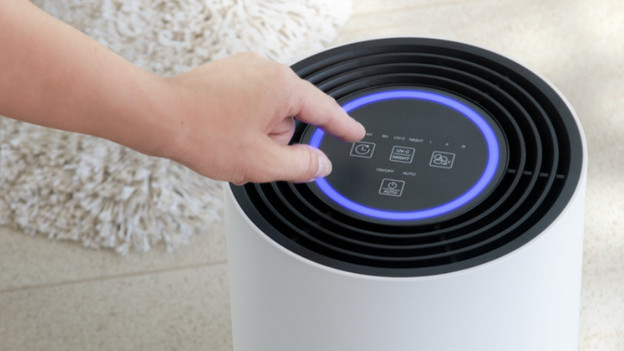
Tip 2: set your air purifier to a lower setting
An air purifier works harder at a higher setting. That means it also makes more noise. Are you distracted by the sound of your air purifier? Set it to a lower setting.
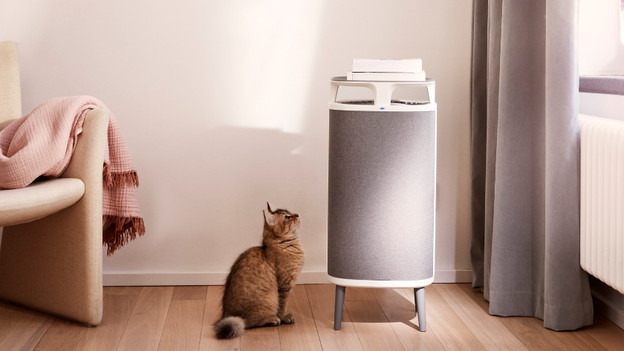
Tip 3: level your air purifier
In addition to the setting, the placement of the purifier is also important. Check if your air purifier is placed level. If the air purifier is positioned crooked, it can't take in the air or spread it through the room properly. As a result, it has to work harder and it makes more noise. With a spirit level, you can check if your air purifier is placed level.
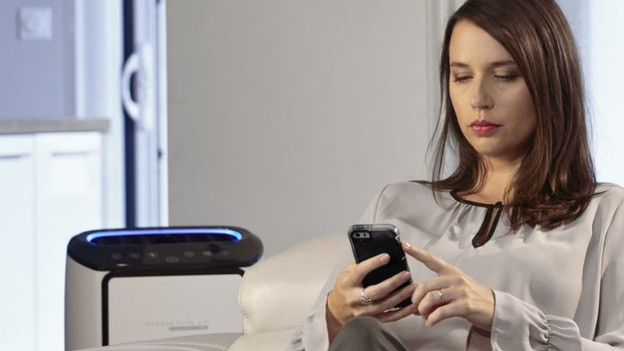
Tip 4: place the device further away from the living area
No matter how silent your air purifier is, you'll always hear it. That's why you can choose to place it further away from your living area. Make sure it still cleans the right area of the house. For this, you can check how many square meters the device can purify. Carefully read the manual as well.
Article by Iris
Air Purifier Expert.
