
Written by Jesper
Edited on
21 April 2023
·
14:42
3 tips when the audio of your OnePlus smartphone doesn't work
Is the microphone of your OnePlus smartphone not working? We're happy to help you solve this problem. In this article, you can mind multiple ways to solve the problem yourself.
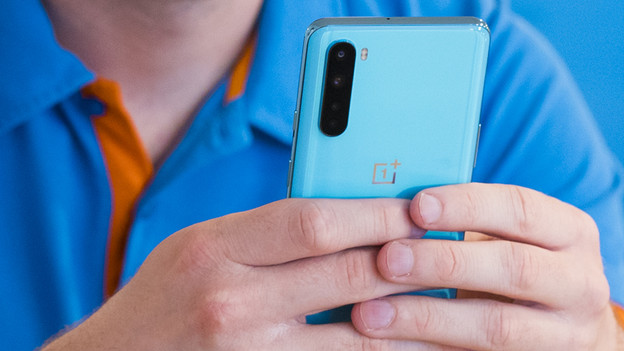
Tips for if the audio doesn't work
There are different solutions to this problem. Go through these tips from top to bottom.
- Tip 1: restart
- Tip 2: update your smartphone.
- Tip 3: perform a hard reset.
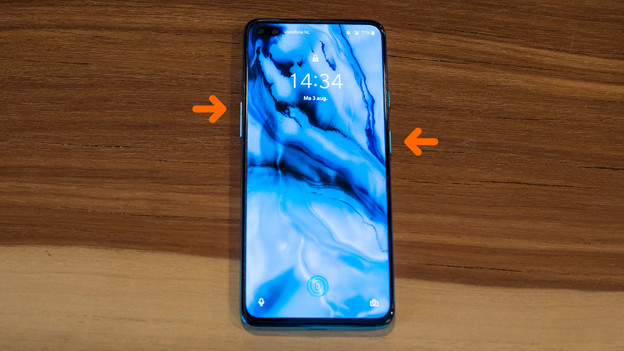
Tip 1: restart
It can help to soft reset the device. This is the same as a reboot. To do this, follow the next steps:
- Press and hold the standby button and the volume up button simultaneously.
- Release when the device turns off.
- Switch the device on again by pressing and holding the standby button.
Tip 2: update your smartphone
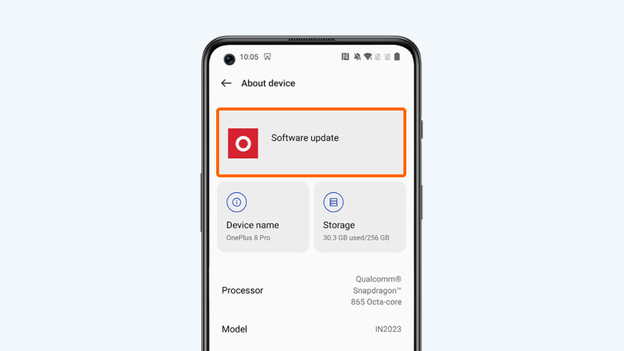
Sometimes, the sound of the microphone doesn't work, because your smartphone doesn't have the latest software. Go through these steps to update your device.
- Make sure the your phone is at least charged for 60%. Otherwise, put the device on the charger.
- Check if your smartphone is still connected to WiFi.
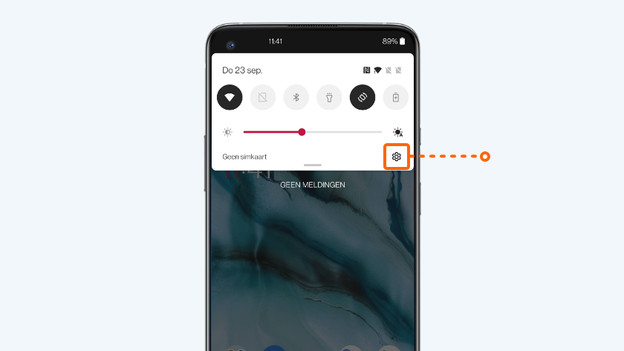
- Go to Settings. That's the icon with the cogwheel.
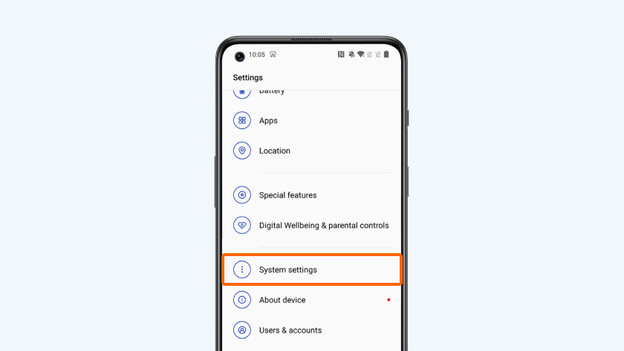
- Scroll down and choose System.
- Tap System updates.
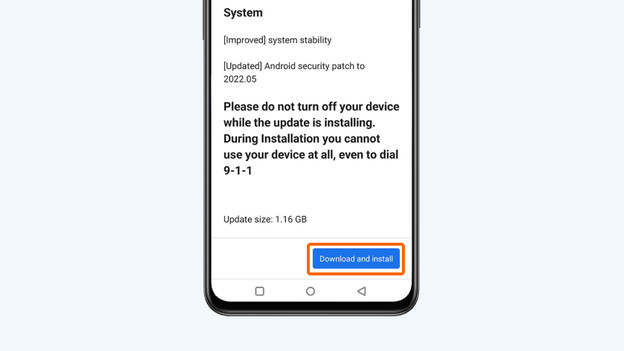
- Is there an update? Choose Download & install now.
3. Go to Settings
4. Choose System
5. Tap System updates
6. Choose download and install

Tip 3: perform a hard reset
With a hard reset, you revert your smartphone to factory settings. Make a backup first, otherwise you lose your apps, photos, and files.
- Go to Settings.
- Choose System.
- Go to Reset options.
- Tap Erase all data (factory reset).
- Choose Erase all data.
Check our advice page for an extensive step-by-step guide.
Article by Jesper
Smartphone Expert.
