Help after purchasing your Android smartphone
Yes! You bought a new Android smartphone. You want to get the most out of your device, of course. That's why you can find advice on how to optimally use your new phone here. For example, we'll explain how to switch from your old to your new phone. You'll also find tips for using your smartphone and we'll help you on your way if your device stops working.
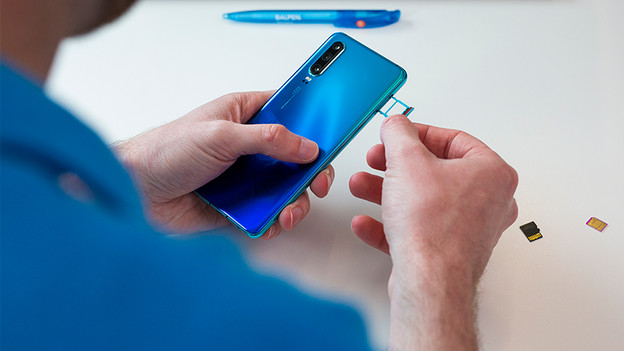
Switch to your new phone
Ideally, you want to transfer all your contacts, apps, photos, and other files from your old to your new phone. To do this, make a backup on your old device with your Google account and log in with the same account on your new smartphone. Are you switching from an iPhone or Windows Phone? There are also other simple methods.
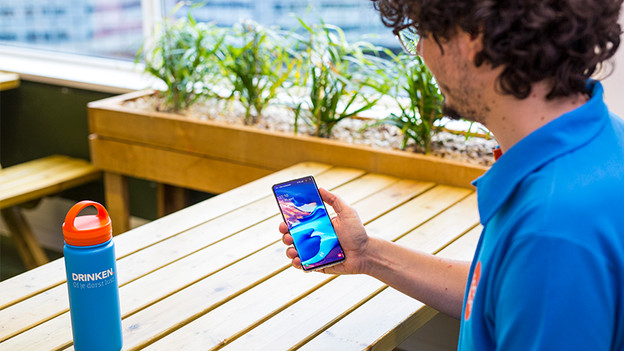
In use
When all data has been transferred, you want to use your new smartphone as optimally as possible of course. That's why we'll give you tips on updating and securing your device. This way, you always have the latest Android version and intruders can't access your phone. We'll also tell you what to keep in mind when charging your smartphone, so your battery lasts as long as possible.
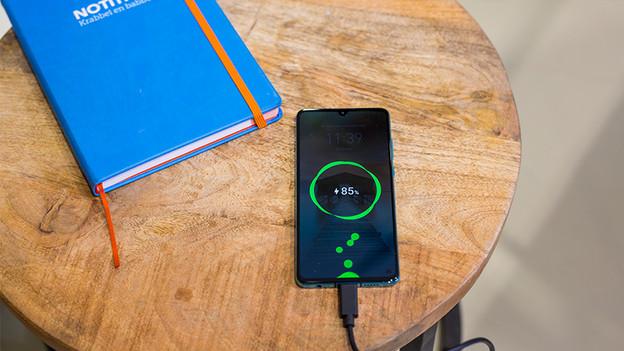
Help with problems
Over time, you may encounter small or major problems. Sometimes, you can solve this by resetting your smartphone. We'll tell you how to do this for different brands. Don't forget to make a backup of your data beforehand. Are you stuck? You can visit one of our stores. Our people at the Coolblue Phone Help are happy to help.