Written by Gaby
Edited on
6 February 2023
·
07:58
2 tips for when your alarm clock doesn't go off
The purpose of an alarm clock is for it to wake you up on time so you don't oversleep. That's why it's very annoying if your alarm clock doesn't go off or if you don't hear it. The issue is often the volume button. If you have a radio alarm clock, you might have set the wrong channel or no channel at all. We'll explain how to solve that, so you can start your day well.
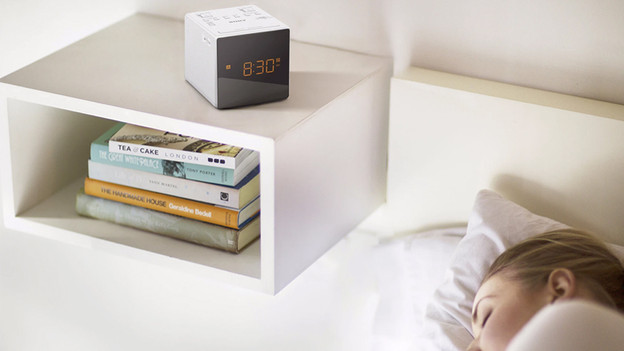
Solve problems with your alarm clock
Don't hear an alarm or radio station when your alarm clock should go off? Read the following tips.
- Tip 1: check the volume button
- Tip 2: set the right audio source or FM signal
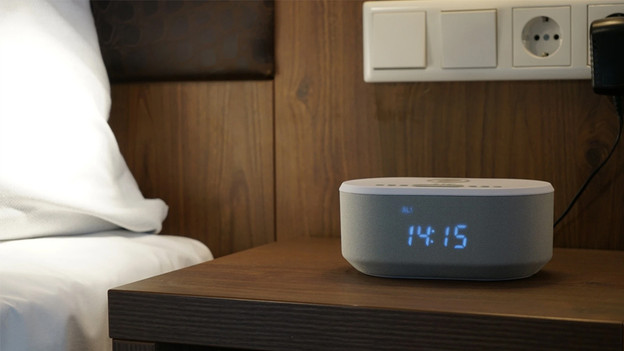
Tip 1: check the volume button
It might sound obvious, but make sure you've set the volume correctly. Switch the alarm clock to a setting you can hear and test the alarm of the alarm clock. Are you sure that you've set the volume correctly? Check whether you've set the alarm and if you've set it to the right alarm time.
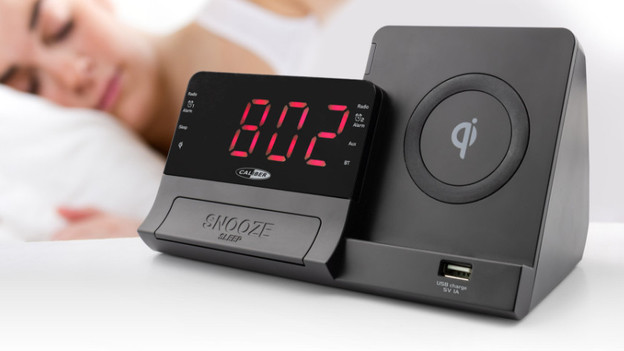
Tip 2: set the right audio source or FM signal
Some alarm clocks have other alarm sound options in addition to the default alarm. Do you have a clock radio and want a radio station as the alarm sound? Depending on the type of radio reception of your alarm clock. select an FM signal or a radio station via DAB or DAB+. Do you use a different source as your alarm sound? Make sure to select it on the alarm clock. If you don't choose a source or haven't set the radio station correctly, you'll either hear nothing at all or white noise.
Article by Gaby
Alarm Clock Expert.