
Written by Jesper
Edited on
15 December 2023
·
15:26
How do you forward calls to your smartphone?
Are you going on vacation or leaving the house, but you're expecting an important call on your Gigaset landline phone? Forward your calls to a different device, like your smartphone. For Gigaset devices, there are standard settings. In this article, we'll tell you which those are. For other brands, the method differs per brand or per product.
Forward calls
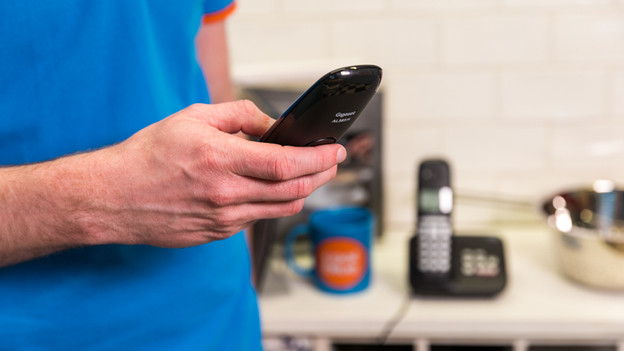
You can easily forward calls from your Gigaset phone to a different device. Follow these steps:
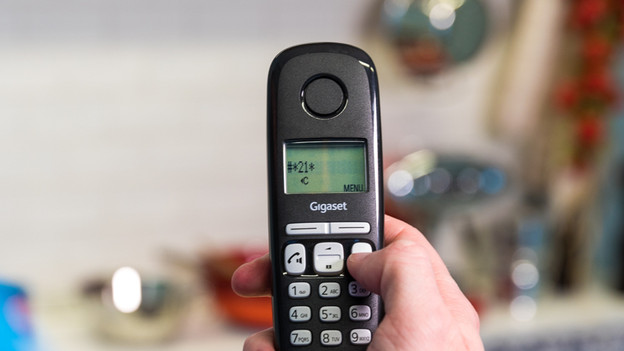
Step 1. On your device, enter * 21 *, followed by a phone number and a #, to forward calls to that number.
Step 2. Call to * 21 * to stop forwarding.
Forward to a different phone number
You easily connect your landline to your mobile phone. Forwarding calls to a different phone number may differ per provider. Do you have a Ziggo or KPN phone plan? Go through the following steps:
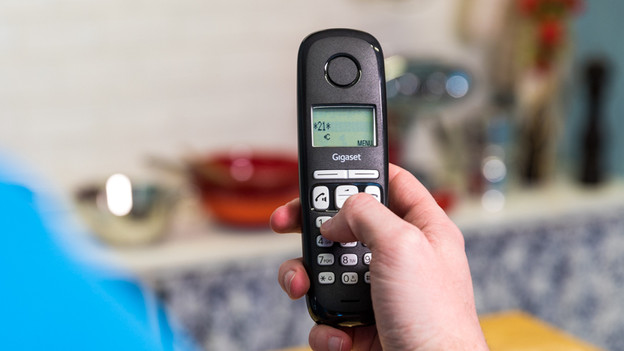
- Enter 21 on your landline phone. Start and end with an *.
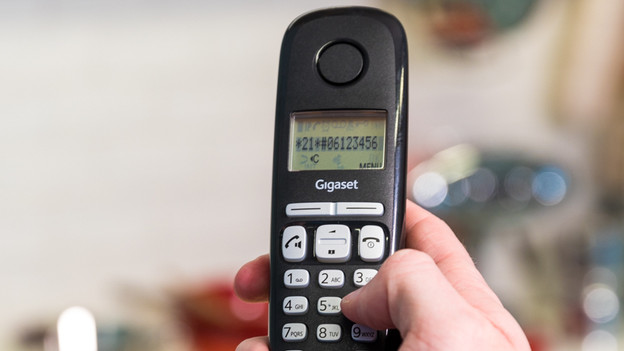
- Enter the mobile phone number that you want to forward a call to. End with a #.
- Do you hear a dial tone? The phone has been forwarded.
- Test if forwarding calls works by asking someone to call your landline phone.
Note: your provider may charge you for forwarding calls to other devices. Contact your provider for more information.
1. Enter 21. Start and end with an *
Enter the mobile phone number that you want to forward the call to and end with a #
Turn off forwarding calls
You can easily turn of the call forwarding function to a different phone number. If you have a Ziggo of KPN phone plan, you can do this as follows:
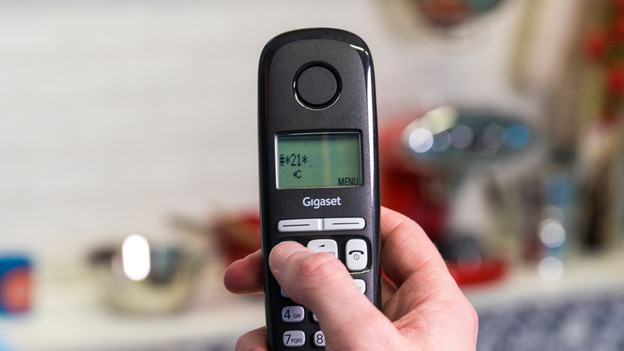
- Call #21. Start and end with an *
- Disconnect.
- Test if call forwarding has been turned off by asking someone to call your landline phone. If the call comes in on the handset, your landline isn't forwarded to a different phone number anymore.
1. Call #21. Start and end with an *
2. Disconnect.
Article by Jesper
Landline Phone Expert.
