
Written by Jorn
Edited on
28 December 2022
·
11:18
Which cables do you connect to your Apple TV?
To use your Apple TV, you need various cables. The Apple TV includes a power cable and a USB cable to charge the Siri Remote. The other cables aren't included. In this article, we'll explain which cables you need for the different Apple TV ports.

Which cables do you connect to your Apple TV?
You have to connect a power cable to provide your Apple TV with power. Below, we'll highlight the other cables you could use for the Apple TV.
- HDMI cable
- Ethernet cable
- USB-C cable
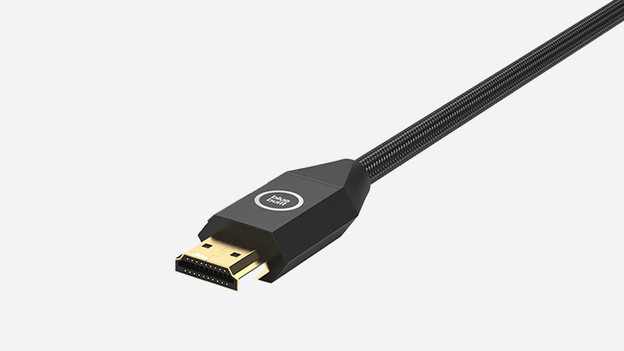
HDMI cable
Connect an HDMI cable to the HDMI input to connect your Apple TV to your television. This cable transmits images and sound Apple TV to your television. The Apple TV supports resolutions up to 4K and also has HDR support. If your television supports that as well and you want to watch your movies and series in 4K resolution with an HDR color gamut, choose a 2.0 HDMI cable or higher. That way, you're sure that you're looking at the best possible image quality. The Apple TV doesn't include an HDMI cable
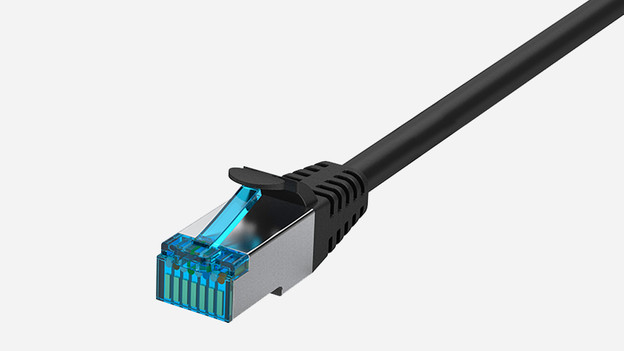
Ethernet cable
The input on the right side of the Apple TV is meant for a network cable, also called a UTP cable. You use it to connect your Apple TV to the internet. That's useful if can't or don't want to use a wireless network. Sometimes, an Ethernet connection is faster than a WiFi connection. So you won't get any lags when you're playing games in Apple Arcade.
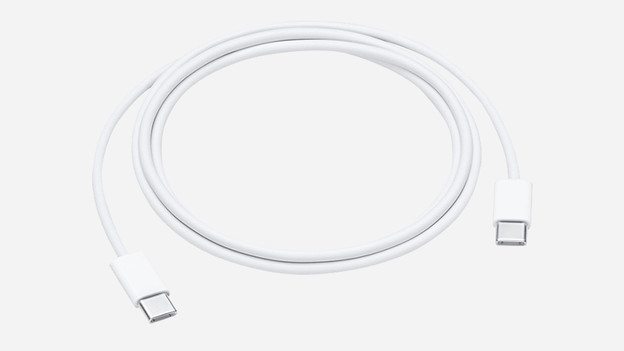
USB-C cable
While the Apple TV 4K only has 3 ports, you'll see 4 ports on the Apple TV HD 4. This fourth input is located in the center above the HDMI port and is meant for a USB-C cable. You can use it to connect your MacBook to the Apple TV to make screenshots or to reset the Apple TV. Because you can do these things wirelessly with the Apple TV 4K, the newer version doesn't have a USB-C port.
Article by Jorn
Apple Expert.
