Written by Job
Edited on
23 October 2024
·
07:34
What's the AOC gaming series?
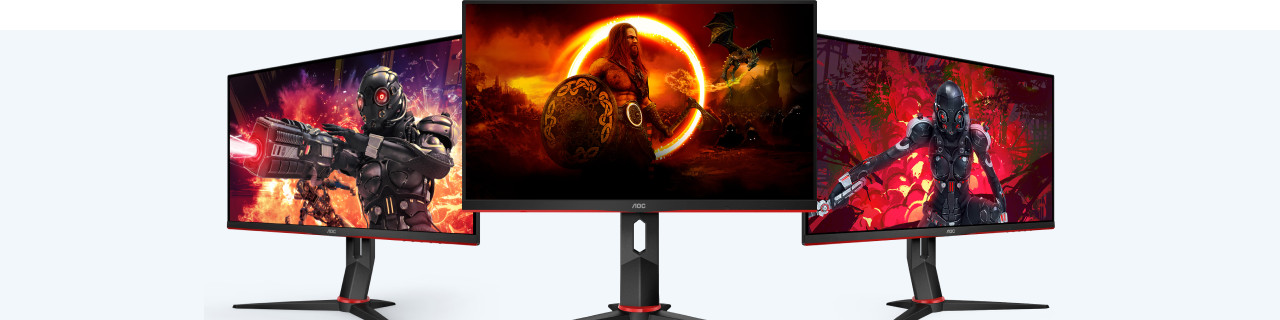
With an AOC gaming series monitor, you can play the most demanding games with smooth images. The gaming series monitors have a maximum 240Hz refresh rate. Thanks to this, you can play shooters and racing games at the highest level. In this article, we'll explain what makes the AOC gaming series special.

Why choose the AOC gaming series?
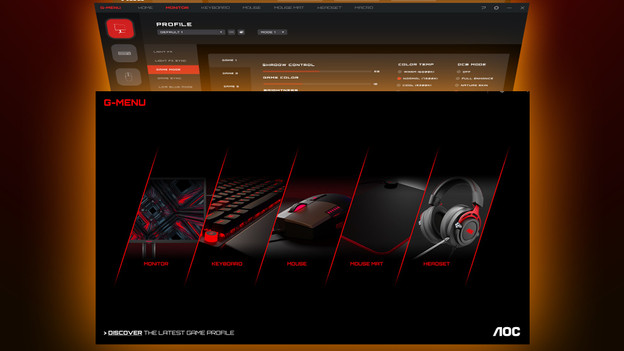
The AOC gaming series is made for the starting and professional gamer. You You can play fast games thanks to the high refresh rate of these screens. You can also see them sharply thanks to the low response time. You can also use adaptive sync, so the refresh rate of your video card synchronizes with the one from your monitor. This way, you always game with the beste settings. With the AOC G-Menu program, you can easily adjust the settings of your monitor. This way, you can adjust the brightness or RGB lighting yourself.
Smooth and sharp images
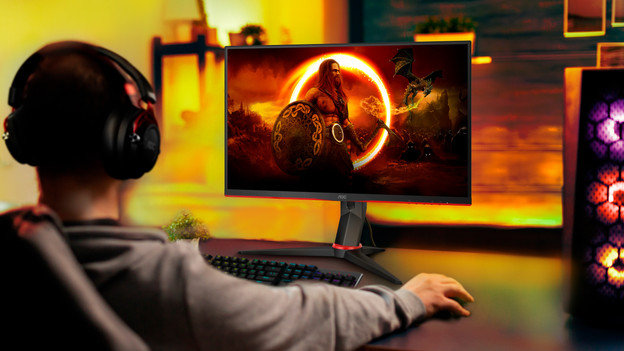
The refresh rate determines how smooth the images of your monitor are. This is expressed in the number of Hertz. The AOC gaming series monitors have a minimum 144Hz refresh rate. This way, you can see your opponents sharply. The gaming series monitors also have a 1ms response time. Thanks to this, smooth images are quickly visible. Thanks to the combination of a high refresh rate and low response time, gaming series monitors are suitable for online gaming at a high level.

No screen tearing thanks to Adaptive Sync
Gaming series monitors with adaptive sync prevent screen tearing. Check which video card you use, because there are 2 types of adaptive sync. Most gaming series monitors use the FreeSync technology. You can use this adaptive sync with AMD video cards. Connect your monitor with a DisplayPort cable to use FreeSync. The maximum refresh rate of a monitor via HDMI is 144Hz, so we recommend using a DisplayPort cable for a gaming series monitor.
Adjust settings with G-Menu
A unique property of AOC monitors is the G-Menu software. With G-Menu, you can easily adjust the settings of your gaming series monitor. You can decide the brightness of the screen, adjust the color contrasts, and lower the input lag, for example. You can also adjust the refresh rate of the monitor yourself if you perform other tasks in between gaming. When you adjust the brightness or the intensity of the built-in blue light filter, you also save energy.
