
Written by Elaine
Edited on
15 September 2026
·
11:00
Advice on desktops
You choose a desktop based on what you want to use it for. That’s why we’ve listed what specifications you need for each specific usage situation. This way, you can be sure that you'll make the right choice.
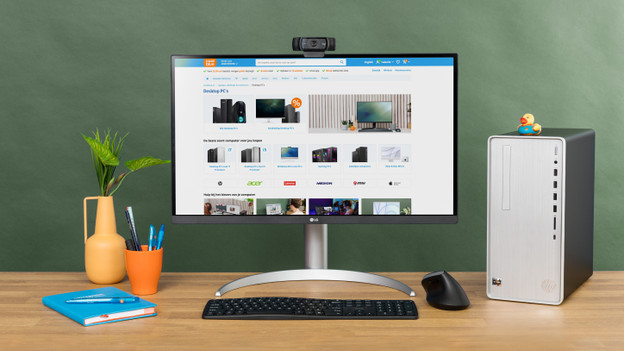
Going to browse the internet, process texts, and send emails?
Do you want to browse the Internet, send emails, process texts, or watch a movie? You can do that with any desktop. If you want to use your desktop for these tasks alone, a more affordable PC is a good choice. Keep in mind that more affordable computers are less future-proof, since you won’t have many upgrade options and programs will become more demanding over time. To use the internet and send emails, you’ll need at least the following specifications:
- Any processor
- 8GB RAM or more
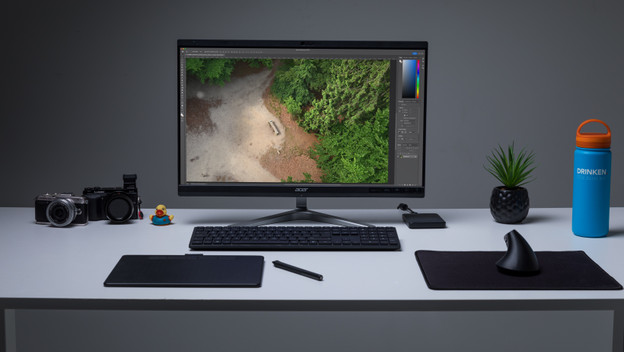
Going to edit photos?
If you sometimes edit vacation photos, a starter computer with an i3 processor has more than enough power. But if you regularly want to edit photos professionally, we advise you to consider a more powerful PC that's suitable for programs like Photoshop. Make sure the PC you have in mind has at least the following specifications:
- Intel Core i5 or AMD Ryzen 5 processor
- 16GB RAM or more
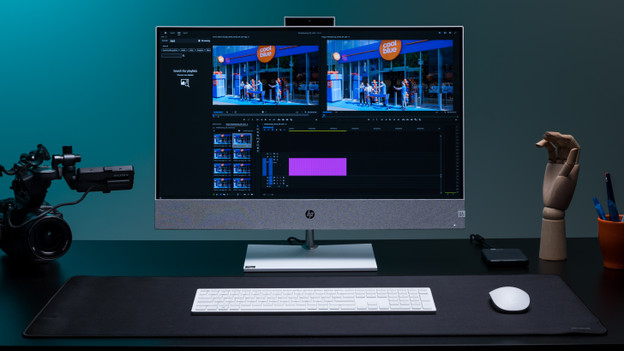
Do you want to edit videos?
If you edit videos regularly, you’ll need a computer with enough power. That’s because video editing is very demanding for your PC, especially while the video renders. If you want to edit videos regularly or professionally with software like Adobe Premiere Pro or Adobe After Effects, you’ll need a computer with at least the following specifications:
- Intel Core i7 or Ryzen 7 processor
- 16GB RAM or more
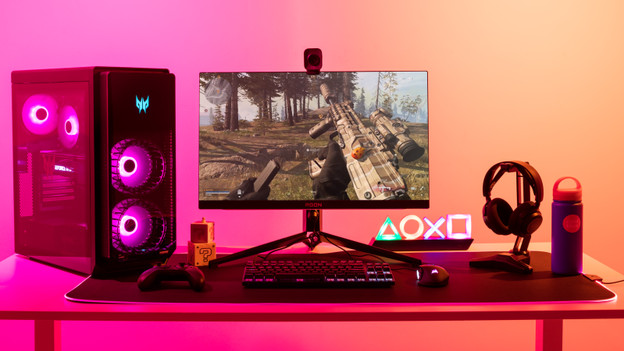
Do you want to game?
In principle, any PC can run a game. Simple games like FarmVille or Angry Birds aren't very demanding on your computer. If you want to play new games like Call of Duty, the video card is particularly important. It provides the power necessary for the game to reach its full potential. If you’re looking for a full-fledged gaming PC, you’ll need at least these specifications:
- NVIDIA GeForce RTX 4060
- Intel Core i5 or i7 processor
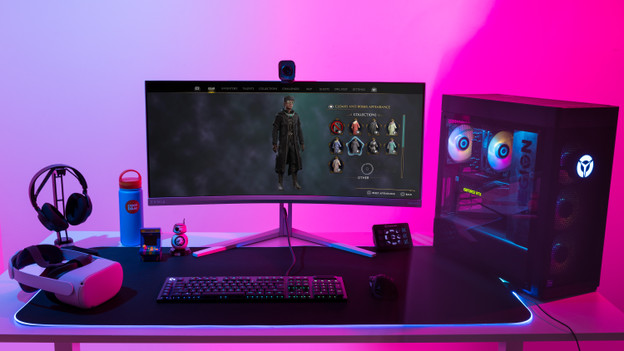
Want to play VR games?
If you want to play virtual reality games via your computer, you'll need a PC that’s suitable for that. The video card plays an important role, because it sends a smooth image to the VR headset. If it doesn't, you run the risk of motion sickness. That’s why you should choose at least an NVIDIA GeForce RTX 4060 video card. This way, you can be sure that your virtual environments look their best.
- NVIDIA GeForce RTX 4060
- Intel Core i7 processor
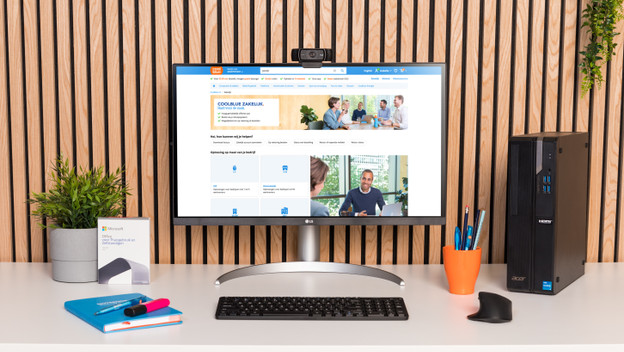
Going to use your desktop for work?
A business PC differs from a computer for personal use in a number of ways. The Windows Pro operating system is recommended for a business PC. That's because it allows you to connect the PC to the entire company network and can be used to connect to other computers in the domain remotely. Files are also more secure with Windows 10 Pro. In addition, most business desktops have an on-site warranty. This means a technician will visit you the next working day to repair your PC.
Article by Elaine
Desktop Expert.
