Written by Deanne
Edited on
25 August 2026
·
09:04
Advice on computers
You're looking for a new computer, but don't know what to keep in mind. Computers come in different types and sizes. Does a desktop, all-in-one, or mini PC suit you? Or do you prefer to take a laptop with you on the go? We'll help you out.
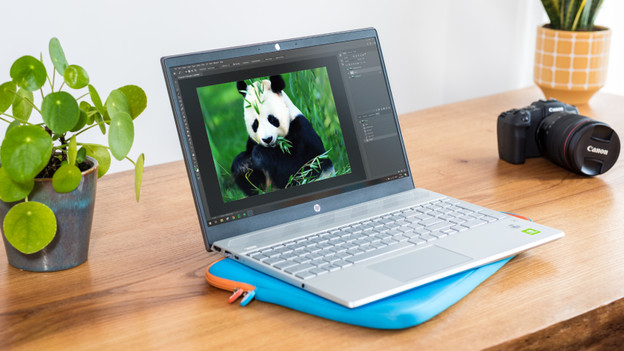
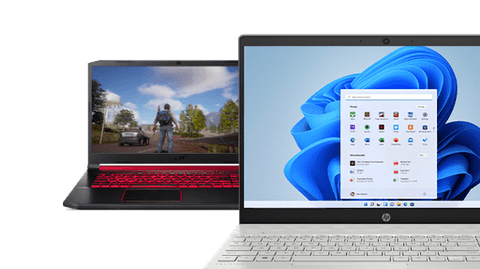
Laptops: for on your desk and on the go
A laptop is a computer you can take everywhere with you. Laptops are available in different sizes. There are regular laptops, but also 2-in-1 laptops. With a 2-in-1 laptop, you can flip the screen backwards and turn it into a tablet. A laptop has a keyboard, mouse, and screen by default. Some laptops also have a touchscreen, so you can control it both via the touchpad and screen.
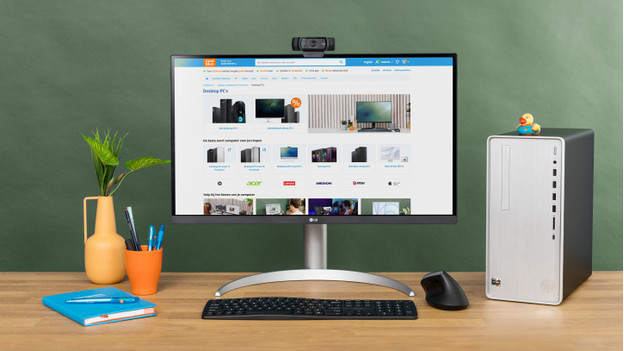
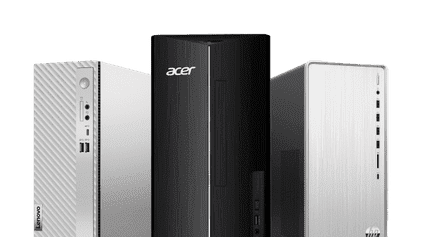
Dekstops: for on or next to your desk
A desktop is a large computer you place at your desk. The big advantage of a desktop is that you can easily replace parts. Do you need more storage, a more powerful processor, or more RAM, for example? Simply replace all those parts of your PC. This makes a desktop a futureproof choice. With a desktop, you always need a monitor, keyboard, and mouse as well.
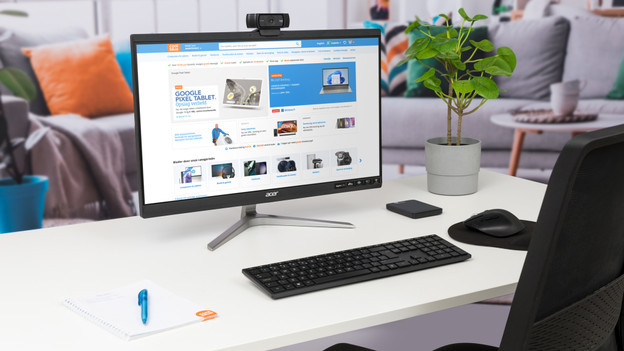
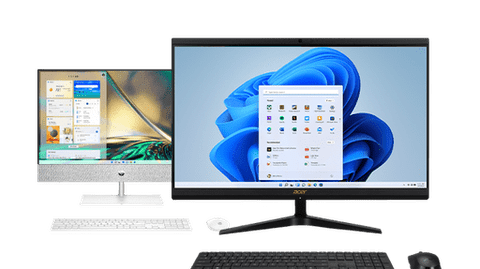
All-in-one PCs: a complete package
With an all-in-one PC, the computer is completely integrated in the monitor. This means that you don't need a separate computer next to your screen. Because all the parts form 1 whole, everything works together well. In addition, all-in-one PCs require fewer cables. And your desk always looks tidy as a result. The disadvantage of an all-in-one PC is that you can't replace any broken parts.
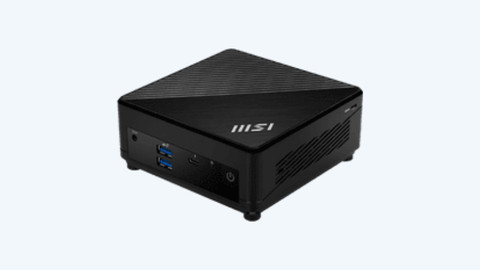
Mini PCs: for on your desk
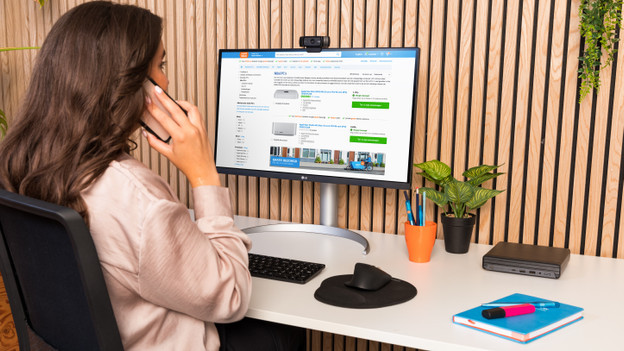
A mini PC is practically the same as a desktop, but smaller. This doesn't make a mini PC less powerful, because you can use it for all your task. Just like a desktop. From everyday tasks to demanding, graphic tasks. You can easily place a mini PC on your desk without it taking up too much space. A mini PC often does have fewer connectors than a desktop, so you can connect fewer peripherals. Usually, you can mount a mini PC to the back of a monitor with a VESA kit. This creates an all-in-one look.
Software and accessories: complete your computer
Software
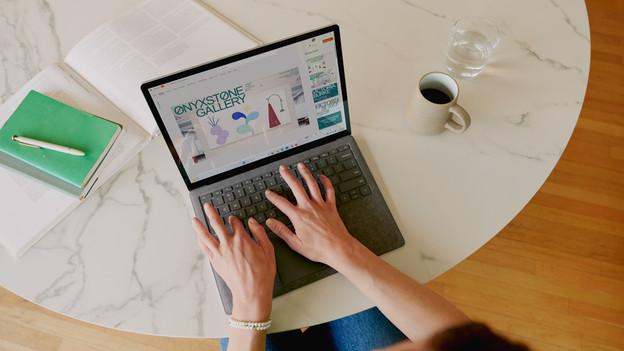
With all Windows and macOS laptops and desktops, you get Norton Security 360 for free for 1 year. This is antivirus software that secures your computer against viruses. In addition, there are various other software packages to get you started. There are useful Microsoft Office suites with programs like Word, Excel, and PowerPoint. And you can easily get started with graphic tasks in software programs like Adobe Photoshop or Adobe Premiere Pro.
Computer accessories
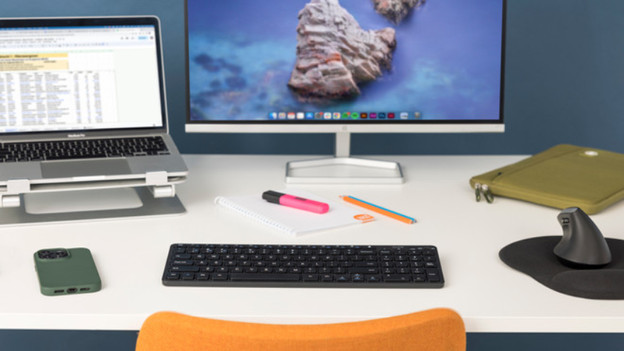
You can complete your workspace with useful computer accessories. Protect your laptop with a laptop cover and easily navigate your screen with a separate mouse, for example. In addition, you can adjust your computer to your own liking with a different keyboard. Like listening to music? Use an extra set of speakers or wireless headphones. You can also place your laptop conveniently next to an extra monitor with a laptop stand.