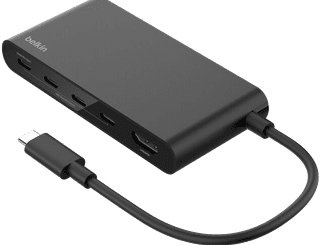
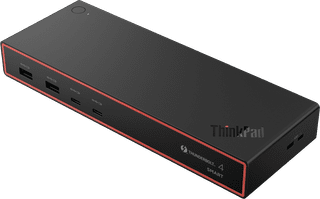
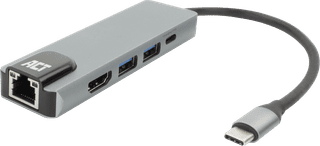
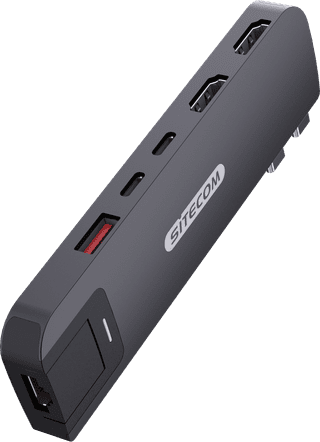
With an Apple MacBook docking station, you can expand the number of ports and connect all your peripherals. When choosing a MacBook dock, pay attention to the port that you want to use on the laptop. Are you going for a double USB-C or normal USB-C connector? Choose a docking station that also has enough connectors. For example, do you want to connect 2 monitors? Take this into account and get even more out of your MacBook.


89,-
Delivered tomorrow
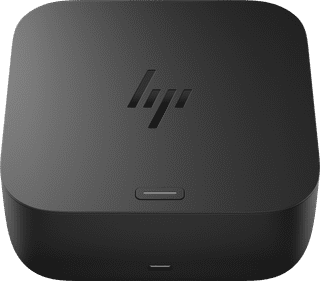

140,-
Delivered tomorrow
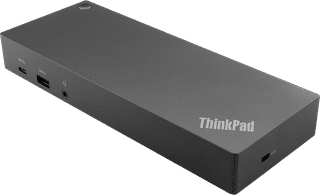

168,-
Delivered tomorrow

105,-
Delivered tomorrow
More Second Chance varieties available

69,-
Delivered tomorrow
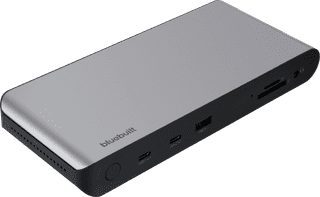
127,-
Delivered tomorrow
More Second Chance varieties available

161,-
Delivered tomorrow
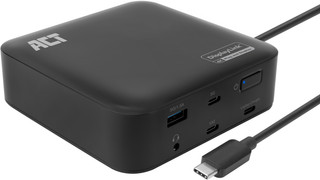

114,-
Delivered tomorrow
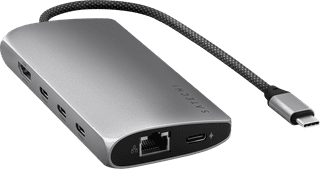

102,-
Delivered tomorrow

143,-
Delivered tomorrow
More Second Chance varieties available
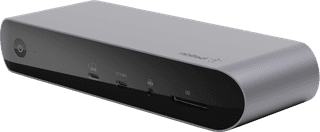
206,-
Delivered tomorrow
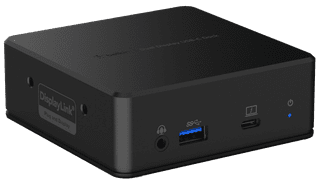
134,-
Delivered tomorrow
29,-
Delivered tomorrow
More Second Chance varieties available
251,-
Delivered tomorrow
33,-
Delivered tomorrow

62,-
Delivered tomorrow

72,-
Delivered tomorrow

70,-
Delivered tomorrow

198,-
Delivered tomorrow

85,-
Delivered tomorrow
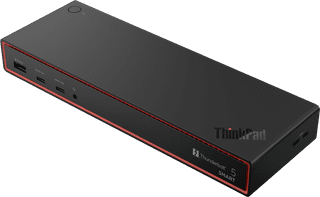
364,-
Delivered tomorrow
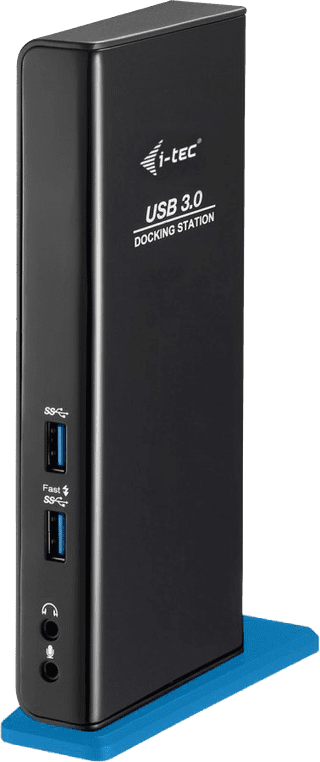
113,-
Delivered tomorrow