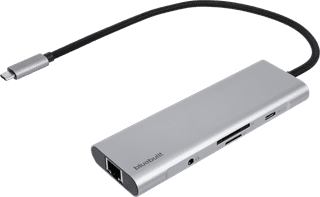
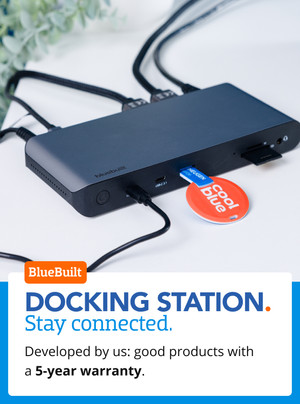
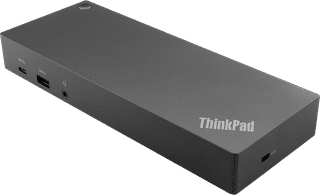
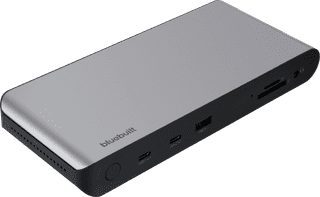
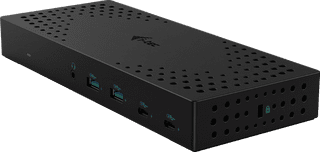
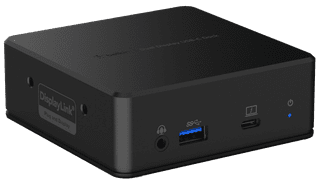
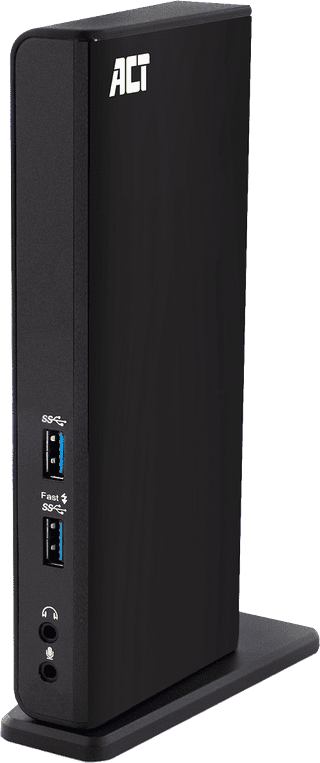
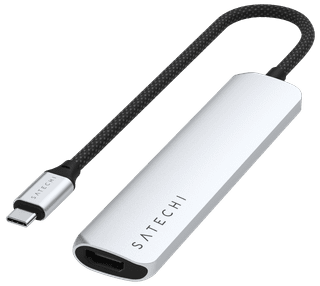
With an Apple MacBook docking station, you can expand the number of ports and connect all your peripherals. When choosing a MacBook dock, pay attention to the port that you want to use on the laptop. Are you going for a double USB-C or normal USB-C connector? Choose a docking station that also has enough connectors. For example, do you want to connect 2 monitors? Take this into account and get even more out of your MacBook.


102,-
Delivered tomorrow
72,-
Delivered tomorrow

172,-
Delivered tomorrow

173,-
Delivered tomorrow

72,-
Delivered tomorrow

191,-
Delivered tomorrow
143,-
Delivered tomorrow
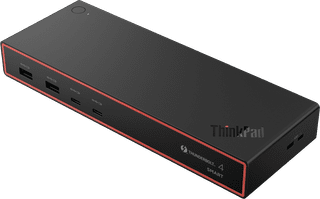
278,-
Delivered tomorrow

255,-
Delivered tomorrow
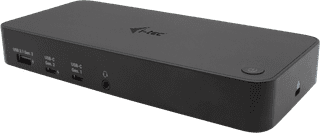
205,-
Delivered tomorrow
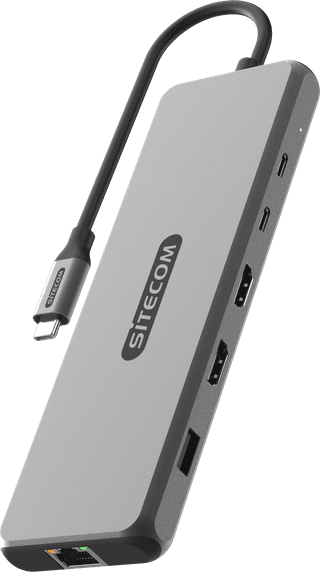

100,-
Delivered tomorrow
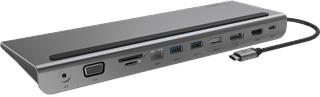

113,-
Delivered tomorrow
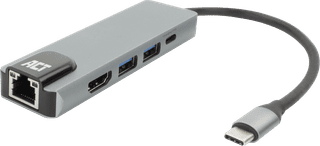
41,99
Delivered tomorrow
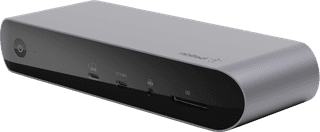
269,-
Delivered tomorrow
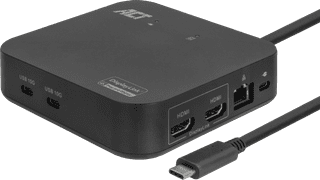
114,-
Delivered tomorrow

88,-
Delivered tomorrow
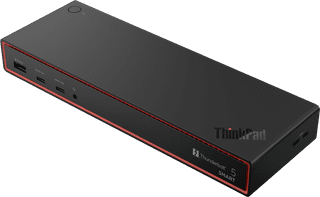
439,-
Delivered tomorrow
211,-
Delivered tomorrow
141,-
Delivered tomorrow


72,-
Delivered tomorrow
104,-
Delivered tomorrow
61,-
Delivered tomorrow