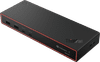
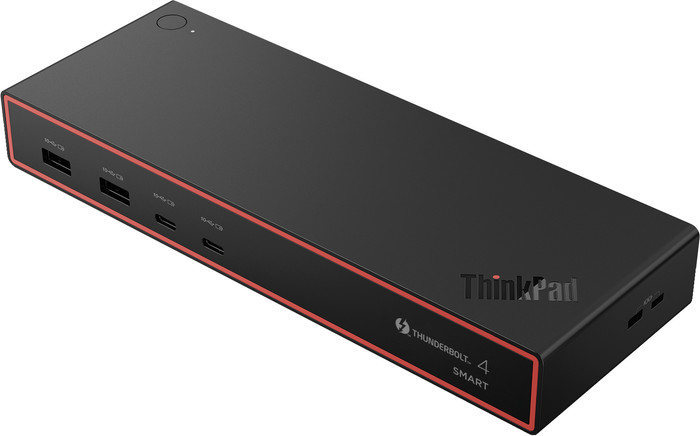
Lenovo ThinkPad Thunderbolt 4 Smart Dock Gen2 7500








5 stars
1
4 stars
0
3 stars
0
2 stars
0
1 star
0
Works fast and easily, didn't have to configure anything, didn't have to download a driver. It is possible that an update needs to be performed.
Lourens
17 September 2026
Automatically translated from Nederlands
278,-
278,-
Product number | 974469 | |
|---|---|---|
Manufacturer code | 40BE0135EU | |
Brand | Lenovo | |
Warranty | 3 years | |
Processing of your defect | Via Coolblue |
Made for laptop models | Apple MacBook, Chromebook, Microsoft Surface, Windows laptop |
|---|
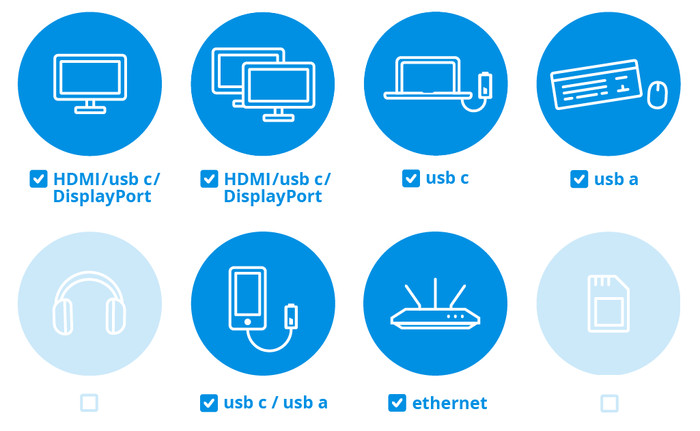
Laptop docking station suitable for | Connect 1 monitor, Connect 2 monitors and a Chromebook, Connect 2 monitors and a Windows laptop | |
|---|---|---|
Extra functionalities docking station | Charge laptop via docking station, Charge laptop via own charger, Charge phone via docking station, Connect wired network | |
Type of main connector | USB-C | |
Supported video technology on Docking Station | MST, SST, Thunderbolt 3, Thunderbolt 4 | |
Number of USB ports | 7 | |
USB function | Charge, Charging an external device, Data transfer, Device connection, Play media, Power source, Record audio, Software updates | |
Type of USB port | Standard USB-A, USB-C | |
Number of female standard USB-A ports | 4 | |
Female standard USB-A port version | 3.2 | |
Power standard USB-A port | 12 W | |
Number of USB-C ports | 3 | |
Protocol Female USB-C port | DisplayPort Alternative Mode, USB, USB electricity | |
USB version Female USB-C port | 3.2, 4.0 | |
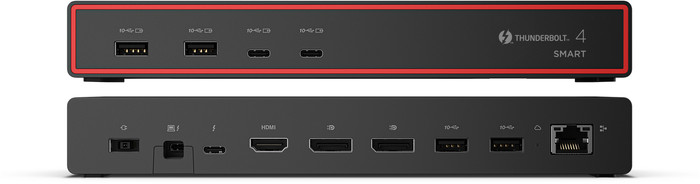
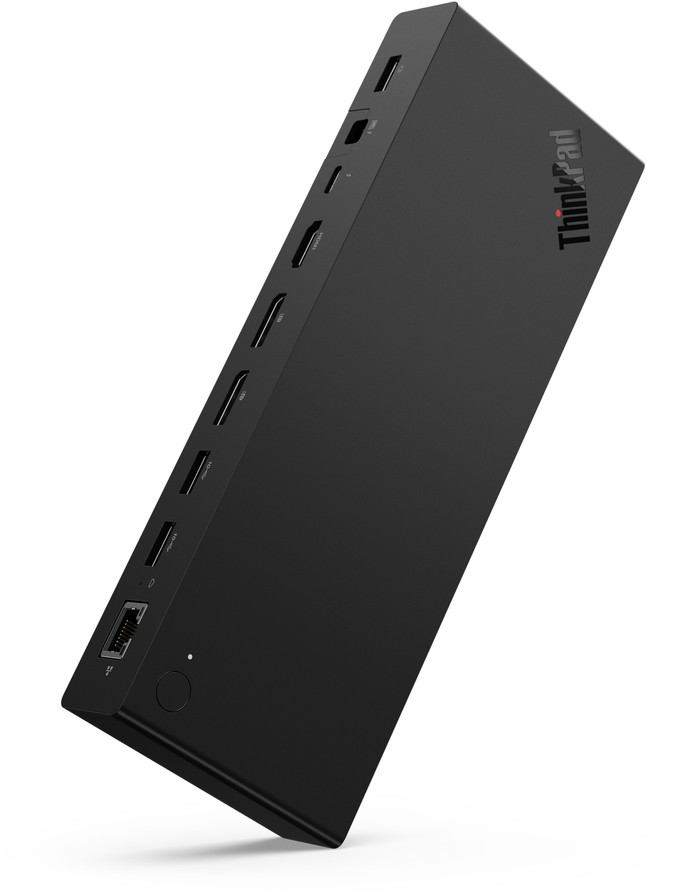
Total available video outputs | 1x HDMI, 2x DisplayPort | |
Number of HDMI connectors | 1 | |
Female HDMI Type A port version | 2.1 | |
Number of Ethernet ports | 1 | |
Ethernet speed | 2.5Gb Ethernet (2500Mbps) | |
Type of DisplayPort connector | standard DisplayPort | |
Number of Female Standard DisplayPort 1.4 ports | 2 | |
Version Female Standard DisplayPort port | 1.4 | |
Memory card reader | ||
Number of connectable monitors | 4 |
Cable length | 1 m | |
|---|---|---|
Color | Black | |
Height | 3 cm | |
Width | 22 cm | |
Depth | 8 cm | |
Weight | 0,55 kg |
Extra functionalities docking station | Charge laptop via docking station, Charge laptop via own charger, Charge phone via docking station, Connect wired network | |
|---|---|---|
Type of main connector | USB-C | |
Total available video outputs | 1x HDMI, 2x DisplayPort | |
Number of connectable monitors | 4 | |
Type of USB port | Standard USB-A, USB-C | |
Cable length | 1 m |
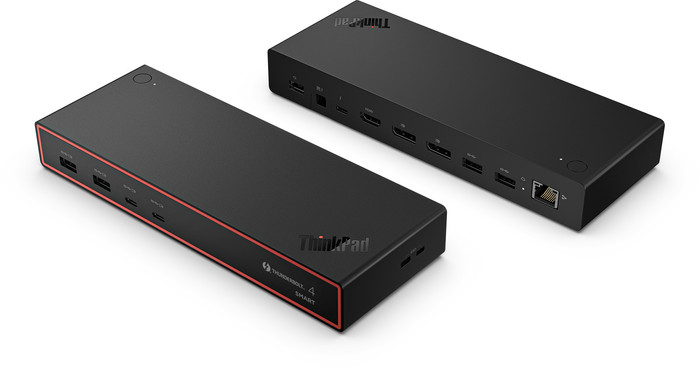
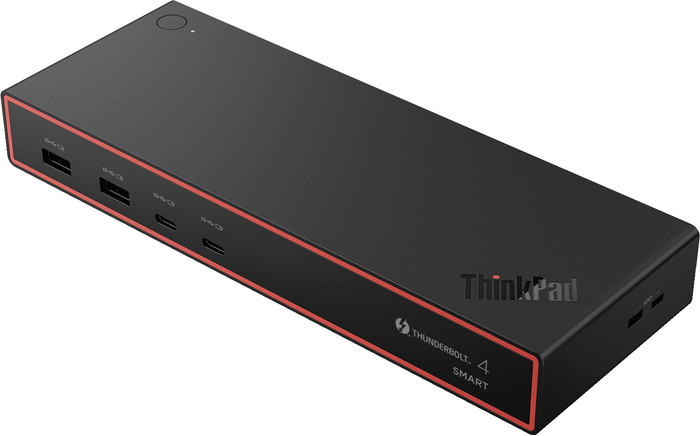
If you work with many demanding programs and extra screens, the Lenovo ThinkPad Thunderbolt 4 Smart Dock Gen2 7500 is a good choice. This dock is the successor to the Lenovo ThinkPad Thunderbolt 4 dock and provides higher image quality than its predecessor. This way, you can easily connect an 8K monitor for razor-sharp images. Prefer working with multiple monitors? This dock also supports a setup with 2 monitors with a 4K resolution at 144Hz. At the same time, the dock charges your laptop quickly with 100W as long as your laptop supports Power Delivery. Thanks to the 4 USB ports that always deliver power, your other devices are always charged. With the 2 Kensington slots, you can secure your laptop. IT administrators can manage this dock centrally via Lenovo Dock Manager and Lenovo Accessories Fleet Manage, so firmware and settings are always up-to-date. This docking station works on all Windows laptops and MacBook models with a USB-C port that can transmit a video signal. This is how you check if your laptop has a suitable USB-C port.
USB-C
USB-C
USB-C
USB-C
USB-C
Charge laptop via docking station, Charge laptop via own charger, Charge phone via docking station, Connect wired network
Charge laptop via docking station, Charge laptop via own charger, Charge phone via docking station, Connect headphones, Connect wired network
Charge laptop via docking station, Charge laptop via own charger, Connect headphones, Connect wired network
Charge laptop via docking station, Charge laptop via own charger, Connect wired network
Charge laptop via docking station, Charge laptop via own charger, Charge phone via docking station, Connect wired network
1
2
2
1
1
Standard USB-A, USB-C
Standard USB-A, USB-C
Standard USB-A, USB-C
Standard USB-A, USB-C
Standard USB-A, USB-C
According to our dock for laptops expert
With this docking station, you can connect up to 4 extra monitors to your laptop.
Thanks to the Thunderbolt 4 technology, you can quickly transfer data at a speed of up to 40Gbps.
You can secure your laptop with the 2 Kensington slots.
You can't transfer data from a memory card via this dock.
Because this dock doesn't have a 3.5mm connector, you can't connect headphones or speakers.
Current product
278,-
267,-
225,-
280,-
383,-
Delivered on Wednesday
Delivered on Wednesday
Receive more coverage in case of damage than with your standard warranty. Coolblue takes care of everything: from taking out the insurance to repairs. Is a repair not possible? You receive the purchase price as CoolblueCredit.
XCover is allowed to arrange and process insurances on behalf of the insurer. The insurances are governed by Belgium law. If you have a complaint, you can contact the or our customer service.
First, add your dock for laptops to your shopping cart. On the next page, choose the Protection Plan below. You always have a 30-day return window and pay no deductible in case of damage.
The insurance can be canceled every year, even if you have paid in advance. If you cancel earlier, you will receive a refund for the overpaid amount.