eufy
eufy.
Home is where the smart is.

Don't miss a single event
See everything at a glance
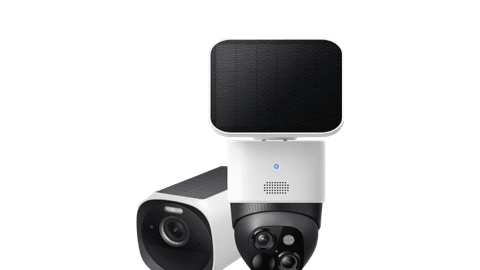
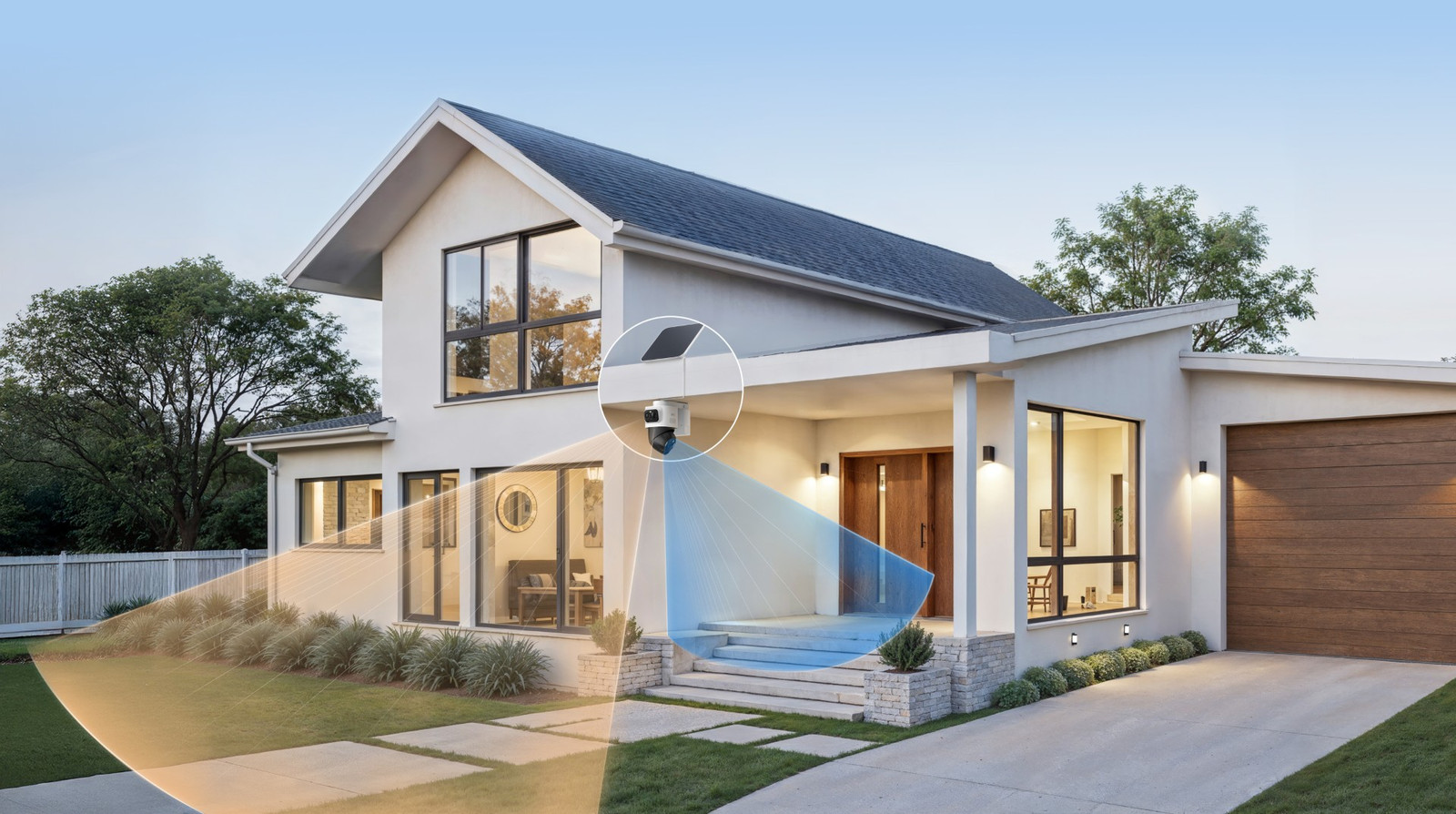
This camera has a pan tilt zoom (PTZ) lens and a wide-angle lens. The PTZ lens follows movements automatically. When it pans away, you can still see an overview of your garden via the wide-angle lens.
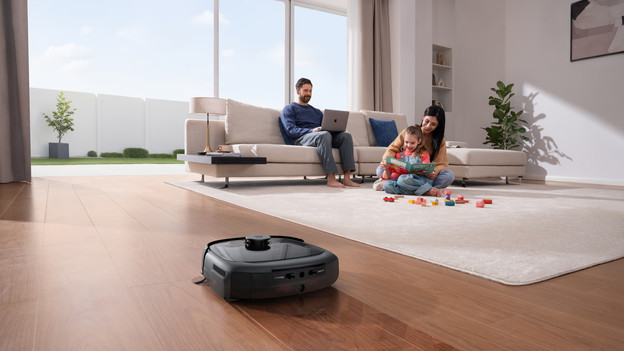
Come home in a clean house
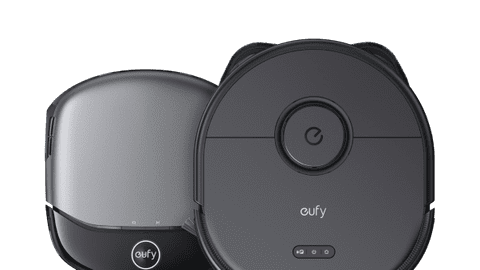
With a eufy robot vacuum, your floor is always very clean. Via your smartphone, you can set when the vacuum vacuums and mops your floors. For example, let it clean the floor of the living room while you're at work. Have a pet? Choose a vacuum with anti-tangle brush. Or go for a robot vacuum with a separate water tank, which allows you to remove stubborn stains from carpet and upholstered furniture as well.
Get your garden ready for the summer
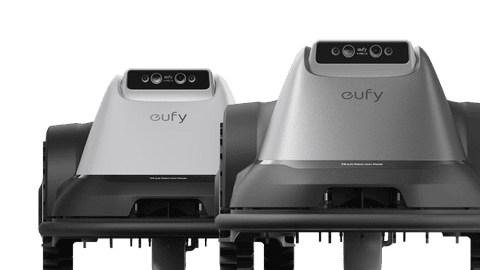
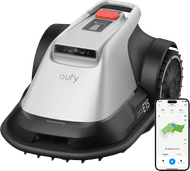
This cordless robot lawn mower can mow fields of up to 800m2. It has built-in sensors and cameras, so it avoids objects and animals. You can set up the robot lawn mower via the app. You can choose the cutting height and direction and set schedules, for example. That way, you can enjoy the nice weather while the robot lawn mower does the work.
918,-
Connect your eufy devices to a smart hub
Smart Display E10
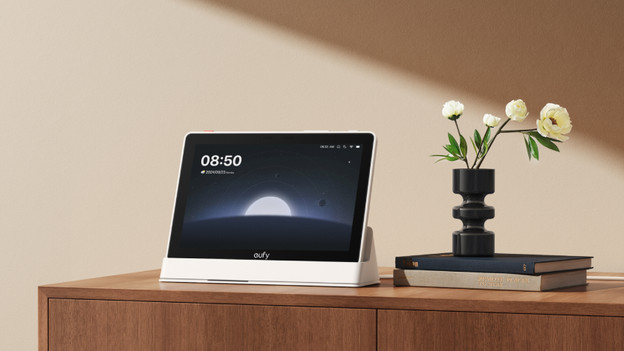
You can watch footage from 4 eufy IP cameras and doorbells at the same time on the eufy Smart Display E10. That way, you can keep an eye on everything on 1 screen. When there's movement, the hub switches to the right live footage. You can easily move the hub to a different room. Keep an eye on the baby room when you're in the kitchen, for example. The hub has an 8GB storage capacity, which you can expand to up to 512GB with an extra SD card.
HomeBase 3
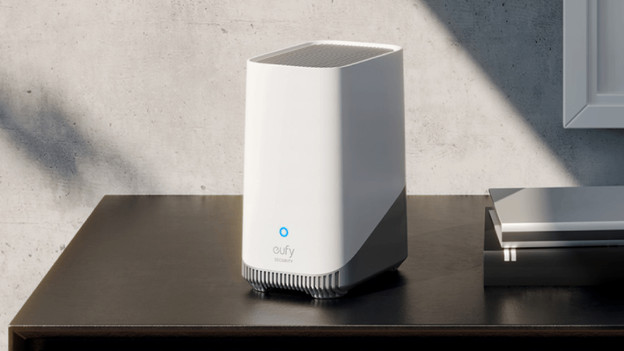
Thanks to the HomeBase 3, your eufy IP camera gets extra smart functions. It can recognize faces, animals, and packages, for example. You can expand the storage space of the HomeBase to up to 2TB. Combine the HomeBase with the Smart Display for even more extras. The display automatically switches between footage when someone walks by the cameras, for example.
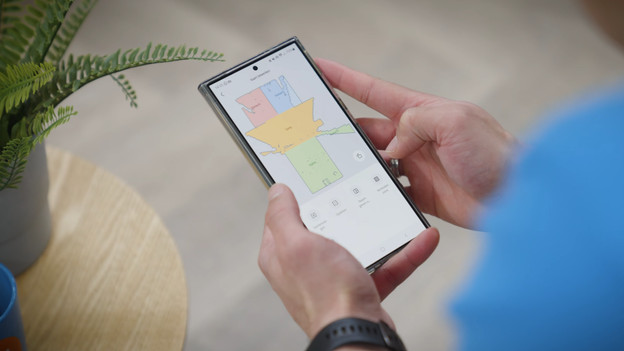
A single app for all your devices
Via the eufy app, you can control all your smart eufy products from 1 spot. Set schedules for your smart vacuum or robot lawn mower, so they can get to work while you're away. Or view live footage from your IP cameras and doorbell and talk to visitors. The app sends you a notification when something happens. For example, when someone rings the doorbell, when your security camera detects movement, or when your robot vacuum is done cleaning.
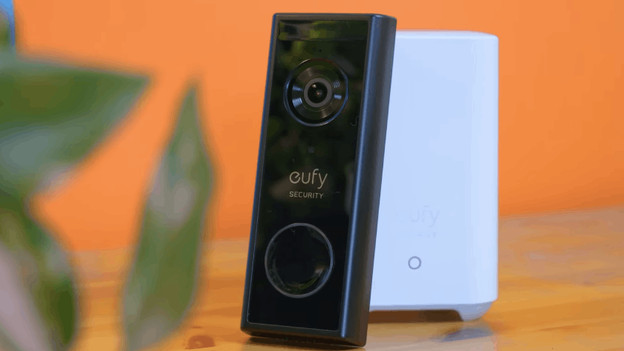
Smart doorbells
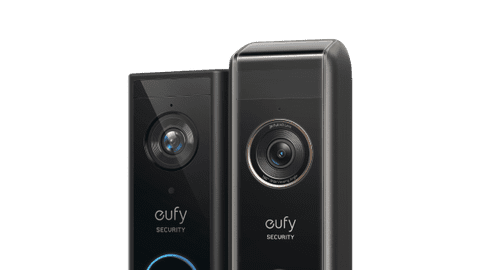
With a eufy doorbell, you never miss a visitor again. You can connect the eufy doorbells wired and wirelessly. It always has power with a wired connection, but a wireless installation is easier. You can use the doorbell with a HomeBase or Chime. When someone rings the doorbell, these devices make a sound and you receive a notification in the app. When you tap the notification, you can watch the footage right away and talk to the visitor.
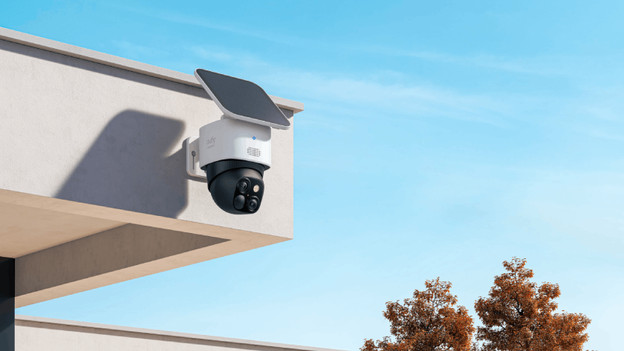
IP cameras
Secure your entire home with the eufy security cameras. There are cameras for indoors and outdoors. The cameras receive power via a battery, the socket, or the fixed wiring of your house. Each camera has different functions. You can choose one that can rotate fully, so you don't have any blind spots. Or choose a camera with a solar panel, which you can charge with solar power. You can always find a eufy IP camera that suits you.
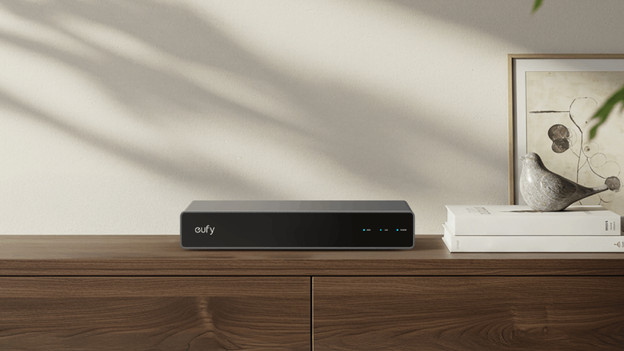
PoE cameras
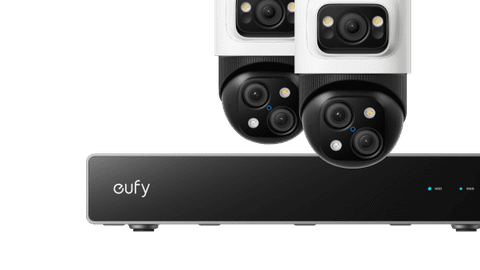
The eufy PoE cameras always have power and a good internet connection. That's because they're powered via the internet connection. You can connect them to a eufy NVR (Network Video Recorder), on which you can store all footage. The NVR has an expandable storage of 2TB. That makes a eufy PoE system very suitable to record day and night. This allows you to secure your house, but also a business environment such as an office or garage.
Question
Where does Eufy store footage?
You can do this in 2 ways. You can store your footage locally thanks to a HomeBase. This is safer and you prevent monthly costs. Or you can store them online, which costs $ 29.99 per camera per year. This way, all footage is stored encrypted in the cloud.
Do Eufy doorbells and cameras have facial recognition?
Eufy products recognize faces, thanks to the HomeBase 3. This way, you recognize people you know. The HomeBase 2 still recognizes people, but sees no difference between people. So, you still receive notifications of familiar people with the HomeBase 2.
Are Eufy cameras waterproof?
The Eufy indoor isn't waterproof. The EufyCam 3C is water-resistant. All other Eufy cameras are waterproof and great for use outdoors.
Where do you place the HomeBase?
You can connect the HomeBase 3 wired to your router. Place your router and the HomeBase as centrally as possible between all your devices. This way, all your devices have a stable connection. Use a mesh system or access points if your range isn't wide enough.