A tilting monitor is suitable for people of any height. By tilting the screen up and down, you can improve the viewing angle. This prevents discoloration and reflections on the screen while working. Are you very tall or very short? It's best to choose a monitor that is (also) adjustable in height. That means you don't have to look up or down and you can prevent neck complaints. There are also monitors that you can turn left and right or tilt 90 degrees. For the best sitting position, choose a monitor that is adjustable in any way.
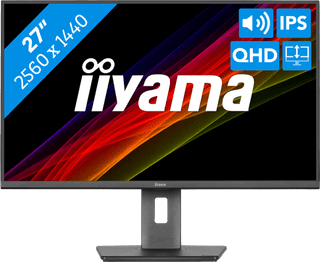

239,-
Temporarily sold out
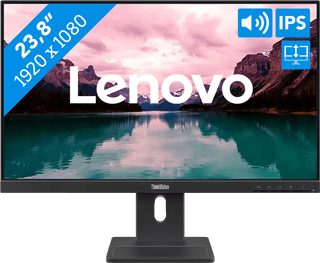

119,-
Not in stock
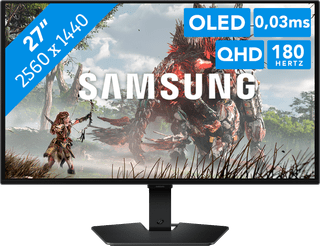

369,-
Delivered tomorrow
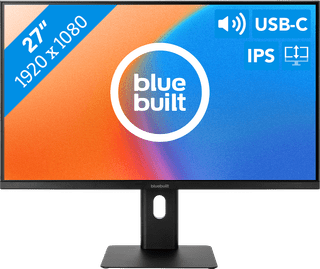

129,-
Temporarily sold out
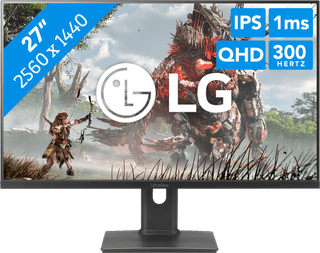

279,-
Delivered tomorrow
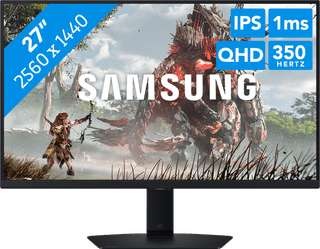
284,-
Delivered tomorrow


199,-
Delivered tomorrow

786,-
Temporarily sold out


1.259,-
Available soon
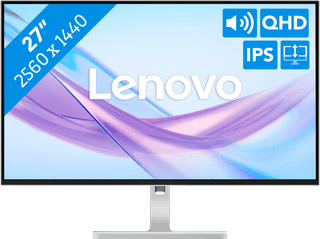
176,-
Temporarily sold out
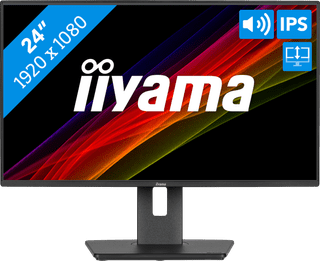
149,-
Temporarily sold out
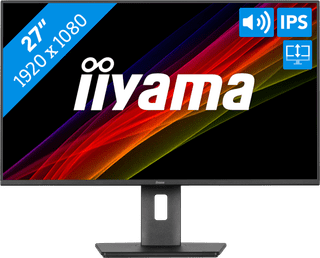
199,-
Temporarily sold out

1.149,-
Available soon
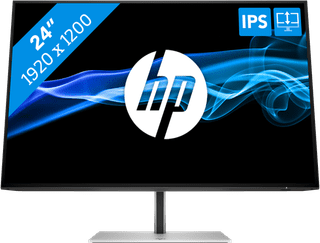

243,-
Delivered tomorrow
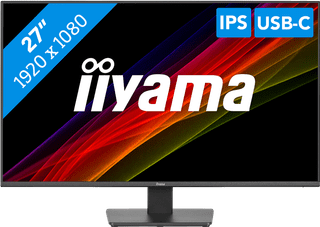
135,-
Temporarily sold out
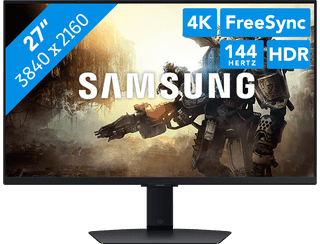
489,-
Temporarily sold out
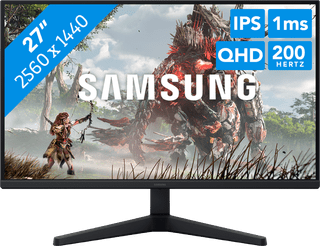
176,-
Delivered tomorrow
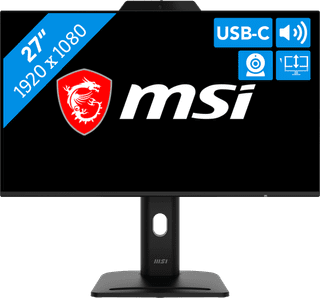

149,-
Delivered tomorrow
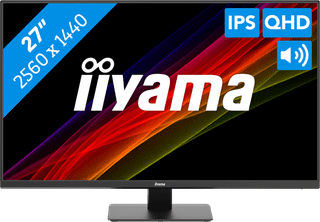
149,-
Delivered tomorrow
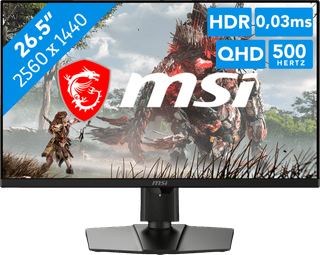
849,-
Available soon
485,-
Temporarily sold out
391,-
Temporarily sold out