If you want to hang your monitor on your wall or attach it to your desk, you want a monitor with a VESA mount. You can attach this monitor to a wall mount or monitor arm. This way, you can move the monitor in many different ways, without it taking up space on your desk. Are you looking at a wall? You can hang the monitor on a wall mount. If you don't have a wall opposite you, attach a monitor arm to the edge of your desk. You can then hang the monitor on there. Match the VESA standard of your monitor to that of the mount. The VESA standard indicates how far apart the holes are.
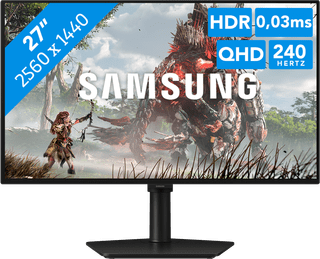

449,-
Delivered tomorrow
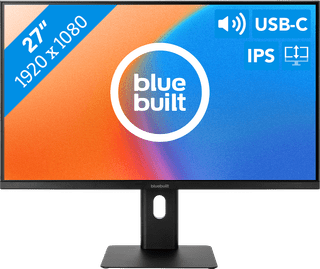

169,-
Temporarily sold out
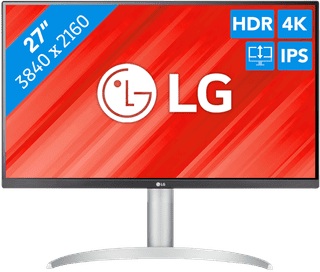

343,-
Temporarily sold out
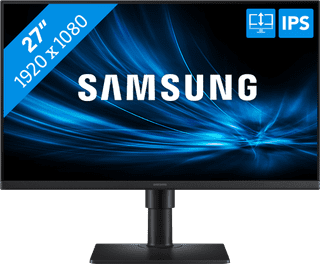
156,-
Temporarily sold out
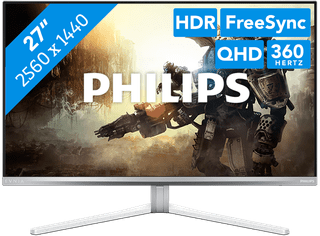

556,-
Delivered tomorrow
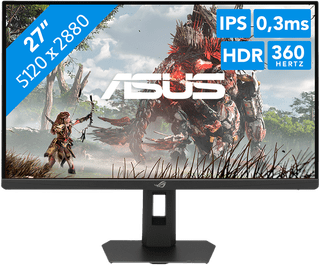

714,-
No longer available

349,-
Temporarily sold out
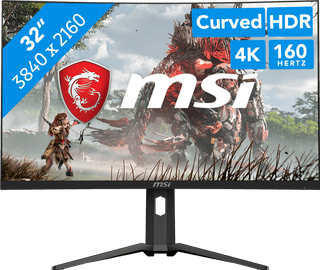

436,-
No longer available
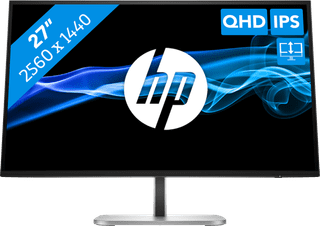

237,-
Temporarily sold out
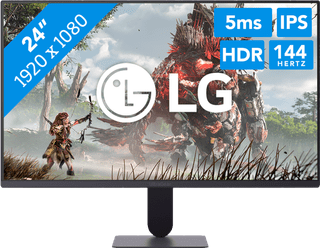
97,-
Delivered tomorrow
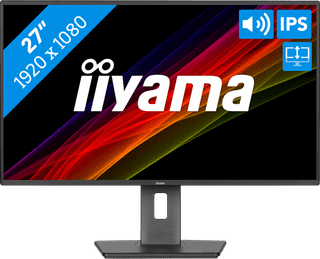

155,-
Temporarily sold out

279,-
Temporarily sold out
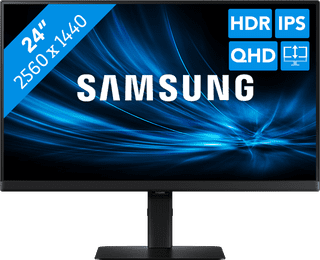
228,-
Temporarily sold out


603,-
Temporarily sold out

384,-
Temporarily sold out
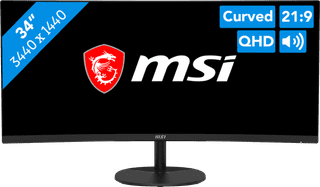
299,-
Delivered tomorrow
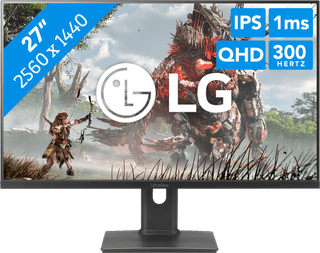
279,-
Delivered tomorrow
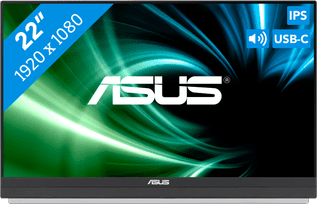
301,-
Temporarily sold out

249,-
Temporarily sold out
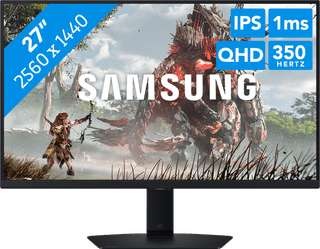
284,-
Delivered tomorrow
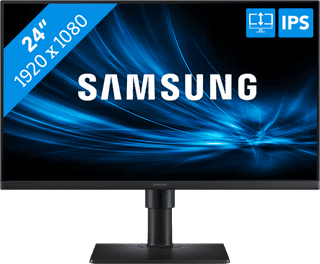
127,-
Temporarily sold out

1.259,-
Available soon